48
Wired (Ethernet) Network Setup
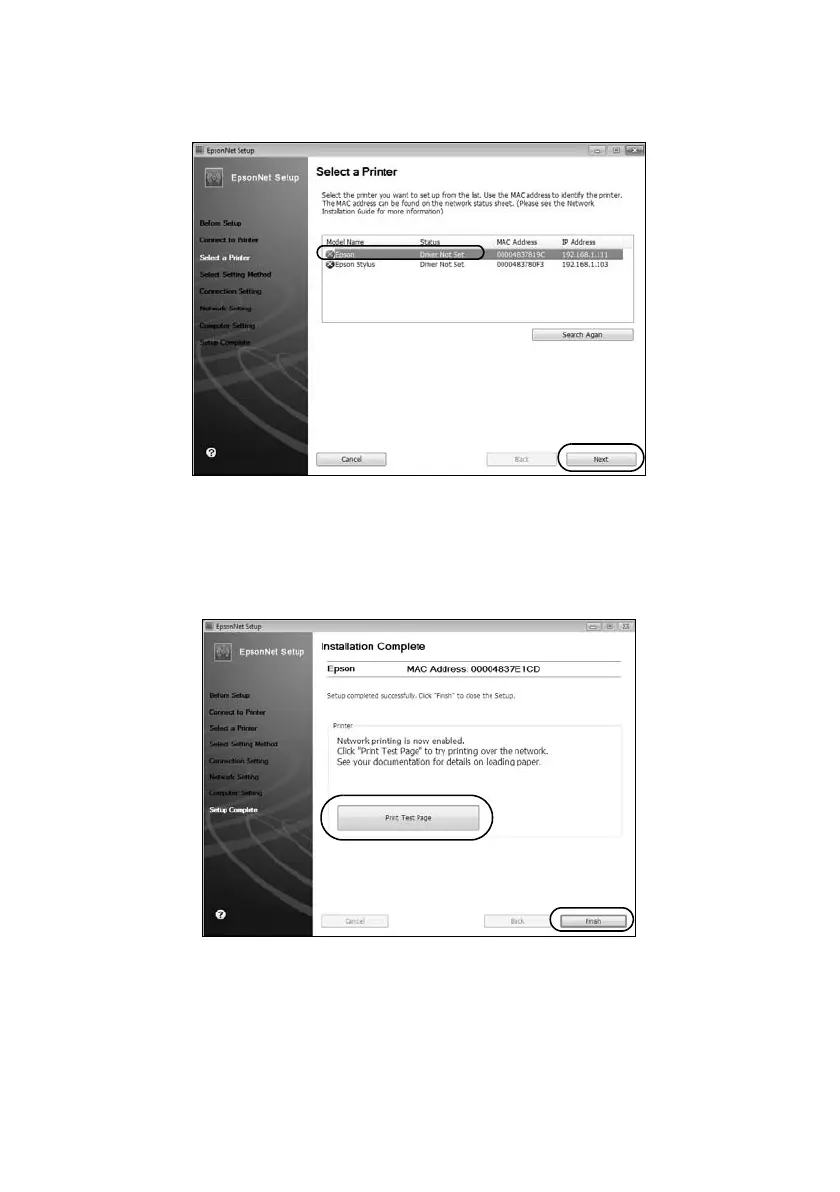
11. If you see a screen like this one, select the product you would like to set up,
then click
Next
.
12. Wait while EpsonNet Setup configures your product for the network.
13. If you see an Installation Complete screen that includes a
Print Test Page
button, click it to print a test page.
14. Click
Finish
.
15. Follow the instructions on the screen to install the rest of your software.
When installation is complete, remove the CD and restart your computer.













 To Next Page