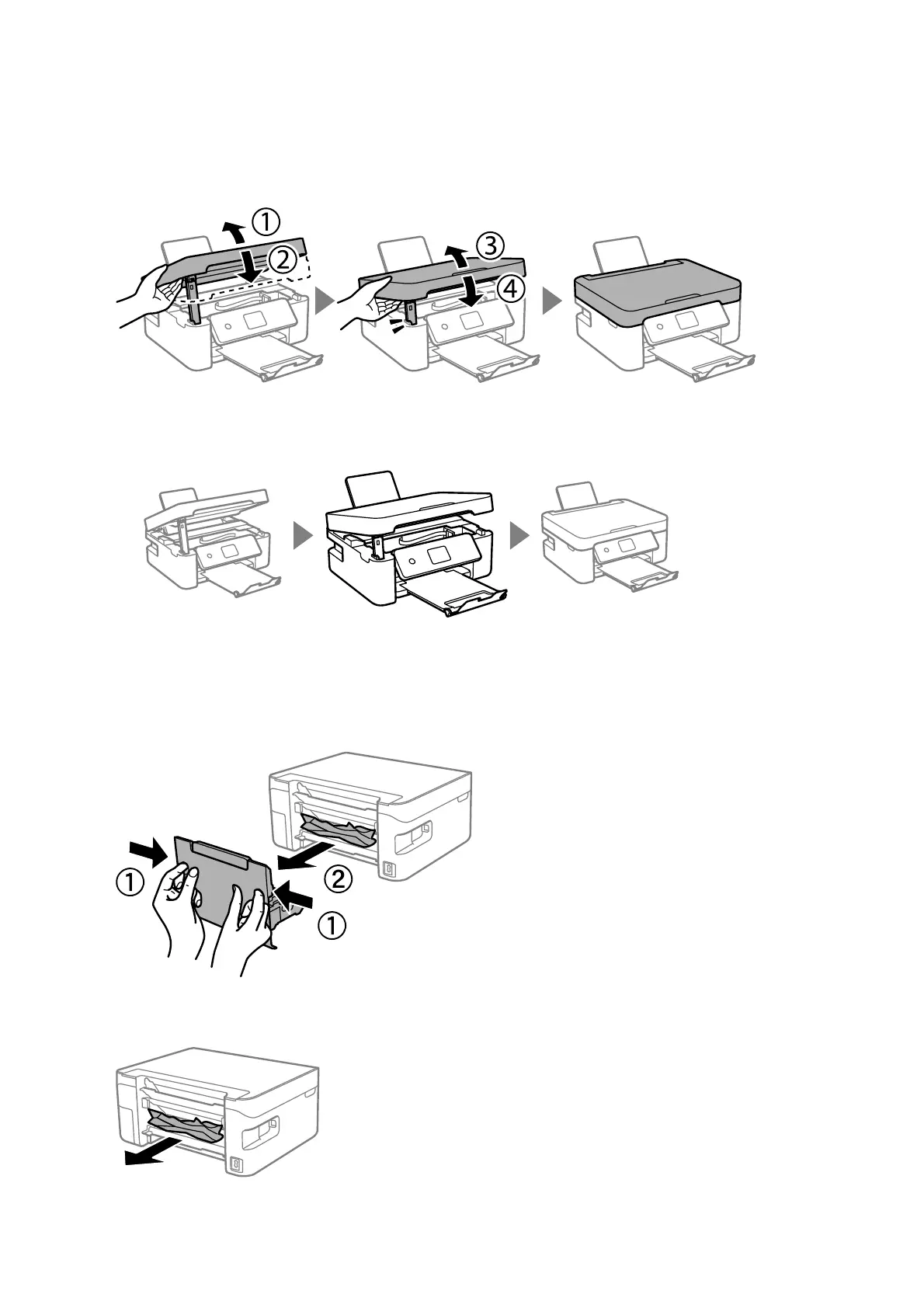
3. Close the scanner unit.
For safety, the scanner unit is closed in two steps.
Note:
e scanner unit cannot be opened from the position shown below. Close it completely before opening it.
Removing Jammed Paper from Rear Cover
1. Remove the rear cover.
2. Remove the jammed paper.
User's Guide
Solving Problems
157



 To Next Page