181
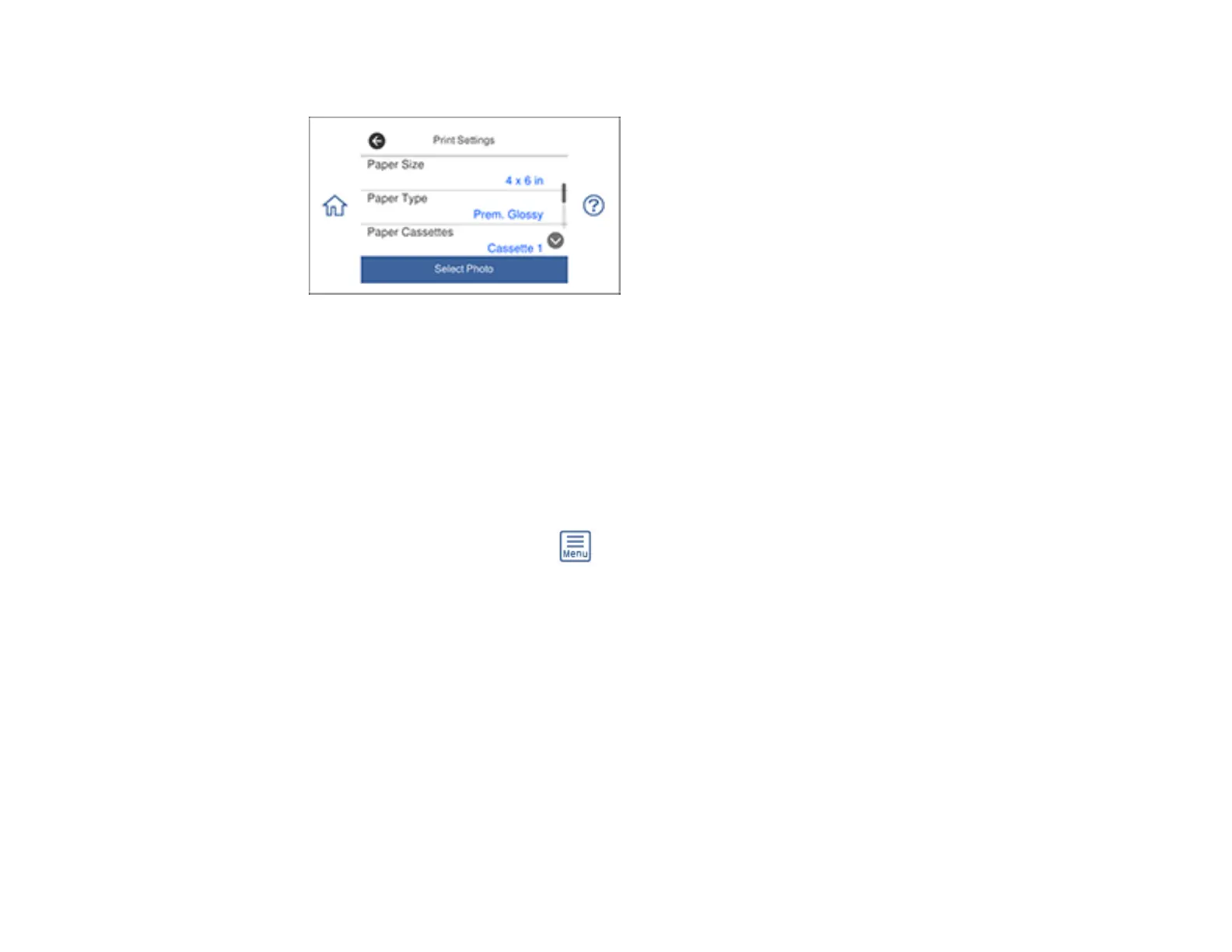
You see this screen:
7. Select your paper and print settings as necessary.
8. Select Select Photo and select OK.
9. Do one of the following to select your photos:
• Select the thumbnail images of the photos you want to print. Each photo you select has a number
on it to indicate the number of prints you selected.
• Select Single View, select the thumbnail of the photo you want to print, and press the left or right
arrow buttons to scroll through and select additional photos. You can also select Tile View to
return to the thumbnail image view and select additional photos.
• To select all photos, select the menu icon and select Select all photos.
10. Select Preview and Print.
11. If you need to edit a photo, select Edit and then select the photo you want to edit.














 To Next Page