Related tasks
Creating Speed Dial List Entries
Printing Your Group Dial List
Printing Your Group Dial List
You can print your group dial list for easy reference.
1. Load paper in your product.
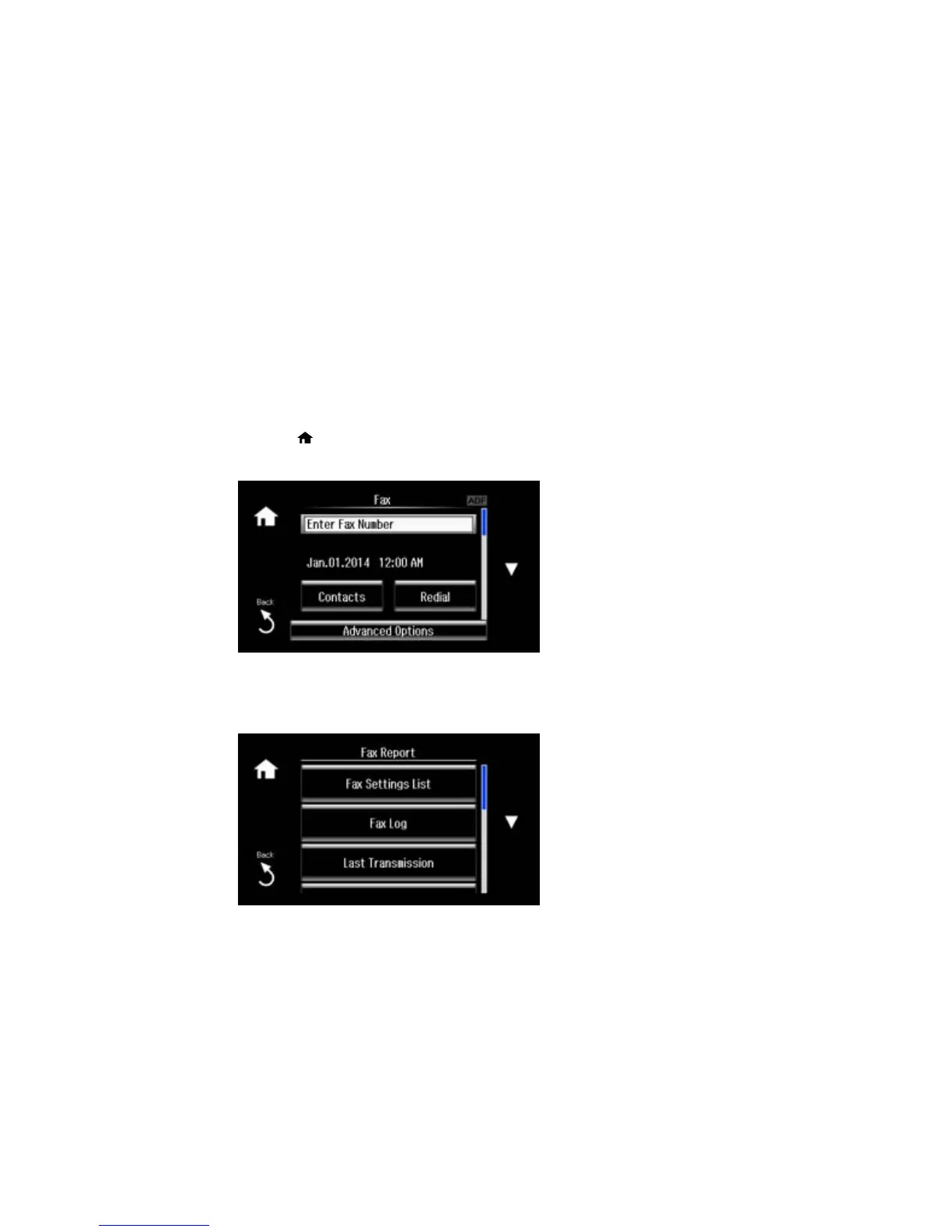
2. Press the home button, if necessary.
3. Select Fax.
4. Select Advanced Options.
5. Scroll down and select Fax Report.
218















 To Next Page