2. Load a few sheets of plain paper in the product.
3. Do one of the following:
• Windows: Right-click the product icon in the Windows taskbar.
• OS X: In the Apple menu or the Dock, select System Preferences. Select Print & Fax or Print &
Scan, select your product, and select Options & Supplies. Select Utility and select Open
Printer Utility.
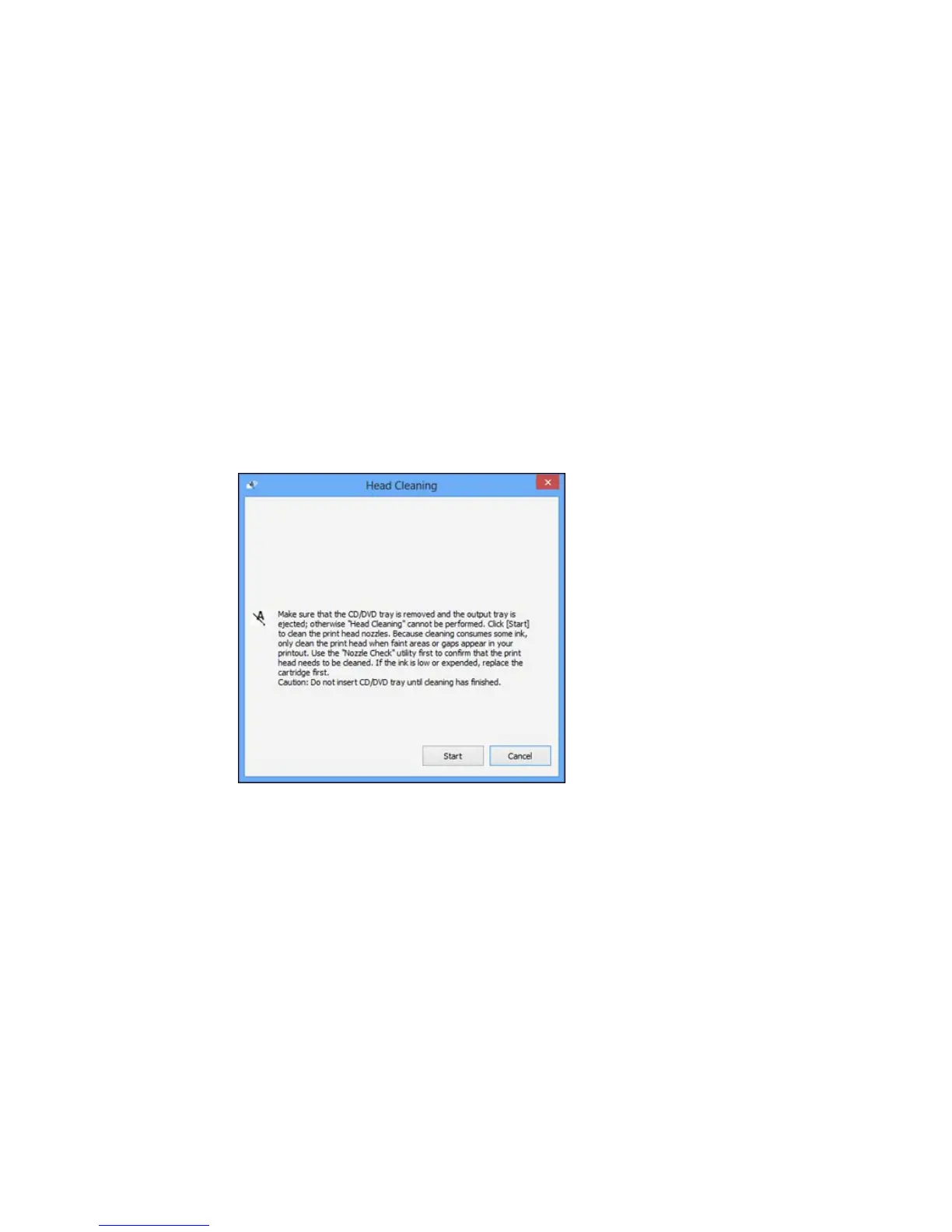
4. Select Head Cleaning.
You see a window like this:
5. Click Start to begin the cleaning cycle.
You see a message on the LCD screen during the cleaning cycle.
Caution: Never turn off the product during a cleaning cycle or you may damage it.
308















 To Next Page