13 / 42
4 • Service mode
80116-221
10.15
CHAPTER 4
Service mode
General information
This unit has a service mode with two levels:
• Level 1 = Setup (adjustment of settings that affect the operation of the
unit, e.g. display brightness)
• Level 2 = Service (adjustment of settings that affect the operation of
the unit + service settings + test programs)
Setup overview
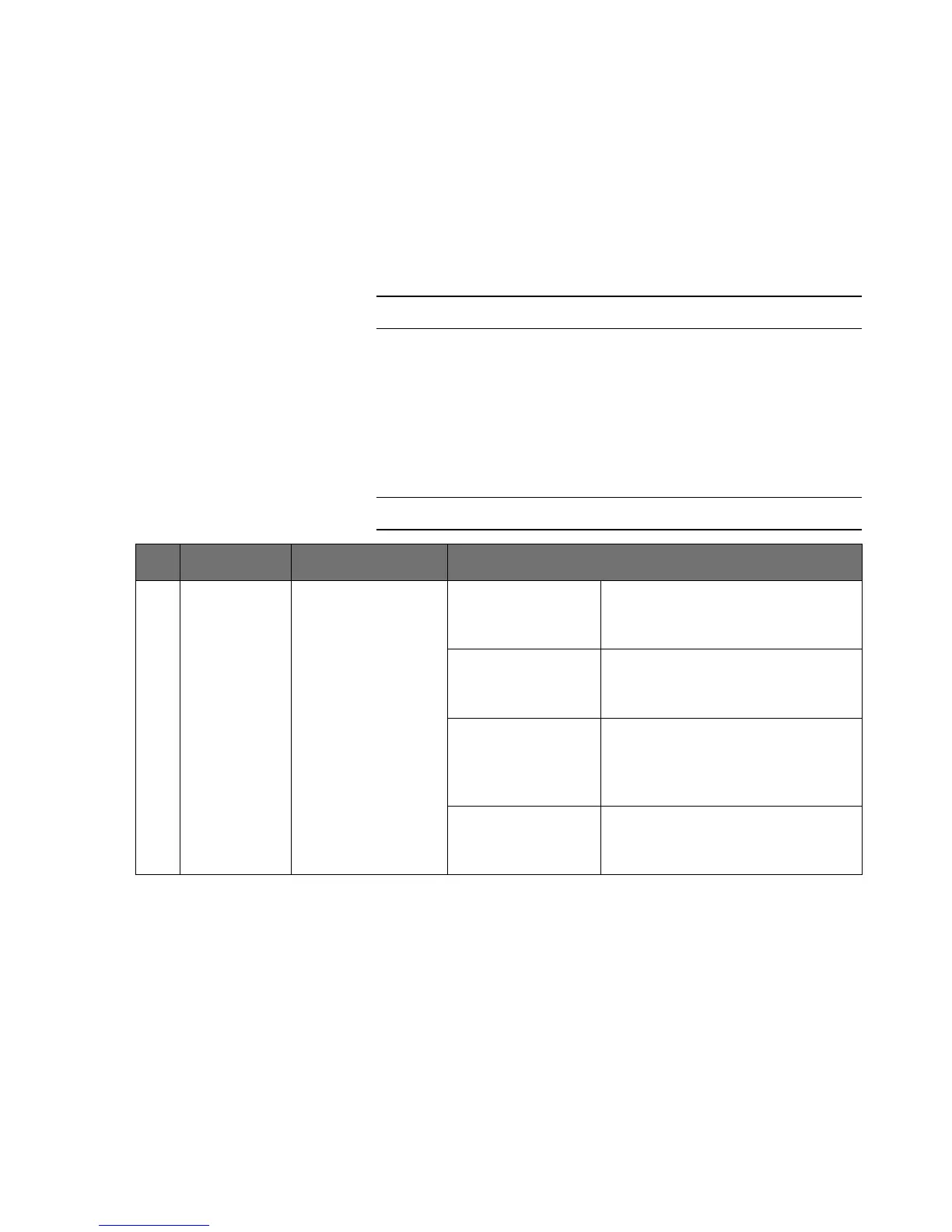
No. Designation Description Use
1 Volume for
CUT activa
-
tion
Volume setting of
the CUT activation
tones in 10 levels.
Activate setup: Press the yellow selection button.
The current setting appears in the
blue display.
Change settings: Press the blue Plus/Minus buttons.
The setting change appears in the
blue display.
Save setting change: Press and hold the top left selection
button until a check mark in the
adjacent display indicates the end of
the process.
Exit setup: Press the yellow selection button
again. The settings display goes out
in the blue display.



 To Next Page