19 / 42
4 • Service mode
80116-221
10.15
Call up Service mode
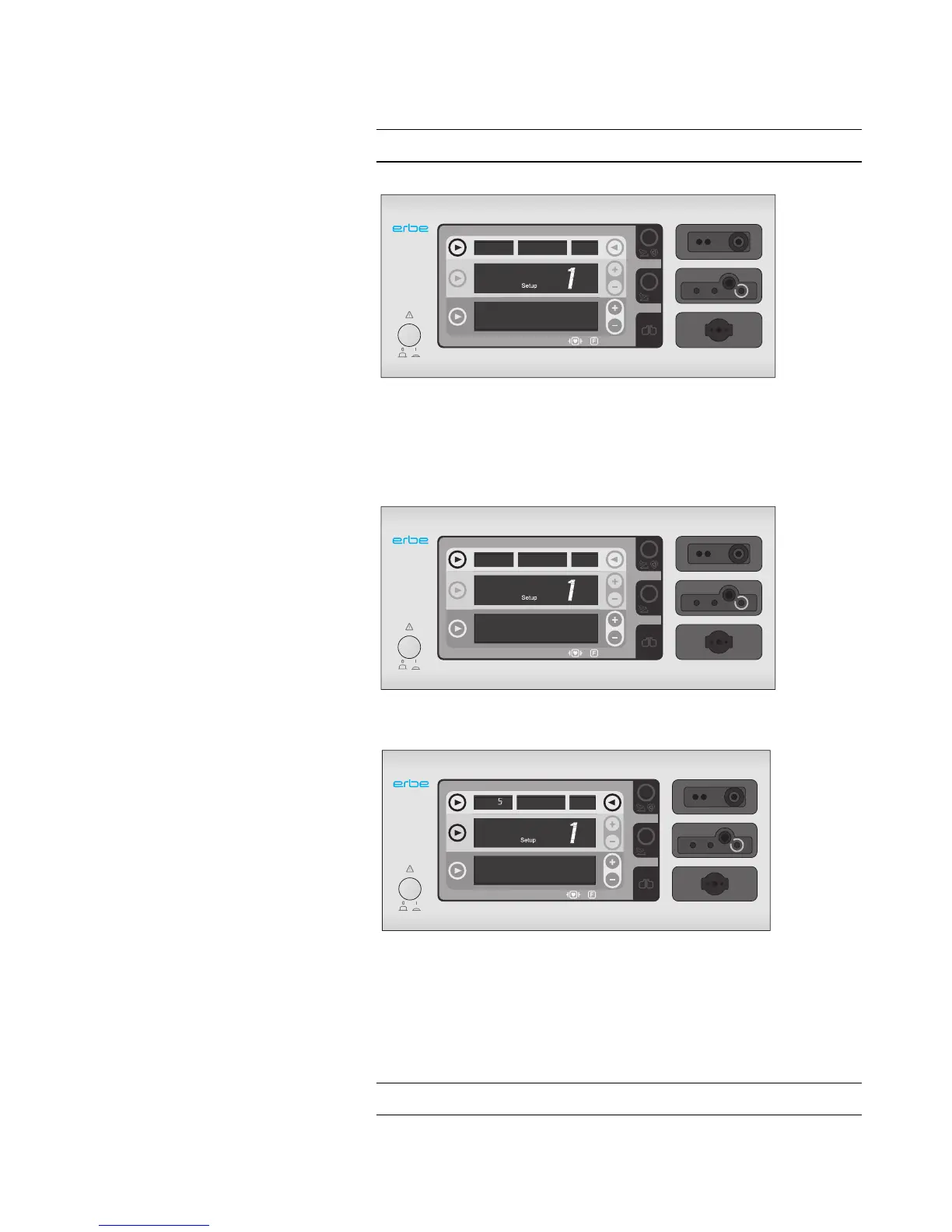
Call up Setup
1. When switching on the unit, press and hold the top left selection but-
ton. The unit switches on to the Setup and shows <Setup 1> in the
yellow display. The yellow Plus/Minus buttons can be used to switch
between setup settings. For more about setup settings, see table on
page 13.
Call up Service
1. When switching on the unit, press and hold the top left selection but-
ton. The unit switches to the Setup.
2. Press and hold the three buttons as illustrated above. The unit
switches on to the service level and shows an <S> in the top left dis-
play. The yellow Plus/Minus buttons can be used to switch between
service programs. For more about service programs, see table on
page 16.
Exit Service mode
Switch the unit off.



 To Next Page