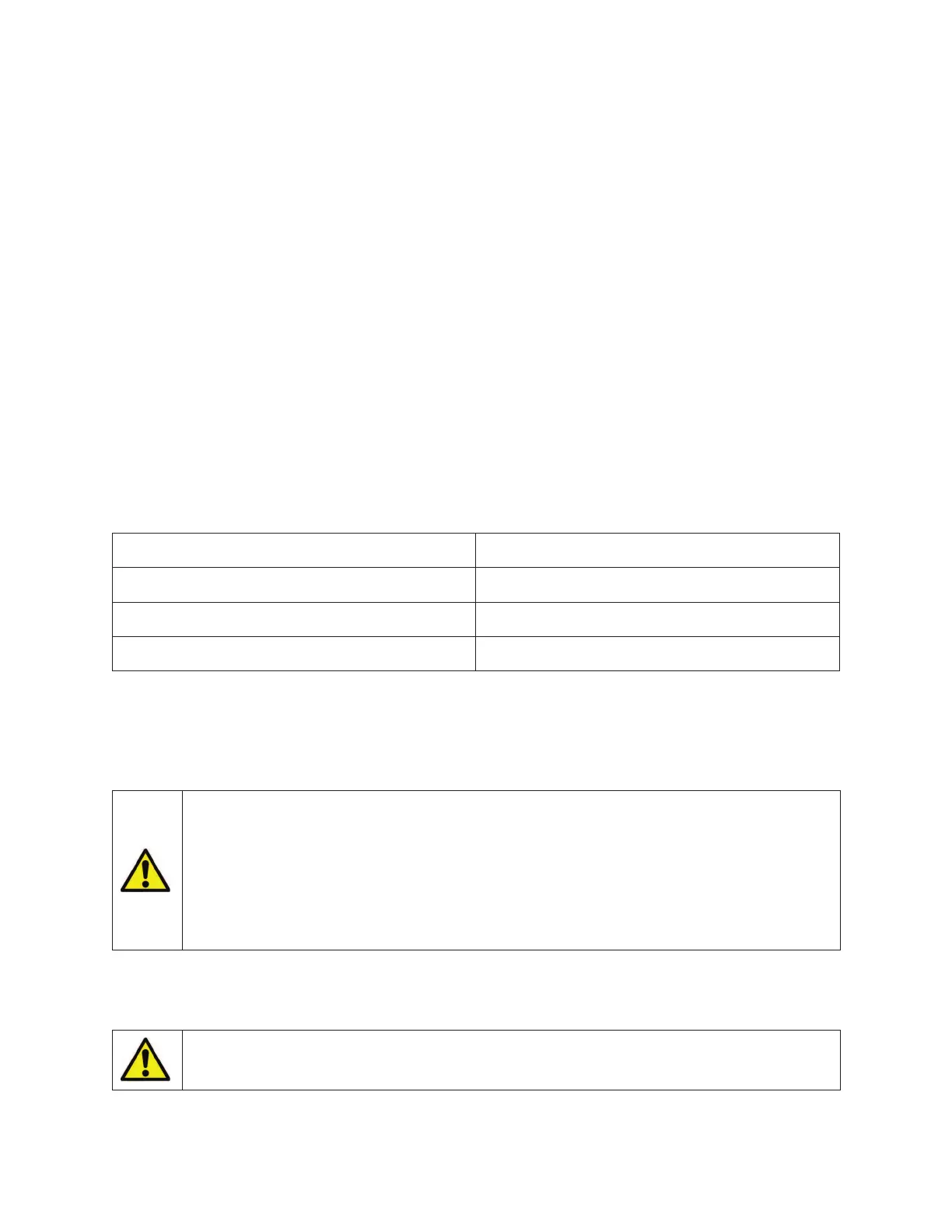
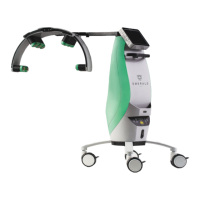
ERCHONIA® EVRL™ PROPER USE REFERENCE GUIDE
MAINTENANCE & WARRANTY INFORMATION
MAINTENANCE
The Erchonia® EVRL™ laser, if used according to the instructions contained within this manual
will operate efficiently for years. To ensure proper care, it is advisable for the end user to
perform:
1. Regular visual inspections to ensure there is no external damage other than normal wear
and tear. Inspect Touch Screen for cracks in screen or any malfunction. If during these
inspections, you identify an area of concern, contact the manufacturer to determine if
action is required.
2. If you notice a change in the performance of the device, while in the ON position, contact
the manufacturer to determine if action is required.
3. The internal components should not require any maintenance, however if an issue arises,
which will show itself in the form of altered performance, the device must be sent to the
manufacturer.
4. Inspect the Charger Base and Power Supply for signs of damage (cuts in insulation or
fraying). Replace if damaged.
ROUTINE USER MAINTENANCE
Clean the external surfaces of the device Weekly, or as needed
Clean the touch screen display Weekly, or as needed
Clean laser optics Weekly, or as needed
Clean Laser glasses Between each patient use
CLEAN THE EXTERNAL SURFACES OF THE DEVICE
Use a cloth dampened with non-caustic cleaning solution, such as mild soap and
water, isopropyl alcohol, or a “hospital-grade” disinfectant, to wipe the external
surfaces of the device. Dry with a clean cloth or allow to air dry.
DO NOT permit any foreign materials or liquids to enter the device.
Take care to prevent any foreign materials including, but not limited
to, inflammables, water, and metallic objects from entering the
device. These may cause device damage, malfunction, electrical shock,
fire, or personal injury. To achieve the specified level of protection
against spilled or splashed liquids, unplug the device from the power
supply and thoroughly dry all exposed surfaces of this device and allow
to dry thoroughly prior to operation.
CLEAN THE TOUCH SCREEN DISPLAY
Apply an alcohol-based cleaner to a soft cloth to clean the touch screen display.
DO NOT spray or pour cleaning agents directly on the device or touch
screen. You may damage the console, touchscreen, and the system


 To Next Page