ERCHONIA® EVRL™ PROPER USE REFERENCE GUIDE
EVRL™ OPERATION
Powering ON the device
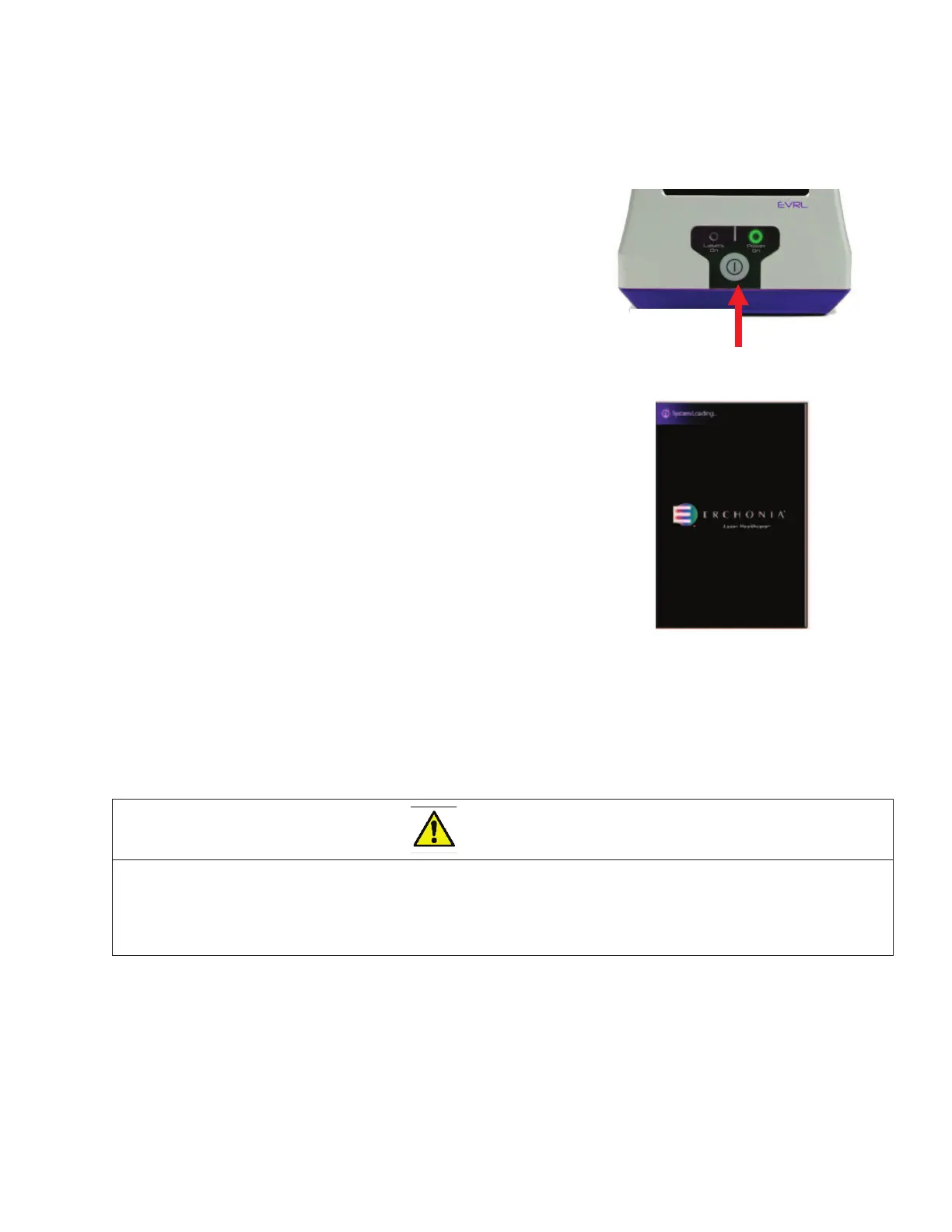
¾ To power on the EVRL™ device press and hold the
Power Button (item #1) for 3 seconds until the
“POWER ON” light illuminates green light.
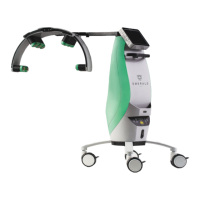
¾ Once the device is powered ON, the loading
screen will display for 30-45 seconds.
EVRL™ Touchscreen
The touch screen is both a display screen that provides information to the user and an input
panel that allows the user to operate the device by touching the appropriate icon.
CAUTION - DO NOT use sharp objects such as a pencil point or ballpoint pen to operate the butto
on the touch screen as damage may result. Avoid using abrasives (including paper towels) on the
touch screen display window.


 To Next Page