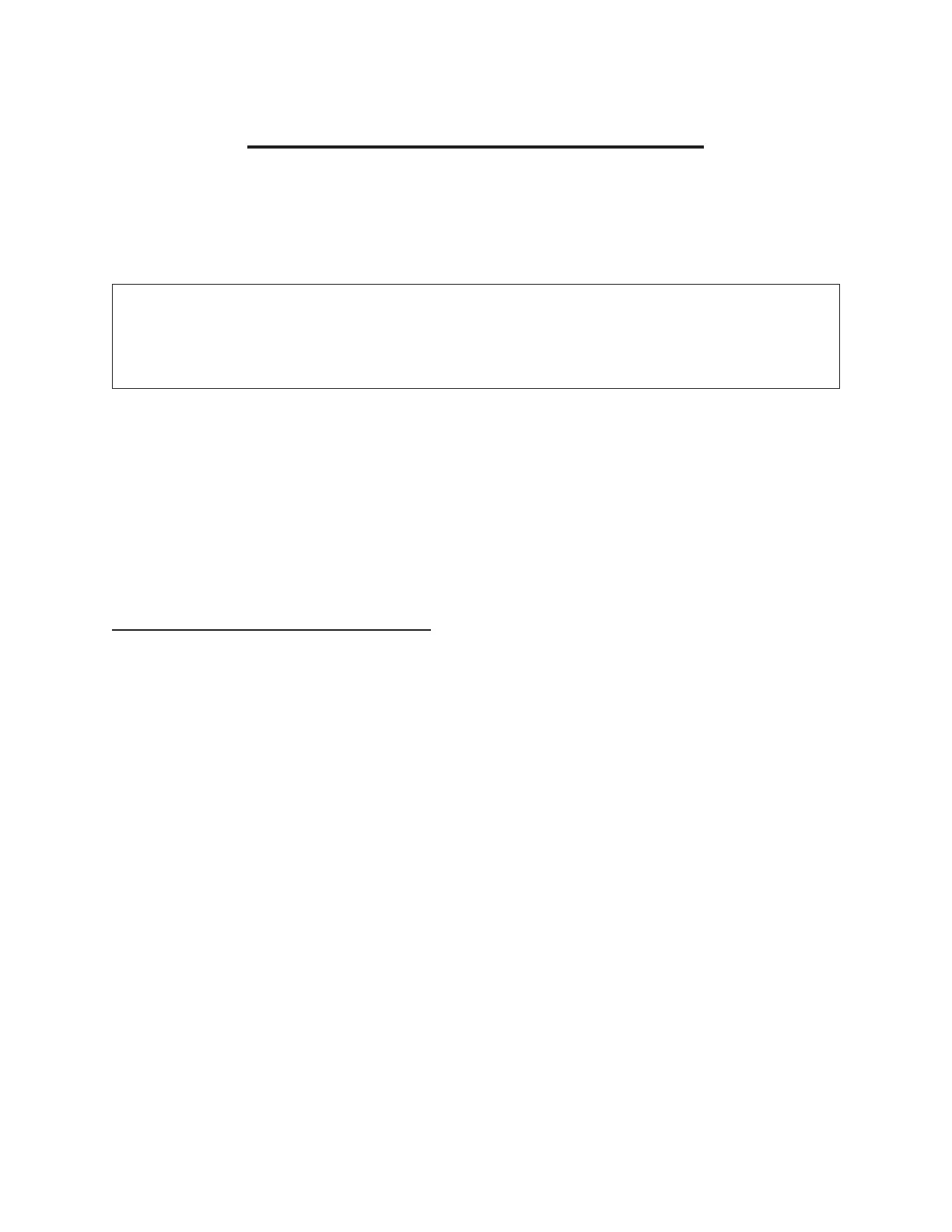
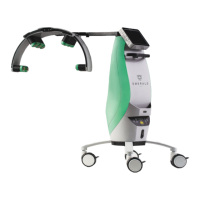
ERCHONIA® EVRL™ PROPER USE REFERENCE GUIDE
EVRL™ TREATMENT PROTOCOL
Now that you understand how to use the EVRL™, the following
section describes the steps to follow each time you administer a
treatment with EVRL™.
You will need to administer 42 treatments with EVRL™ over 3
weeks. This means 2 treatments a day for 3 conservative
1. Turn the EVRL™ device on by pressing and holding the “Power Button”
for 3 seconds.
2. Ensure the POWER ON indicator light is lit. Follow the EVRL Touchscreen
steps 1-4 on the previous page to get to the Neuropathy Treatment, by
entering device password, choosing the “Mode Select” icon, followed by
the “User Protocol Mode” Icon, and lastly the “Neuropathy” icon.
3. Put on the laser safety goggles. Remove any shoes and socks.
4. Once the safety goggles are on, start the laser treatment by pressing the
“START” icon on the treatment screen.
5. Ensure the laser indicator light is lite.
6. Once the treatment is started, aim the EVRL™ device over the top of
your foot with the laser beams emitting long ways in the same direction
of the foot.
7. Hold the EVRL™ at distance of approximately 3 to 6 inches from the skin
surface throughout the entire 5-minute treatment. During the treatment
hold the laser stationary (no sweeping motion necessity).
Note: The laser lights will cover the top of ankle and to the end of your toes.
(Shown in Fig 2 on next page)


 To Next Page