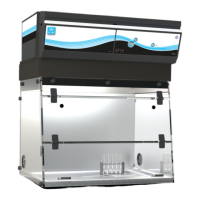
Captair Bio Smart
Mobile ductless ltering PCR workstations
6
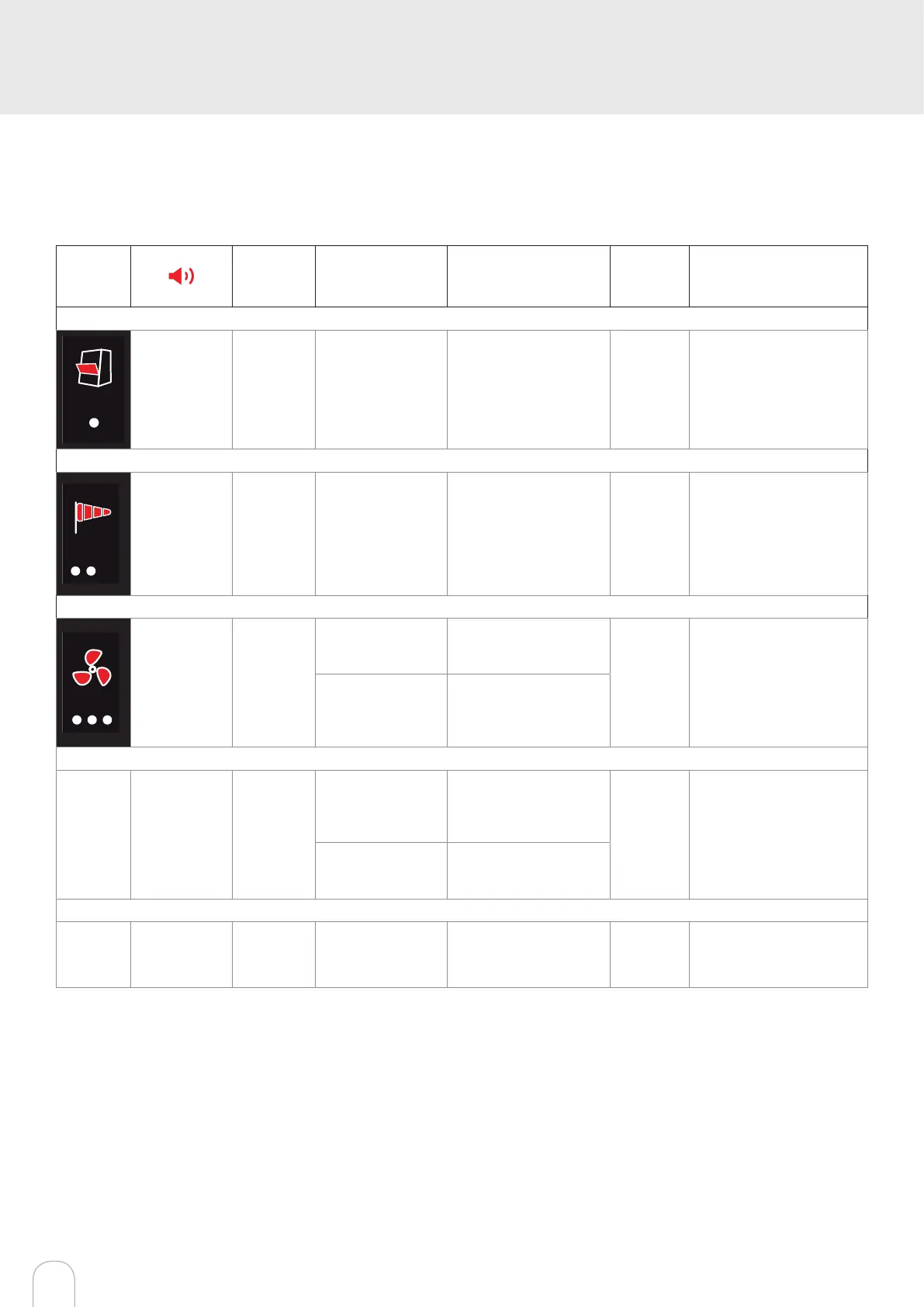
Description of the alarms
Note:
When using the Mute key to silence the alarm, please note the alarm can be triggered again if the problem has not
been xed. Resetting alarms via the Mute key will consequently modify usage settings.
Please access the administrator interface to verify user settings.
Alarm
type
Light
signal
Problems Details
Silence
the alarm
Reset the alarm
Sash opened during UV decontamination
1 beep
5 seconds
apart
Pulses
Sash opened + UV
turned on
The UV lamp is turned
on while the sash is
open
Press
Mute
key
Front door must be closed
to turn on UV lamp(s).
Air speed
2 beeps
5 seconds
apart
Pulses
Low air
speed
The air speed
value is
<0.3 m/s
Press
Mute
key
Check particulate lter.
If the lter is not clogged
up, perform a new calibra-
tion of the anemometer
(with door opened)
Fan
3 beeps
5 seconds
apart
Pulses
Fan fault
The rotation speed
(RPM) is +/- 10% of
the fan setpoint.
Press
Mute
key
Please contact Erlab or
your usual maintenance
contact.
Fan
Unserviceable
The rotation
speed (RPM)
is < 700 RPM
Filtration
4 beeps
5 seconds
apart
Pulses
Filter breakthrough
(Molecode S/A/F
option)
The Molecode de-
tection value is > the
sensitivity setting for a
period of 40s.
Press
Mute
key
Please contact Erlab or
your usual maintenance
contact.
Replace lter
The lter(s) has/ have
reached the end of their
service life/lives
Filter breakthrough sensor replacement (Molecode)
5 beeps
5 seconds
apart
Pulses
Filter breakthrough
sensor replacement
(Molecode S/A/F
option)
The sensor has
reached the end
of its service life.
Please contact Erlab or
your usual maintenance
contact.
Reset network settings
Forgot network settings? Follow these steps to reset the IP address :
• The main power switch is in the ON position (located on the left of the controller behend the panel)
• The workstation should not be running (no lights or fans are on),
• Hold in the mute button for «10» seconds
• Wait until you hear «click», «click»,
• Release the mute button
Reboot unit:
a. Turn the power switch to the “Off” position (located on the left side of the controller)
b. Turn the power switch to the “On” position (located on the left side of the controller)
• The Primary IP adress to use is 192.168.0.200
Note: In some cases, you may need to use the secondary IP address 192.169.0.200



 To Next Page