EasyManua.ls Logo

ESAB A-12786 - User Manual

ESAB A-12786
76 pages
Print Icon
To Next Page IconTo Next Page
Loading...
120
380/400V
Art # A-12786
esab.com
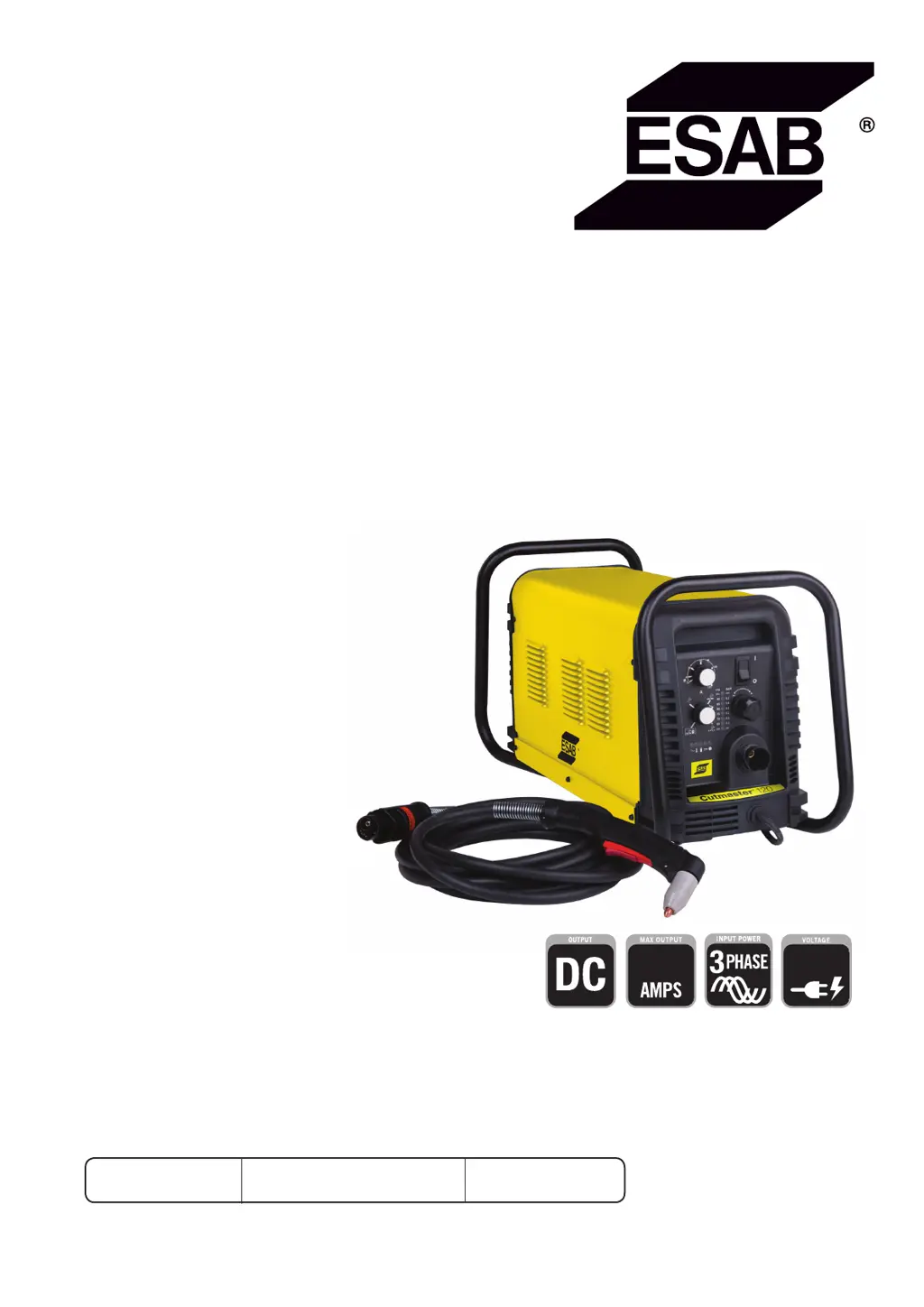
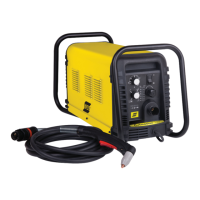
ESAB Cutmaster
®
120
Plasma Cutting System
SL100 1Torch
TM
Operating
Manual
Revision: AC Issue Date: July 6, 2015 Manual No.: 0-5389

Table of Contents

Questions and Answers

  • C
    cameronlauraSep 14, 2025
    Why are the FAULT and 70 PSI indicators flashing on my ESAB Welding System?
    • T
      Trevor GomezSep 14, 2025
      If the FAULT and 70 PSI indicators are flashing on your ESAB Welding System, here's what you should check: 1. Make sure the shield cup is hand-tightened until it is snug. 2. Ensure the torch ATC is securely fastened to the unit. 3. If there is a problem in the torch and leads PIP circuit, replace the torch and leads or return to an authorized service center for repair or replacement. 4. If none of the above steps resolve the issue, it could be due to failed components in the unit, requiring a return to an authorized service center for repair or replacement.
  • S
    Sylvia PhillipsSep 12, 2025
    What to do if FAULT and 75 PSI indicators are flashing on my ESAB Welding System?
    • A
      Anthony KellerSep 12, 2025
      If the FAULT and 75 PSI indicators are flashing on your ESAB Welding System, it means that: * The start signal is active when the ON/OFF switch is turned to the ON position. The start can be active if the hand torch switch or hand pendant switch is held closed, or if the CNC START signal is active low. Release the START signal source. * There is a problem in the torch and leads switch circuit. Replace the torch and leads or return to an authorized service center for repair or replacement. * There are failed components in the unit. Return to authorized service center for repair or replacement.
  • E
    Emily WilliamsSep 12, 2025
    How to troubleshoot an ESAB Welding System when the ON/OFF switch is ON, but the A/C Indicator does not light?
    • B
      bethanybarnettSep 12, 2025
      If the ON/OFF switch is in the ON position, but the A/C indicator light doesn't illuminate on your ESAB Welding System, here's what to check: 1. Ensure the primary power disconnect switch is in the ON position. 2. Have a qualified person check the primary fuses/breakers. Also, try connecting the unit to a known good primary power receptacle. 3. Replace the internal fuse. If it blows again, return the unit to an authorized service center. 4. If none of the above steps work, there may be faulty components in the unit. In that case, return it to an authorized service center for repair or replacement.
  • B
    Brandy MooreSep 10, 2025
    How to fix ESAB A-12786 if ON / OFF Switch is ON but the A/C Indicator does not light?
    • M
      Monica JohnsonSep 10, 2025
      If the ON / OFF Switch is ON but the A/C Indicator does not light, try the following: - Turn the primary power disconnect switch to the ON position. - Have a qualified person check the primary fuses/breakers, and connect the unit to a known good primary power receptacle. - Replace the fuse. If the fuse blows again, return the unit to an authorized service center for repair or replacement.
  • M
    Mindy NunezSep 9, 2025
    What to do if FAULT and 85 PSI indicators are flashing on ESAB A-12786?
    • P
      pedro96Sep 9, 2025
      Turn the ON / OFF switch OFF then back ON again. If that does not clear the fault, return to an authorized service center for repair.
  • T
    todd09Aug 23, 2025
    What to do if GAS LED is OFF, and FAULT and MIN pressure indicators are flashing on my ESAB A-12786 Cutter?
    • H
      hriosAug 23, 2025
      If the GAS LED is off and the FAULT and MIN pressure indicators are flashing on your ESAB Cutter, the possible causes are: 1. The gas supply is not connected to the unit (connect gas supply). 2. The gas supply is not turned on (turn the gas supply on). 3. The gas supply pressure is too low (set air supply inlet pressure to unit to 120 psi). 4. The AIR PRESSURE CONTROL regulator is set too low. If none of these steps resolve the issue, the problem may be failed components in the unit.
  • P
    paul91Sep 7, 2025
    What to do if FAULT and 70 PSI indicators are flashing on my ESAB A-12786?
    • E
      Erin BarajasSep 7, 2025
      If the FAULT and 70 PSI indicators are flashing: - Hand tighten the shield cup until it is snug. - Ensure the torch ATC is securely fastened to the unit.
  • H
    Harold WatkinsSep 6, 2025
    What to do if FAULT and 80 PSI indicators are flashing and gas flow is cycling ON and OFF on ESAB Cutter?
    • P
      Patrick ParkSep 6, 2025
      If the FAULT and 80 PSI indicators are flashing and the gas flow is cycling ON and OFF: - Tighten the shield cup by hand, but do not overtighten. - Turn OFF the power supply, remove the shield cup, and install any missing parts. - Turn OFF the power supply, bleed down the system pressure, remove the shield cup, tip, and start cartridge, and check the start cartridge lower end fitting for free movement. Replace the fitting if it does not move freely.
  • P
    Paul JohnsonSep 5, 2025
    What to do if FAULT and 75 PSI indicators are flashing on ESAB Cutter?
    • C
      Crystal RodriguezSep 5, 2025
      If the FAULT and 75 PSI indicators are flashing: - The start can be active because the hand torch switch or hand pendant switch is held closed, or the CNC START signal is active low. Release the START signal source.
  • D
    davislindaSep 4, 2025
    What to do if GAS LED is OFF, and FAULT and MIN pressure indicators are flashing on ESAB Cutter?
    • R
      Raymond VargasSep 4, 2025
      If the GAS LED is OFF, and the FAULT and MIN pressure indicators are flashing: - Connect the gas supply to the unit. - Turn the gas supply ON. - Set the air supply inlet pressure to the unit to 120 psi. - Adjust the regulator to set the air pressure.

ESAB A-12786 Specifications

General IconGeneral
BrandESAB
ModelA-12786
CategoryCutter
LanguageEnglish

Related product manuals