Appendix 223
F
X
FX Sends
Main 15%
Sub 1 0%
Sub 2 0%
Sub 3 0%
Hall 1
Effect
A
FX Sends
Main 0%
Sub 1 90%
Sub 2 0%
Sub 3 0%
Echo1
Effect
B
MIDI Channel: 01
Volume:
Pan ∆:
002 Percussion
127
+00
MIX C=01 Volume=127
zMMM M123 MMMM MMMM
MASTER
MIDI Mix Screen
MULTIMODE
(Main Screen)
MASTER-4, Effects
Preset 02 Percussion MIDI Channel 1
Zone
Submix = MAIN
Zone
Submix = Sub 1
DYNAMIC PROCESSING-9, Channel Assignment
Note: Submix = Sends
Assign Submix to Zone
Select Zone Routing
Assign FX Sends to Effects
Preset to MIDI Channel
Hall 1
Echo 1
Submix Defined
in the Zone
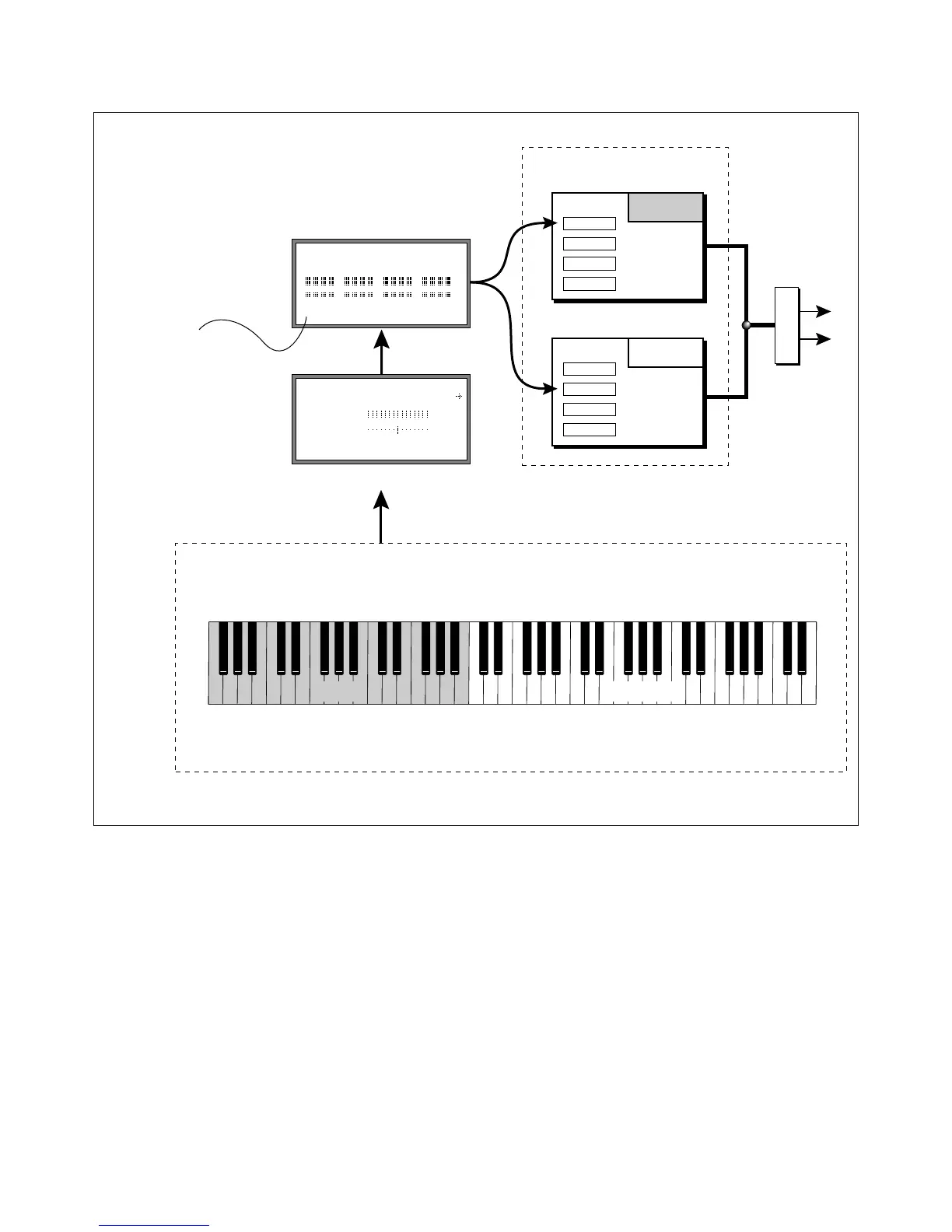
This diagram shows the controls and modules used to assign the effects by keyboard Zone. In this example, the keyboard is split with Reverb on the lower
section and an Echo effect on the upper section.



 To Next Page