ESI Juli@
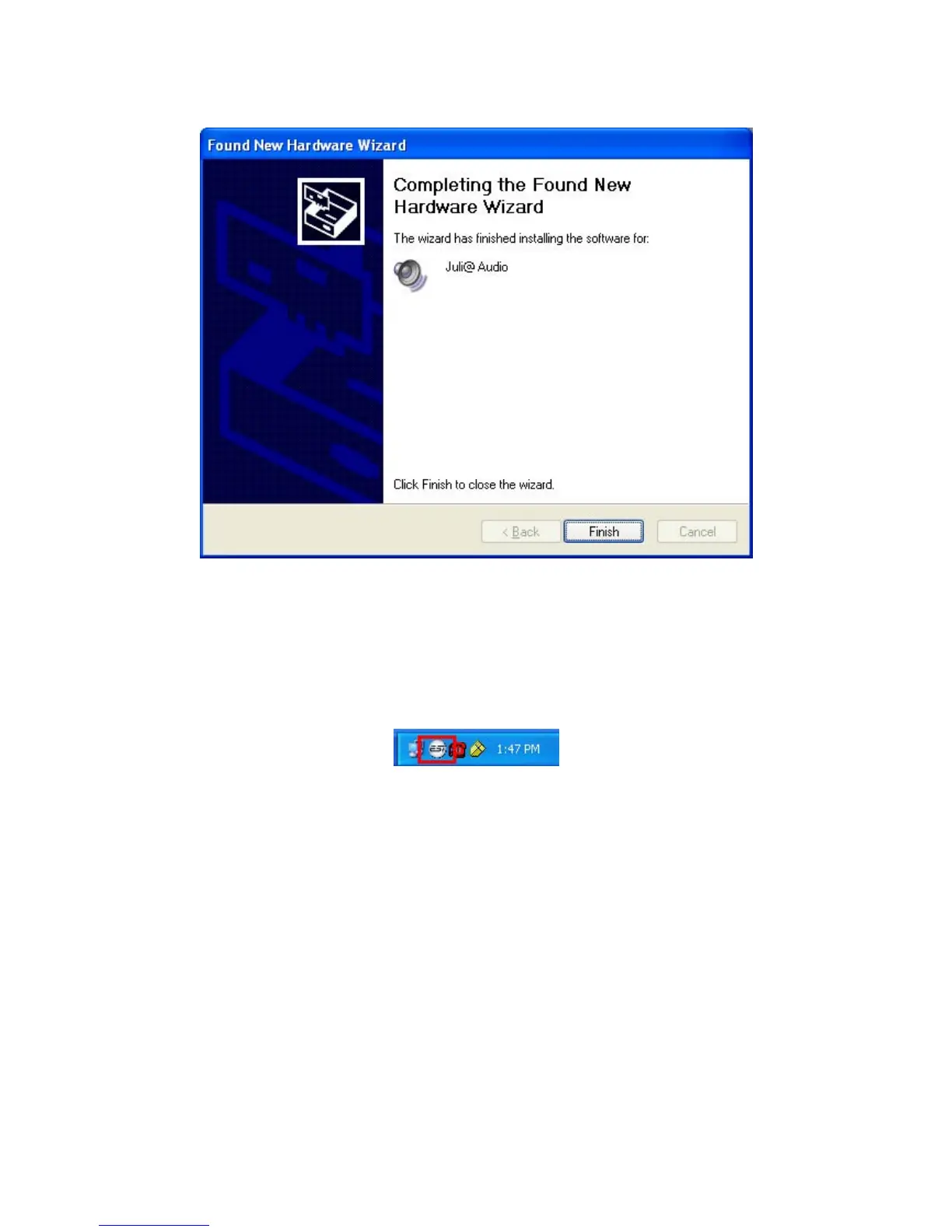
When your system keeps asking restart the computer, just ignores that and continue to install.
When all the necessary device drivers are installed and the system is not asking you to install any
further drivers, restart the computer.
6. Checking your system.
After you restart Windows, please confirm if the ‘ESI’ icon is on the system tray.
Go to ‘My computer -> Console -> System -> Device Manager’. Check the devices under ‘Sound,
video and game controllers’, if they are installed correctly.
19



 To Next Page