ESI Juli@
2. Macintosh
1. After completing the hardware installation for Juli@, you need to install its driver software to use
it. Drag "ESI192Driver-2.0.0.dmg" from your driver CD:\ESI\Juli@\MAC directory to the
Macintosh.
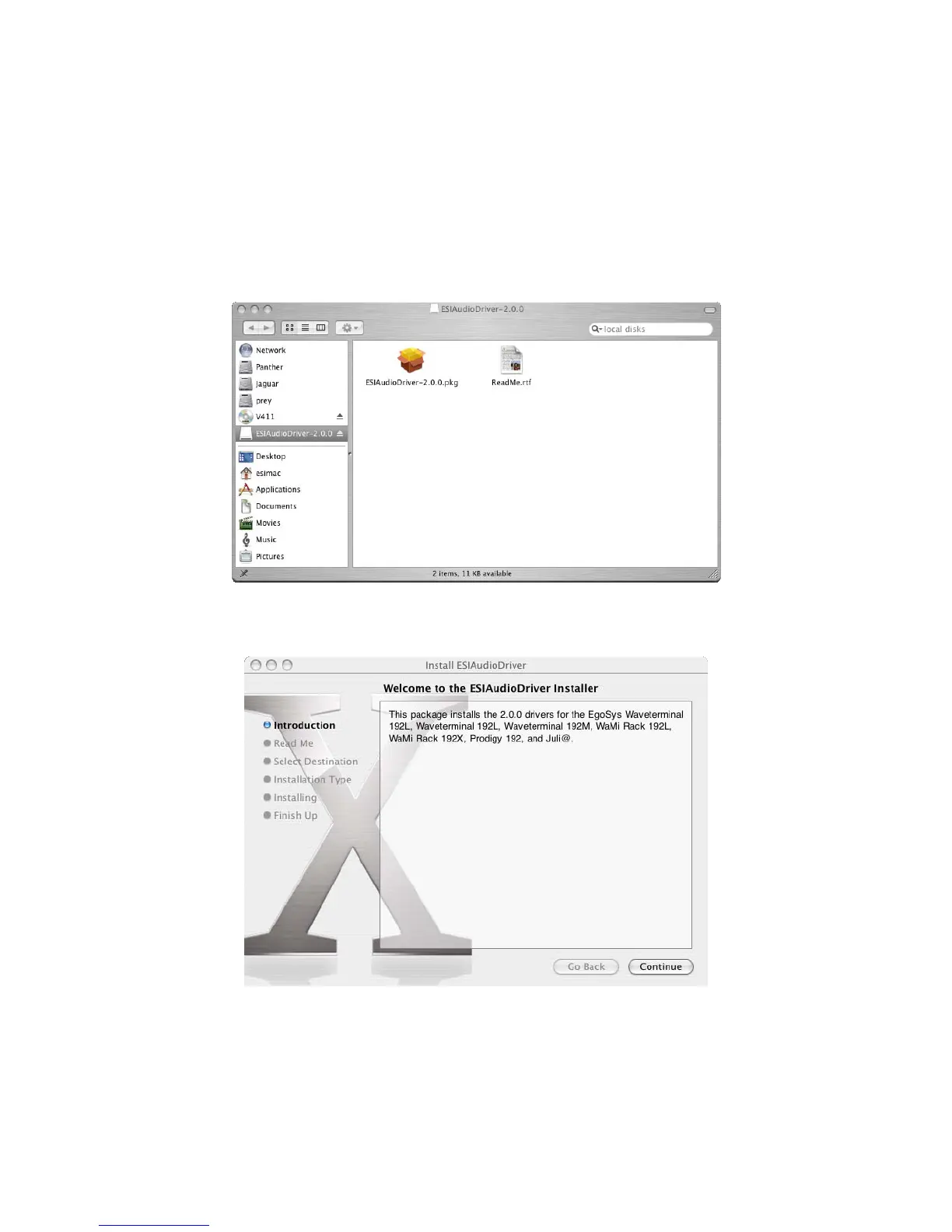
2. Double click "ESI192Driver-2.0.0.dmg" file to expand the file. Then, Open "ESI192Driver-
2.0.0" and double click the .pkg file inside.
3. Doubleclicking on the "ESIAudioDriver-2.0.0.pkg" file launches the driver installation. You can
see the ESIAudioDriver installer. Select the Continue button.
4. Select Continue again on the Read Me tab. The Select a Destination screen will appear. Please
select the destination disk to install the drivers. You should use the same volume that you use for
the system installation. Usually this volume is called Macintosh HD. Then select Continue button.
21



 To Next Page