ESI Juli@
3. Output Panel
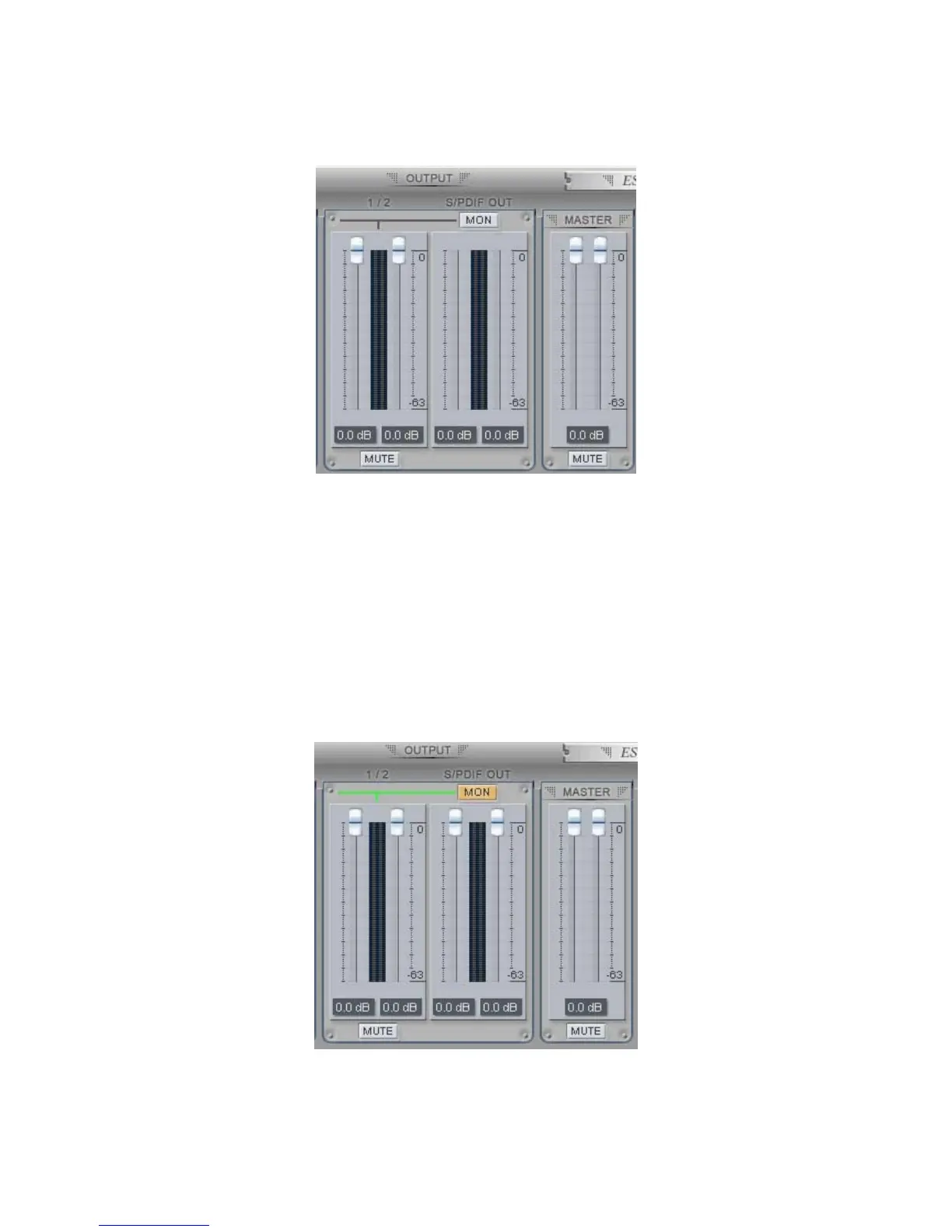
Analog Output 1/2
This is where you can control the output signal. The level can be set using the mouse, mouse wheel,
or cursor keys.
S/PDIF Out
This is where you can adjust output-monitoring level of the S/PDIF out/playback signal. When you
active ‘MON’ button of S/PDIF Out, the S/PDIF output level fader will appear (displayed on the
next picture). Now the S/PDIF out/playback signal will be routed to the analog output 1/2 and you
can listen to the signal via the analog output in real-time. The monitoring level can be set using the
mouse, mouse wheel, or cursor keys.
27



 To Next Page