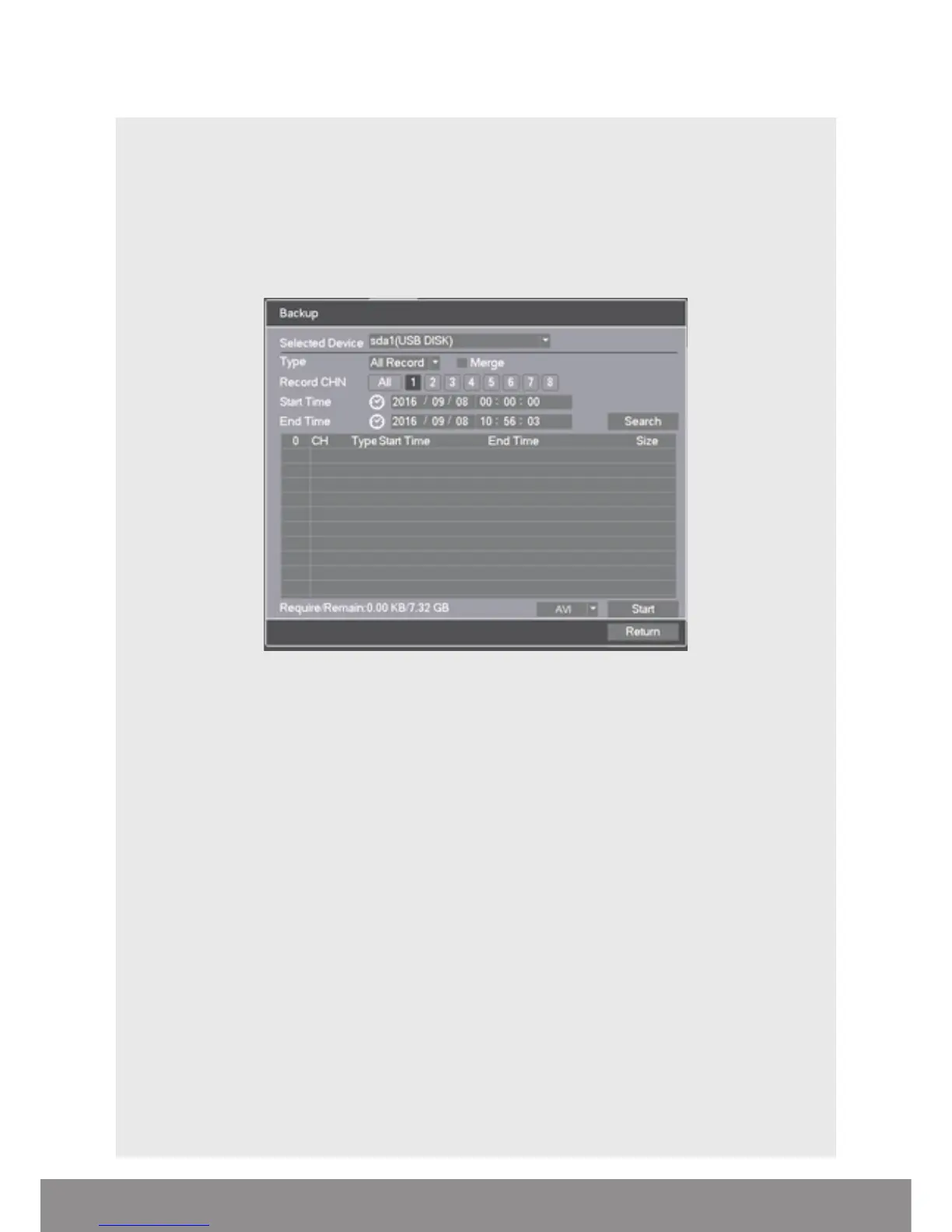
COPY RECORDING TO USB
Right click on the live camera view and select Main Menu directly from the
Shortcut Menu
• Insert USB stick into DVR
• Select Record > Backup
• The details of the USB stick will be visible, Select Backup
• Select Channel number required
• Enter Start and End time
• Select Search
• Select AVI and Select Start
• Notification will be received once complete
NB. Practice backing-up footage to familiarize yourself with the process before an
incident occurs.
NB. The AVI file will enable playback via a PC using AVI players
12



 To Next Page