11
RECORDING PLAYBACK
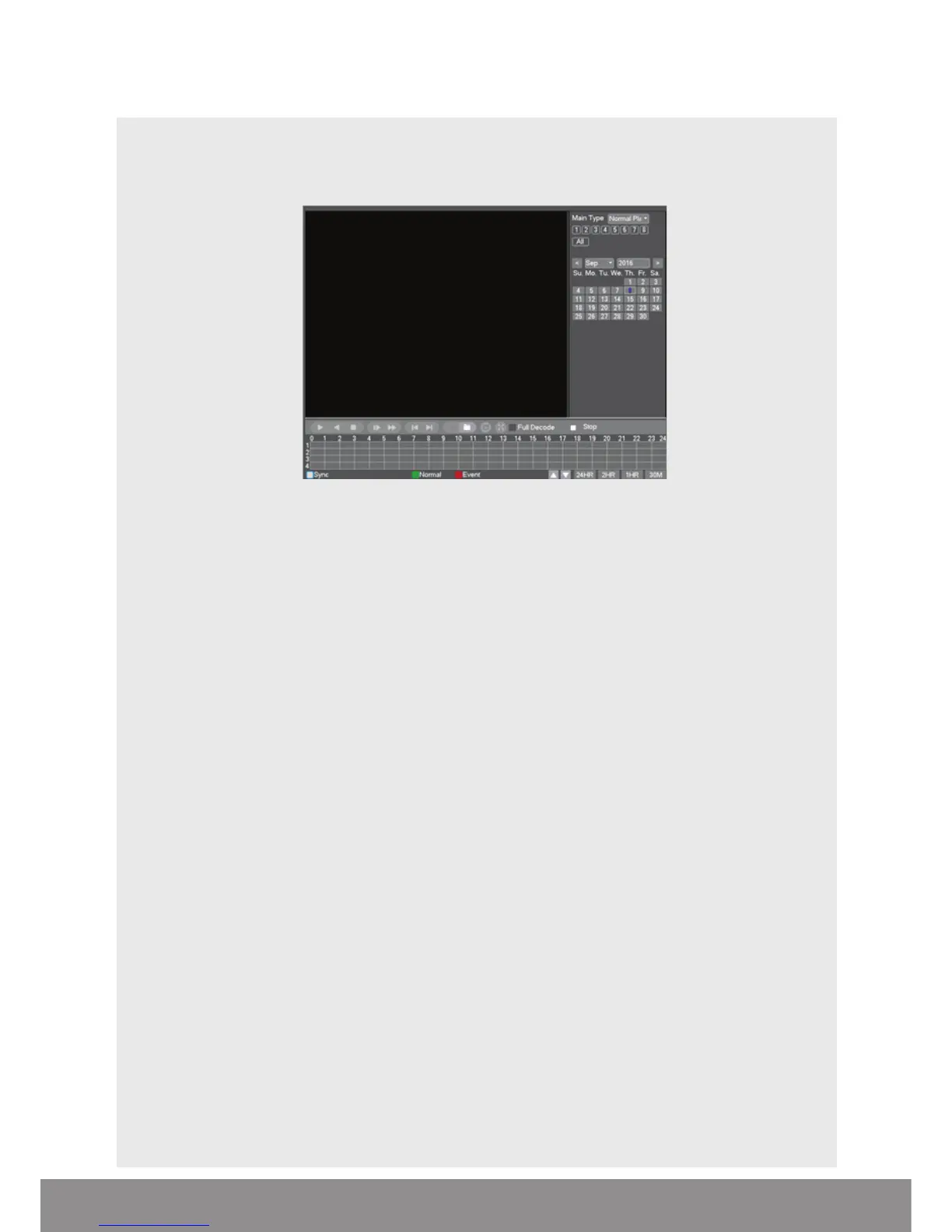
Right click on the live camera view, login and select Record Playback directly from the
Shortcut Menu.
On the playback menu refer to the right hand side of the screen and enter the
following;
Standard Playback Operation;
• Main Type: Normal Play
• Select which channel is required
• Select required month
• Select required day
• Click the Play button to begin playback
Event Playback Operation;
• Main Type: Event Play
• Sub Type: Event Type
• Select which channel is required
• Enter Begin and End times
• Select search
• Double click on the event list to start playback
NB. Practice playing back footage to familiarize with the process before an incident occurs.
NB. For best performance it is recommended that only one channel at a time is selected
for playback



 To Next Page