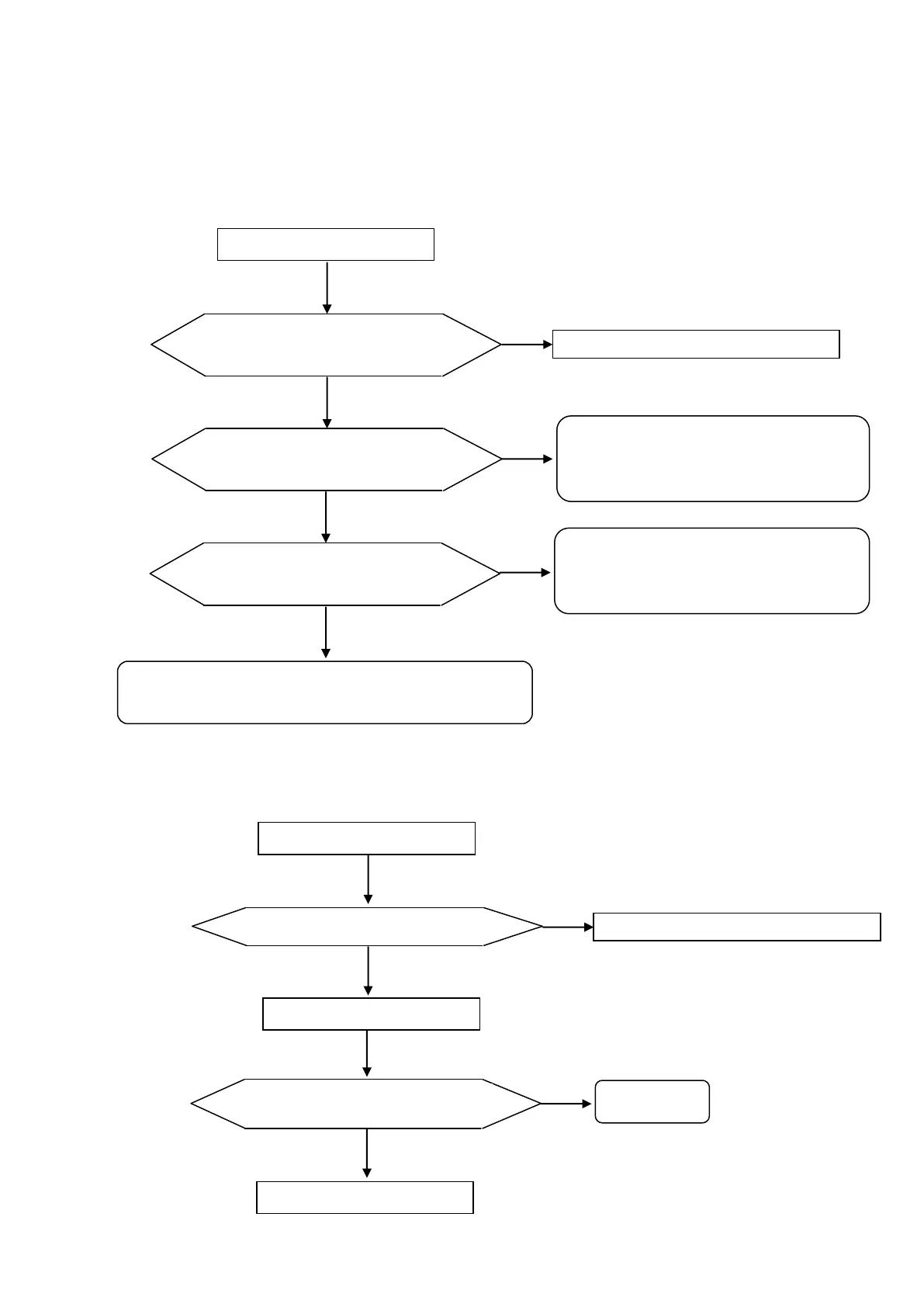
6.2. Error handing procedure
1) “Initial error”
In case that any measurement value (SPH, CYL or Prism) is more than ‘±0.25’ when the power is
turned
on.
In case that the measurement image is abnormal when the power is turned on.
2) “Paper empty”
In case that there is no printer paper or paper is not set appropriately.
« Initial error » is displayed
Lens is set when power is
turned on.
Cycle the power after removing the lens.
Lens under lens stand is dirty.
Wipe the lens with the soft cloth with
taking care not to scratch it.
Refer to ‘9-2 Optical Unit’ (‘9.
Cleaning’).
Replace the measurement light board Assy.
Refer to ‘5-9 Light Projecting Unit Assy.
Measurement light lights on.
Evaluate measurement image.
【Refer to ‘7. Evaluation of Measurement Image’.
※
Refer to ‘5.4.2 Installation and Replacement
of
Printer Paper’ of the operation manual about
the
installation procedure of the printer paper.
Cleaning’).
« Paper empty » is displayed
Place the papers and cycle the power.
« Paper empty » is still displayed.



 To Next Page