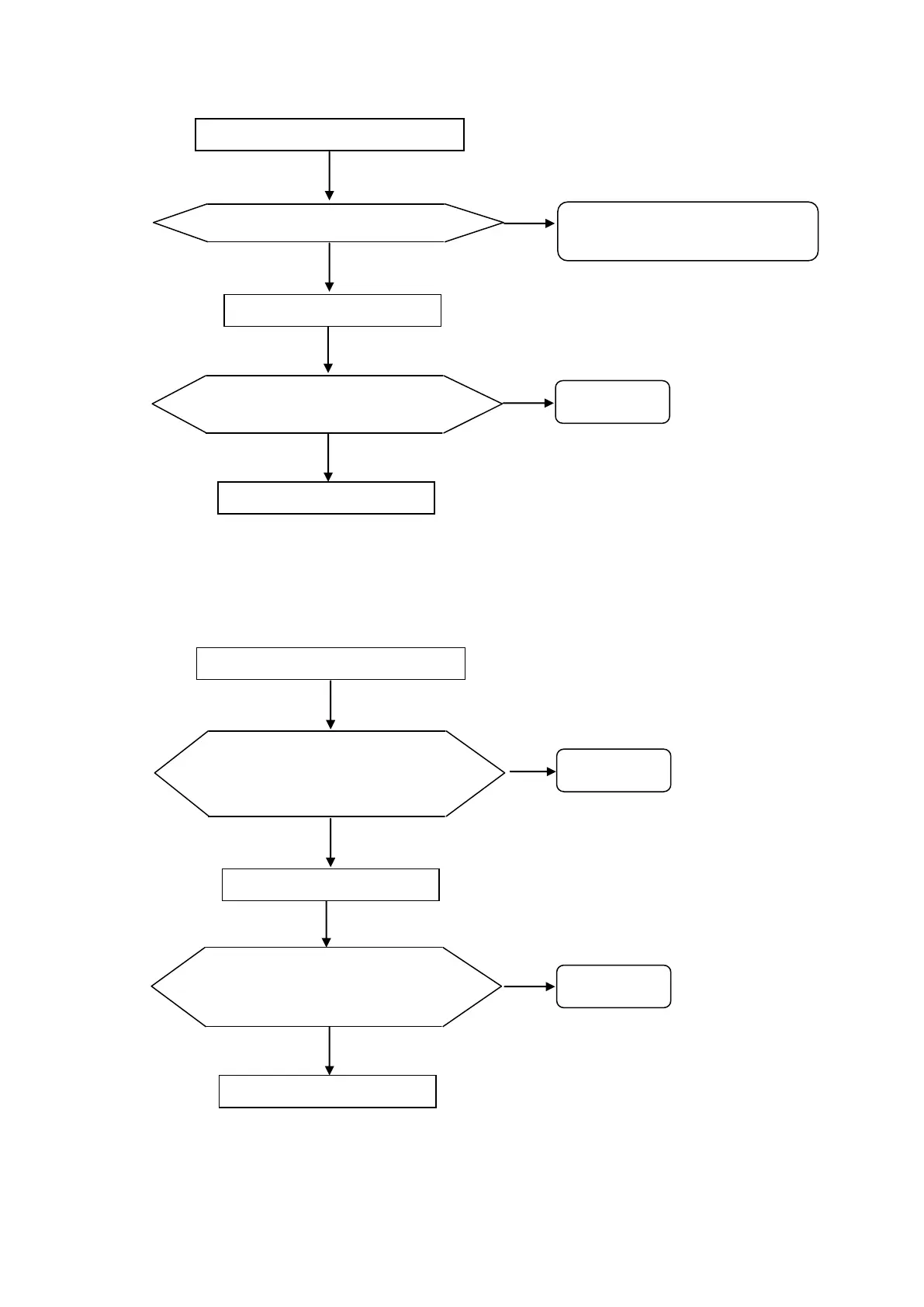
3) “Printer empty opened”
In case that the printer cover is opened.
4) “Printer overheated”
In case that the printer thermal head is overheated at the time of print out.
« Printer Cover Opened» is displayed
Printer cover is set correctly.
« Printer Cover Opened » is still
displayed.
Set the cover correctly, and cycle
the power.
« Printer Overheated» is displayed
“Printer Overheated” is still displayed
even though turning power on again in
more
than 5 min. after turning it off.
« Printer Overheated” is still
displayed even after replacing it.



 To Next Page