- 11 -
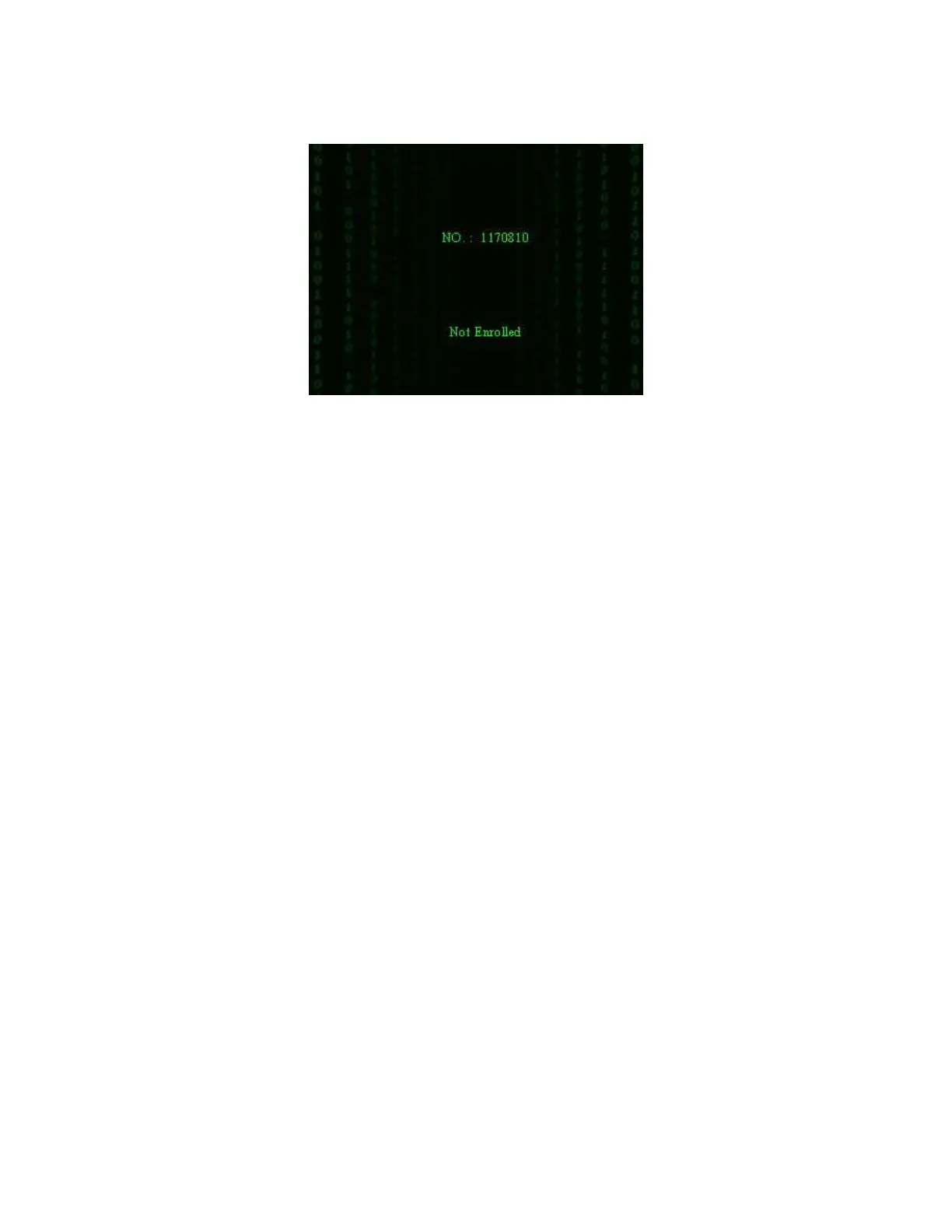
Step 3: If the card has not registered yet, prompt that card is not registered.
1.4 Connection with PC
The device only records attendance time. The statement can be disposed
by software on PC. Therefore, it is necessary for device to connect PC to
download attendance record to attendance software.
The following is some connection methods:
Ethernet:
(1) Through hub: Use parallel net cable (to connect network card and
hub) to connect device into the network.
(2) Direct connection: use cross net cable(connect two Ethernet
terminals directly) to connect device and PC.
Set device: Enter MenuCommunication option
Network to set the
following items:
IP address: Default IP as 192.168.1.201.You can modify it if it is
necessary.
F18 User Manual V1.0



 To Next Page