- 39 -
In the Access Group setting interface, select the line to be deleted. Press
Menu to select delete in operating menu.
2.4.4 Set Unlock Combination
Make various groups into different access controls to achieve
multi-verification and improve security. An access control can be made
up of 5 groups at most.
Operation:
Press Menu -> User management -> Access Setting -> Unlock
Combination setting:
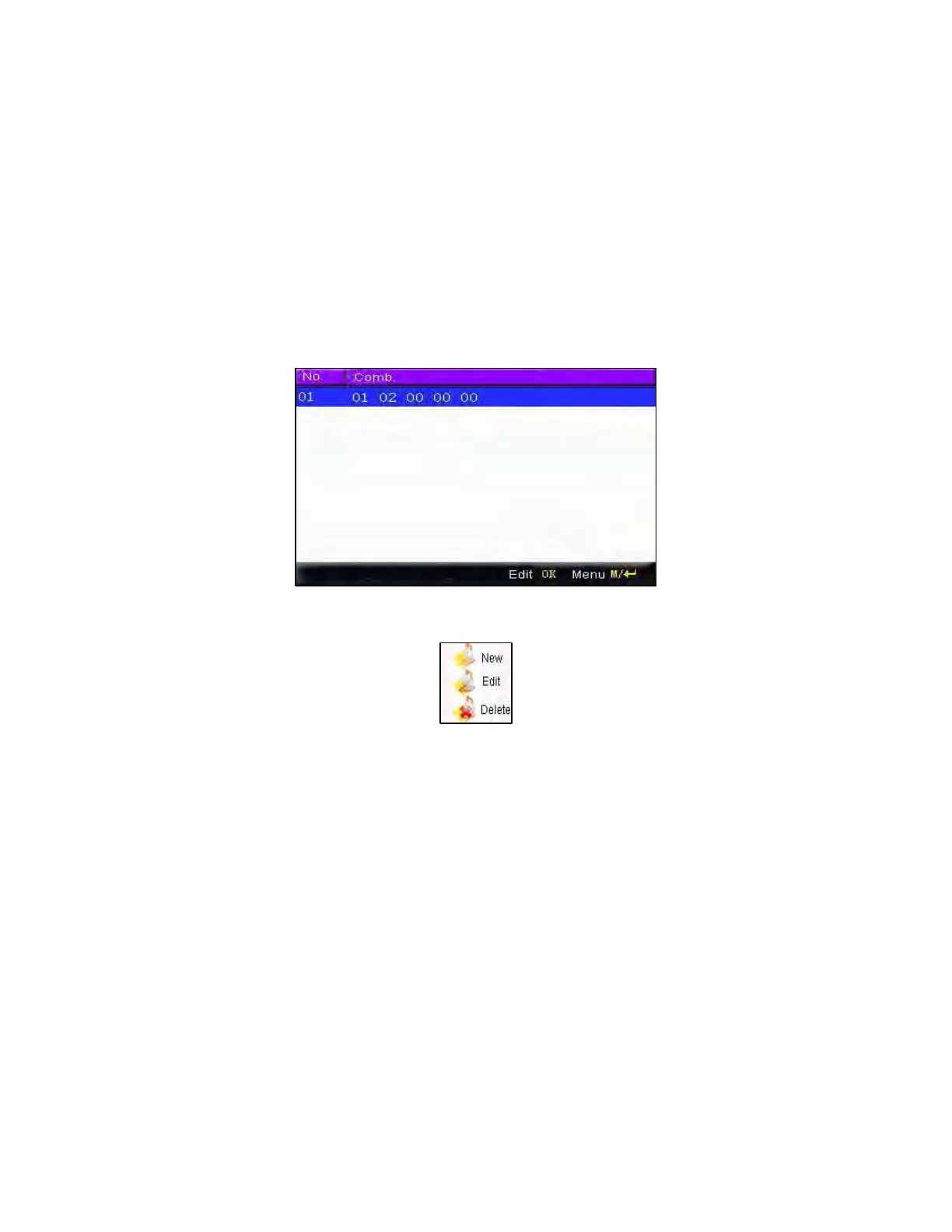
1. Add unlock combination
Press Menu to get operating menu:
Press ▲/▼ to select add. For example, to add an unlocking
combination, this needs the verification of both group 1 and 2, as shown
below:
F18 User Manual V1.0



 To Next Page