- 13 -
is set, input corresponding numerical value on connection interface of
PC software.
USB
Set device: Enter MenuCommunication option to set the following
items:
Device ID: Set it in “Security”. It can be set from 1254.
USB: Set it in “RS232/485”.Select “Yes” for USB communication.
Communication password: Set it in “Security”. It can be set or not. If it
is set, input corresponding numerical value on connection interface of
PC software.
1.5 Main menu
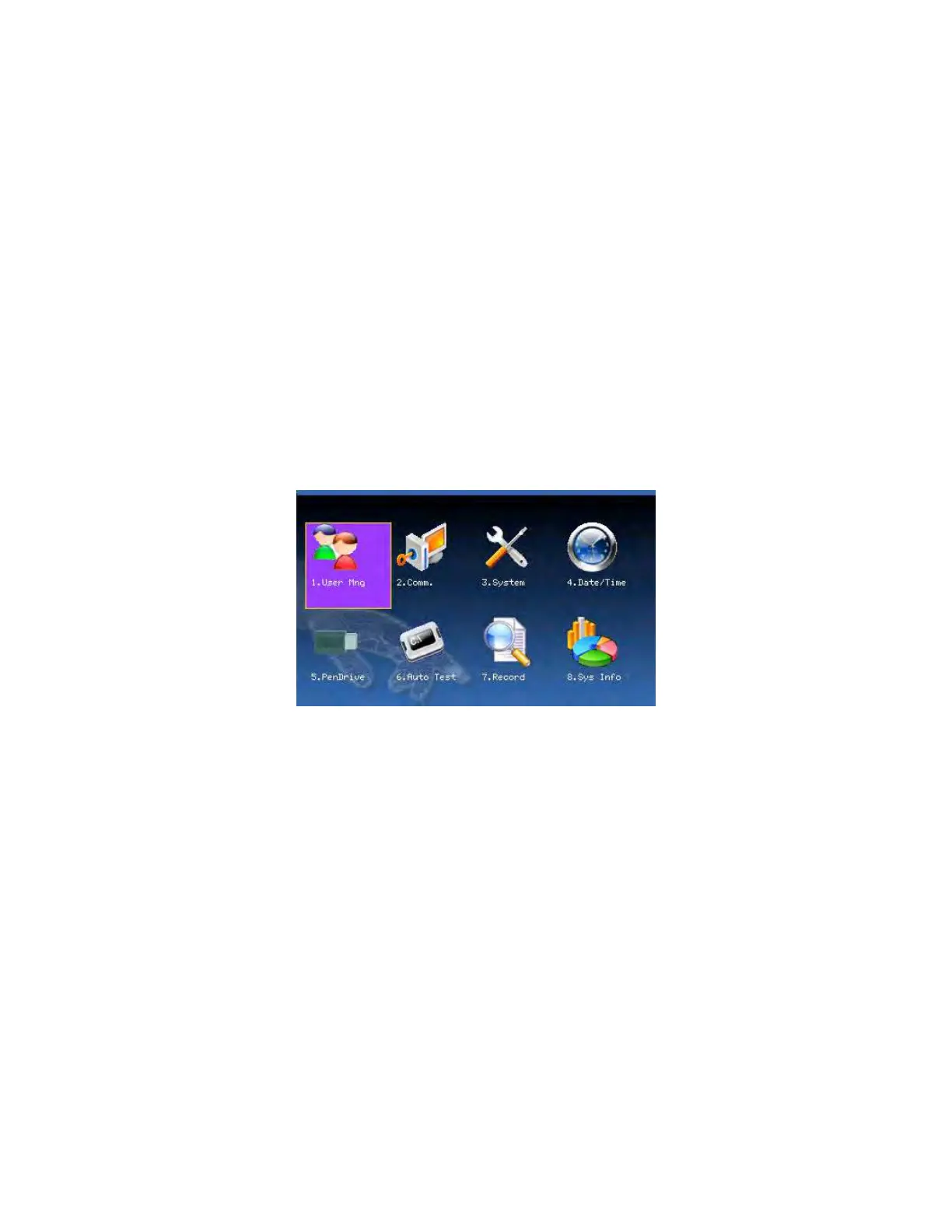
On the initial interface, press the Menu key about 3 seconds to open the
Main Menu, as shown in the following figure:
User management: Browse the users’ basic information like ID, name,
fingerprint, card, password and privilege and so on; Increase, edit or
delete operation the basic information; Set the work code for user and
card management.
F18 User Manual V1.0



 To Next Page