F18 User Manual V1.0
- 30 -
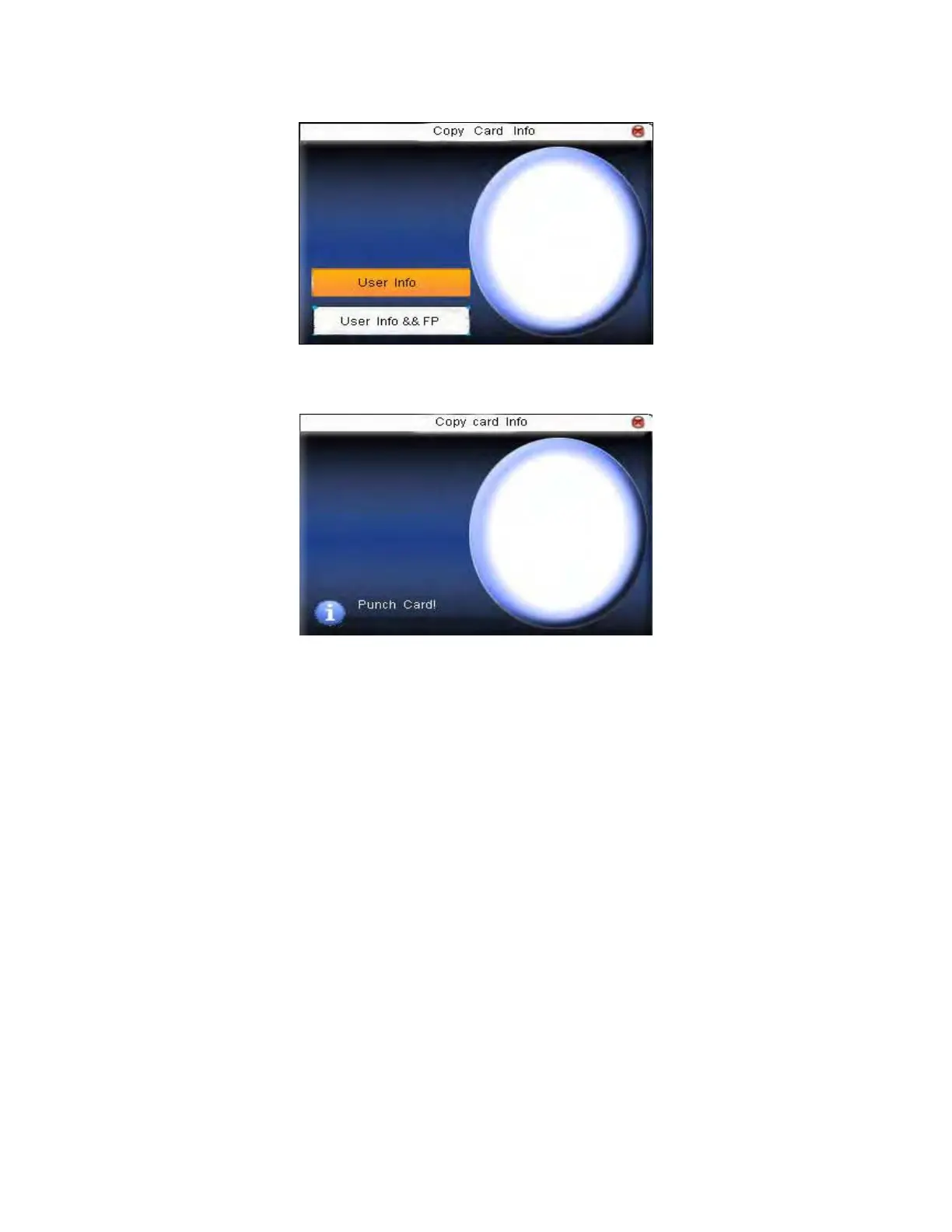
Press ▲/▼ to select “only copy user information” or “copy user
information and fingerprint”, and then press OK.
2.3.5 Set card parameter value
Set password of Mifare card and decide whether the information should
be saved or not.
Fingerprint card password: After the password is set, the device will
write password into the enrolled fingerprint card. Then the fingerprint



 To Next Page