- 47 -
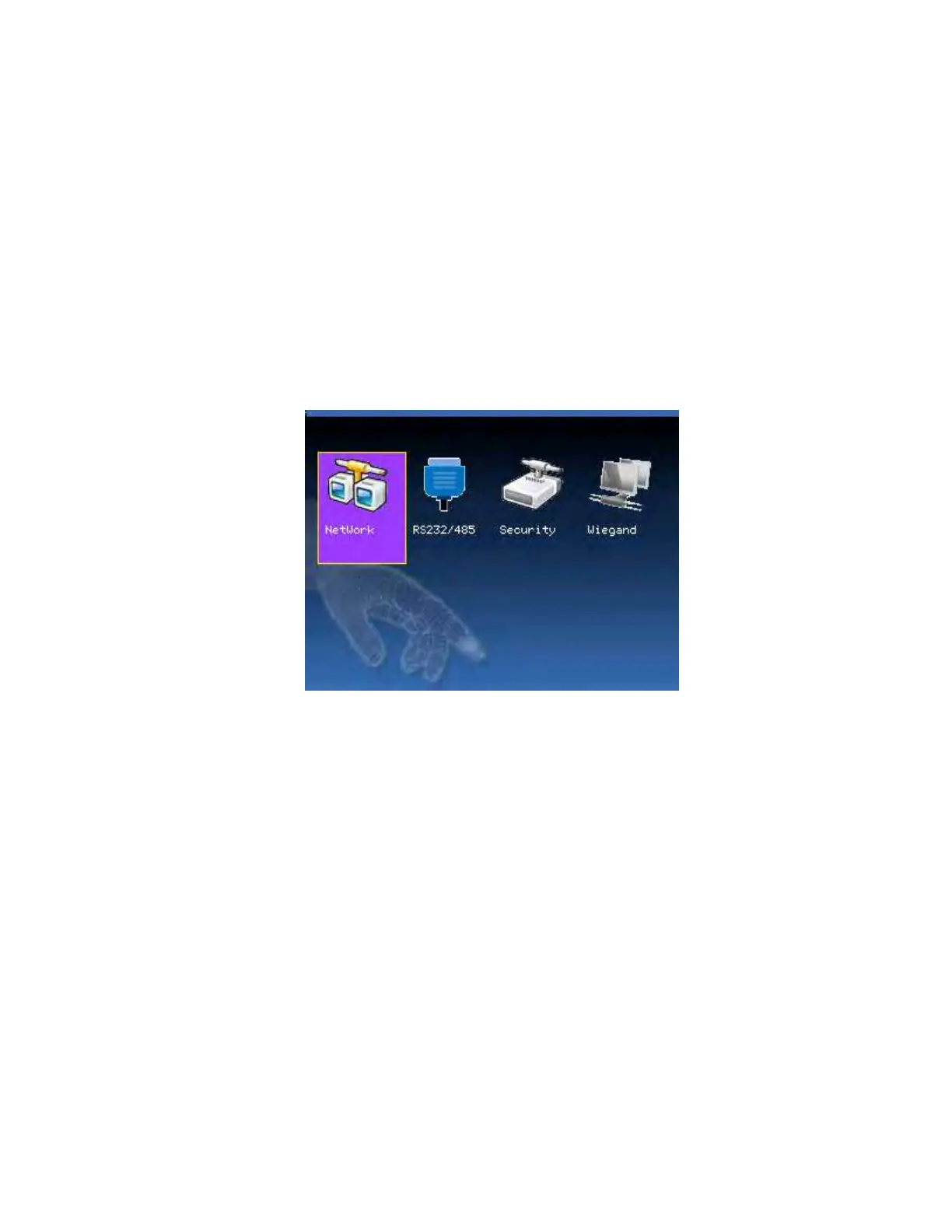
3. Communication Option
When the device and PC are used to transmit data, it is necessary to use
communication wire to set communication parameters in the device.
When the device is in communication, “communicating…” appears.
Don’t operate the device then.
Notice: When the device is communicating with computer, please
check the setting here. The parameters here must be in accordance
with that of software communication interface.
3.1 Network option
When Ethernet is used for communication of device and PC, the
following settings need to be checked:
F18 User Manual V1.0



 To Next Page