- 27 -
Sway the card in the induction area. After the device inducts the card,
move the card off. When the verification is successful, the device will
give prompt.
Tips: Please enter user access control option to modify the
verification mode as RF, or verification won’t be
successful.
2.3.2 Enroll fingerprint card
Enroll fingerprint and write fingerprint into card.
Operation:
1. Enrollment
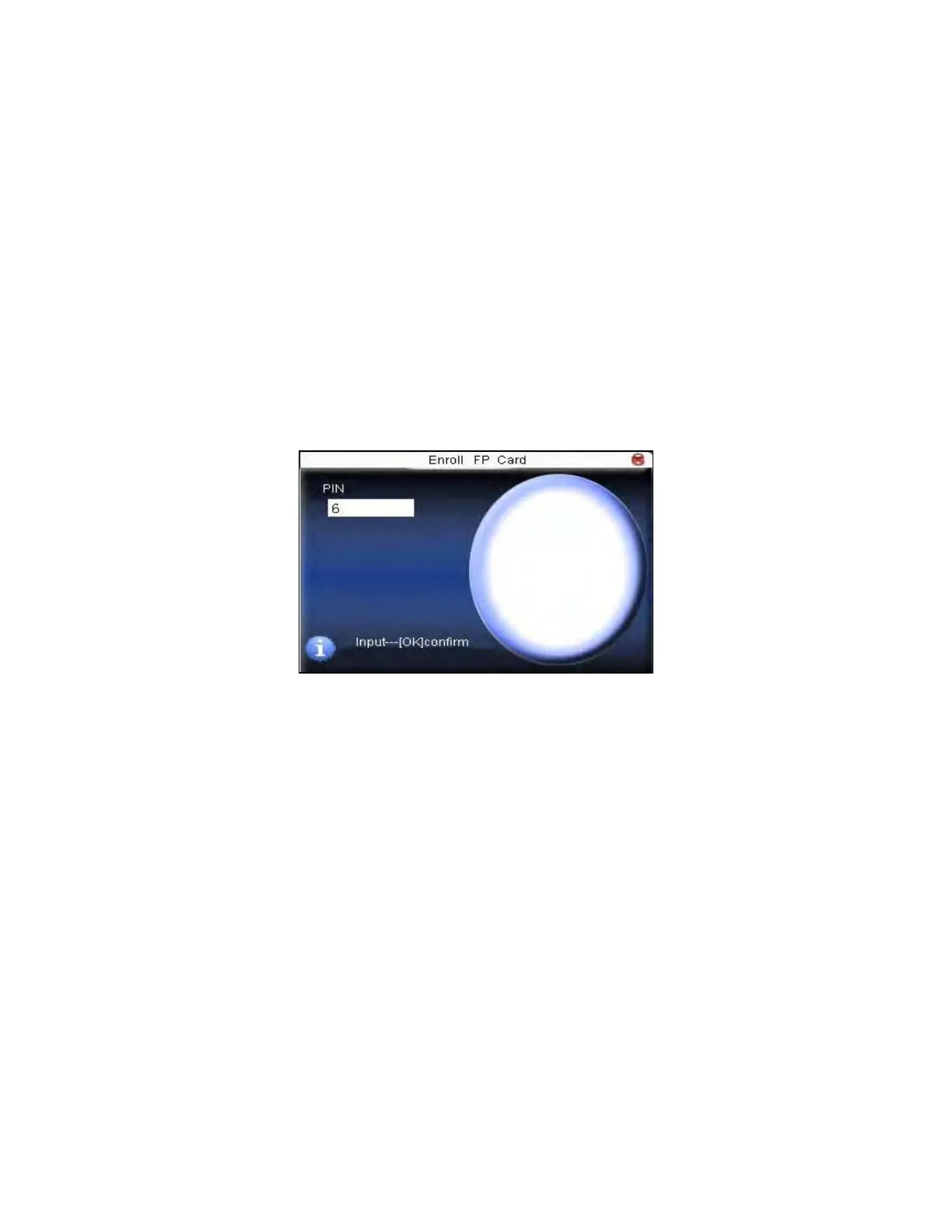
Step 1: Select enroll fingerprint card and press OK.
Step 2:Use keyboard to input the number to be enrolled(if the number
has been there already, the device will prompt you to copy the
information to the card.), and then press OK. The device will prompt
you to move off your finger.
F18 User Manual V1.0



 To Next Page