F18 User Manual V1.0
- 22 -
Notice: The picture may be different from your device. The real
product prevails.
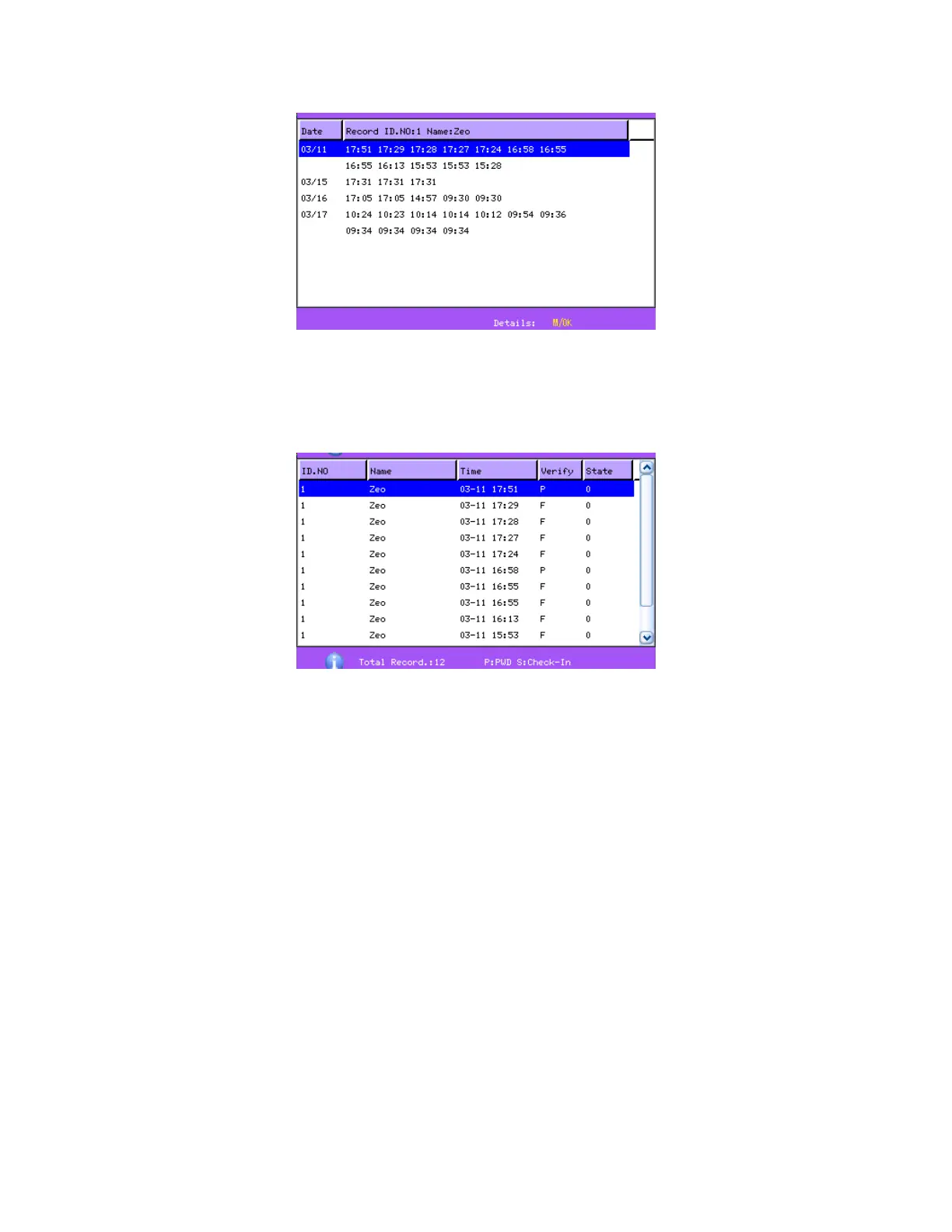
Press ▲/▼ to read attendance record.
Press OK/menu to query detailed information.
Then press “ESC” to return to manage user interface.
2.2.3 Edit user
Edit user information saved in the device. For example, the former
enrolled fingerprints are unusable, enter “edit user” to re-enroll



 To Next Page