- 23 -
fingerprint, password or card.
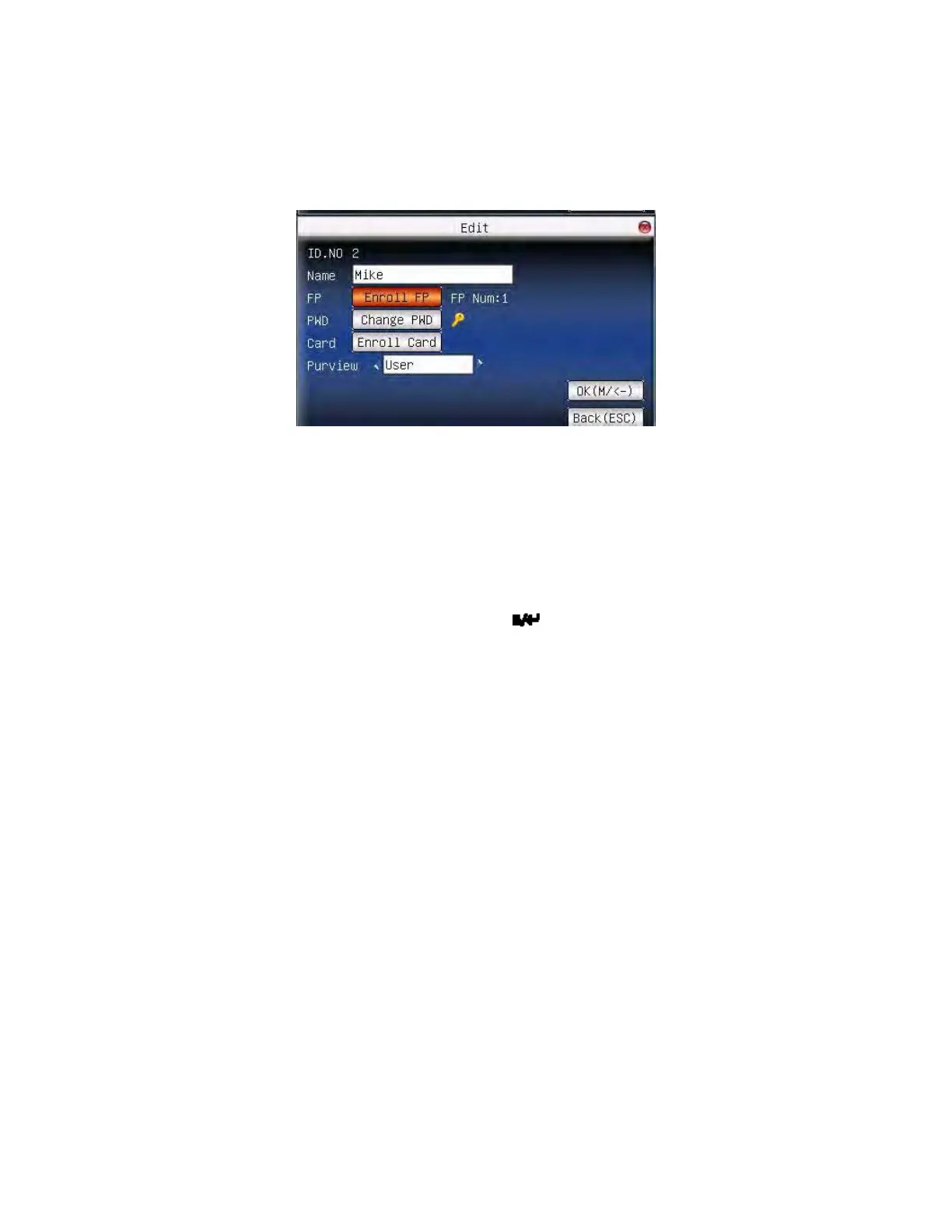
Use ▲/▼ or query user on manage user interface to select employee
to be edited. Then press menu to select “edit” or press shortcut to
verify it, and all enrolled information can be displayed on the device:
Notice: Only some models have name and card options.
User ID cannot be modified. The operation is similar to that of add user.
Fingerprint can be re-enrolled. Click “enroll password” directly to set
password or modify password. The access can also be modified.
Save edition/exit edition
Press menu or ▲/▼ to select “complete
)”, press OK, save edition
and return to manage user interface.
Press “ESC” or ▲/▼ to select “return(ESC) ” and then press OK, and
the device will prompt “data has been changed. Are you sure to save?”.
If you want to save it, press OK and return to the last menu. Or press
“ESC” to return the last menu.
F18 User Manual V1.0



 To Next Page