- 31 -
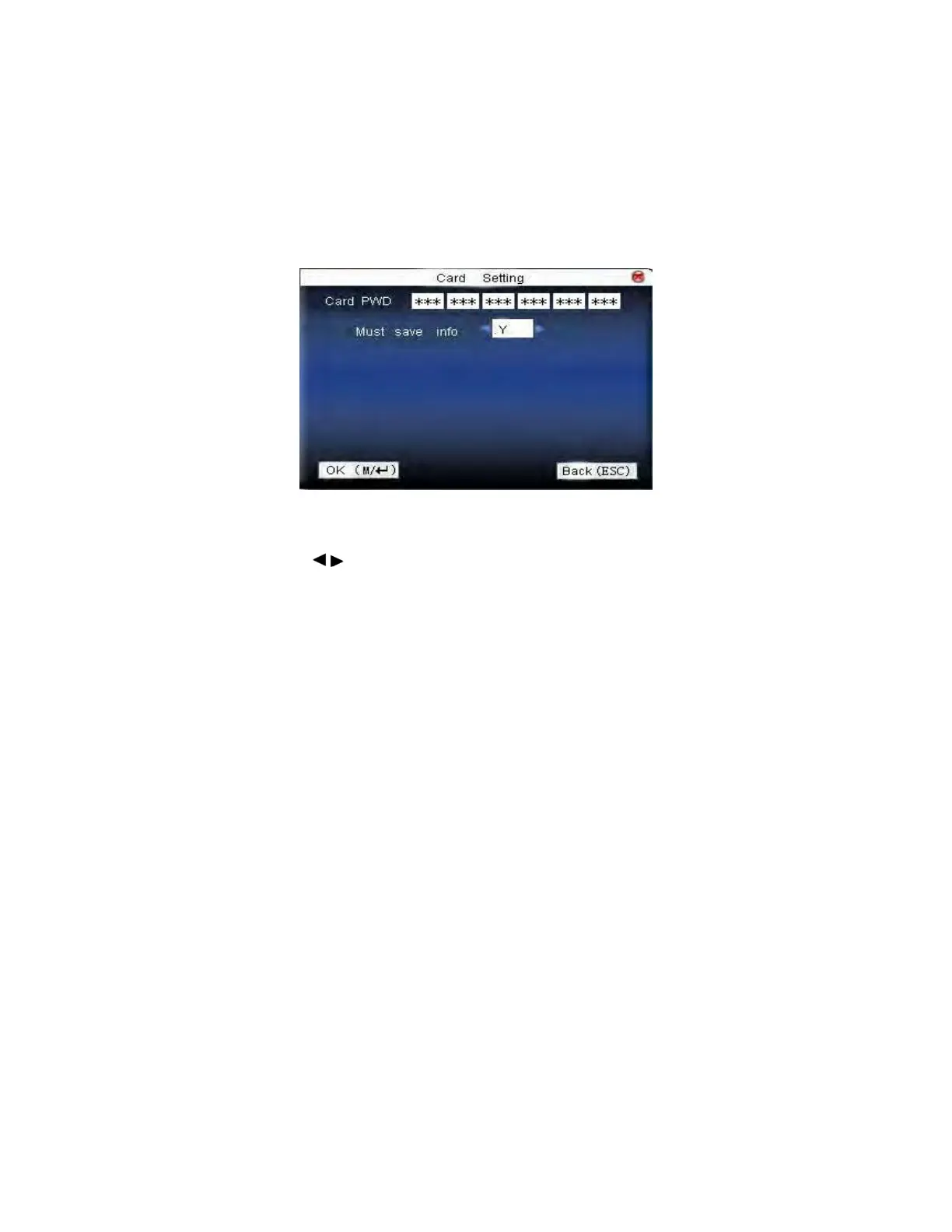
card can only be used on this device.
Save the information: Decide whether to save the enrolled information
to the device when enrolling card or fingerprint card. “No” means the
information is only saved in the card. “Yes” means the information is
saved in both card and device.
Operation:
Press ▲/▼to move cursor to the item to be set. If it is the input box,
press numeric keys on small keyboard to input the value. If it is the roll
box, press
/ to switch the values. After setting, press menu directly
to return to the last interface. Press “ESC” to cancel setting and return to
the last interface.
Notice: Card induction area is 3cm—5cm above fingerprint reader.
F18 User Manual V1.0



 To Next Page