- 53 -
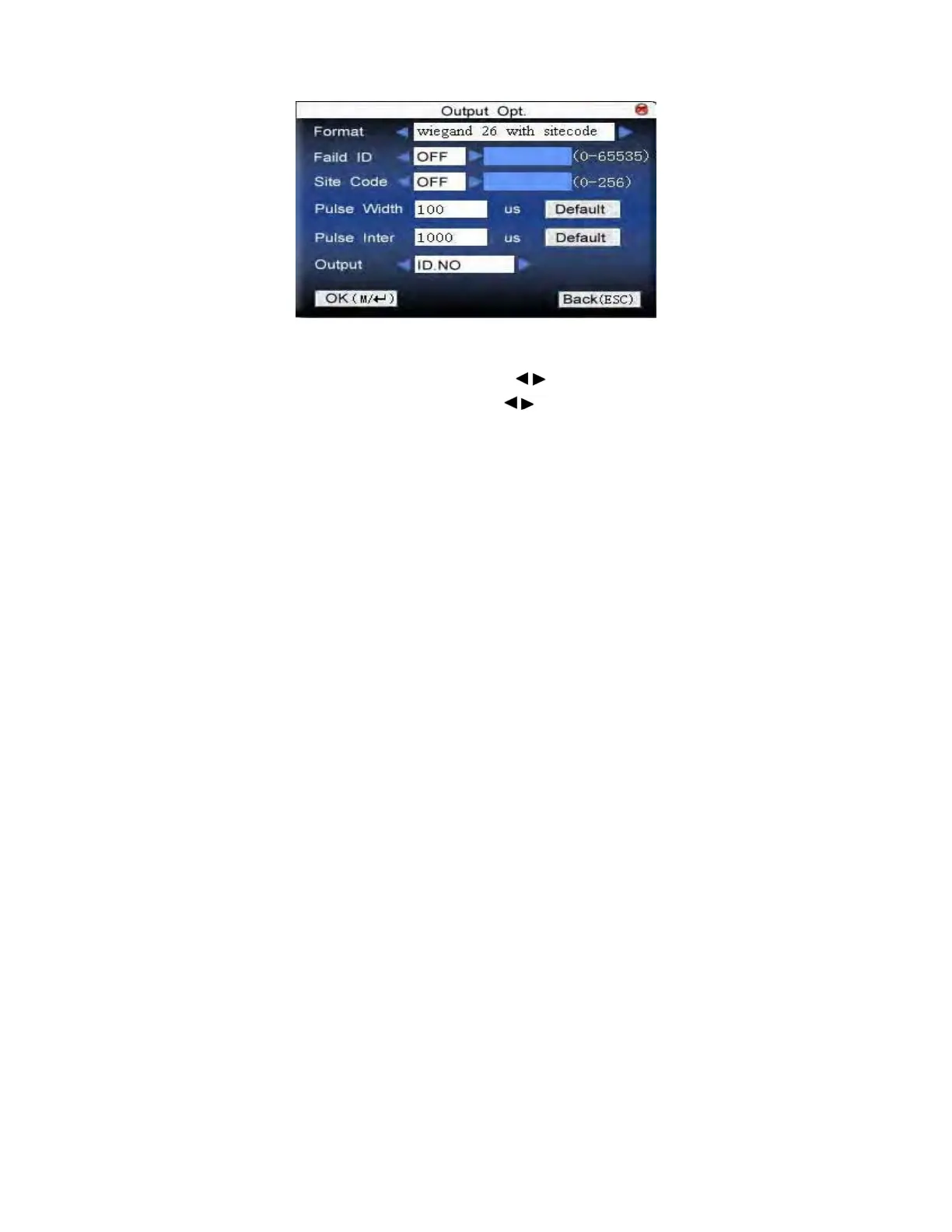
Input the name of user-defined format. Press ▲/▼to move cursor to the
item to be set. If it is the input box, press numeric keys on small keyboard to
input the value. If it is the roll box, press
/ to switch the values. For
example, to modify failed ID as 10, press
/ firstly to select “Yes”, then
input 10 in the input box. After setting, press Menu directly to return to the
last interface. Press “ESC” to cancel setting and return to the last interface.
F18 User Manual V1.0



 To Next Page