F18 User Manual V1.0
- 78 -
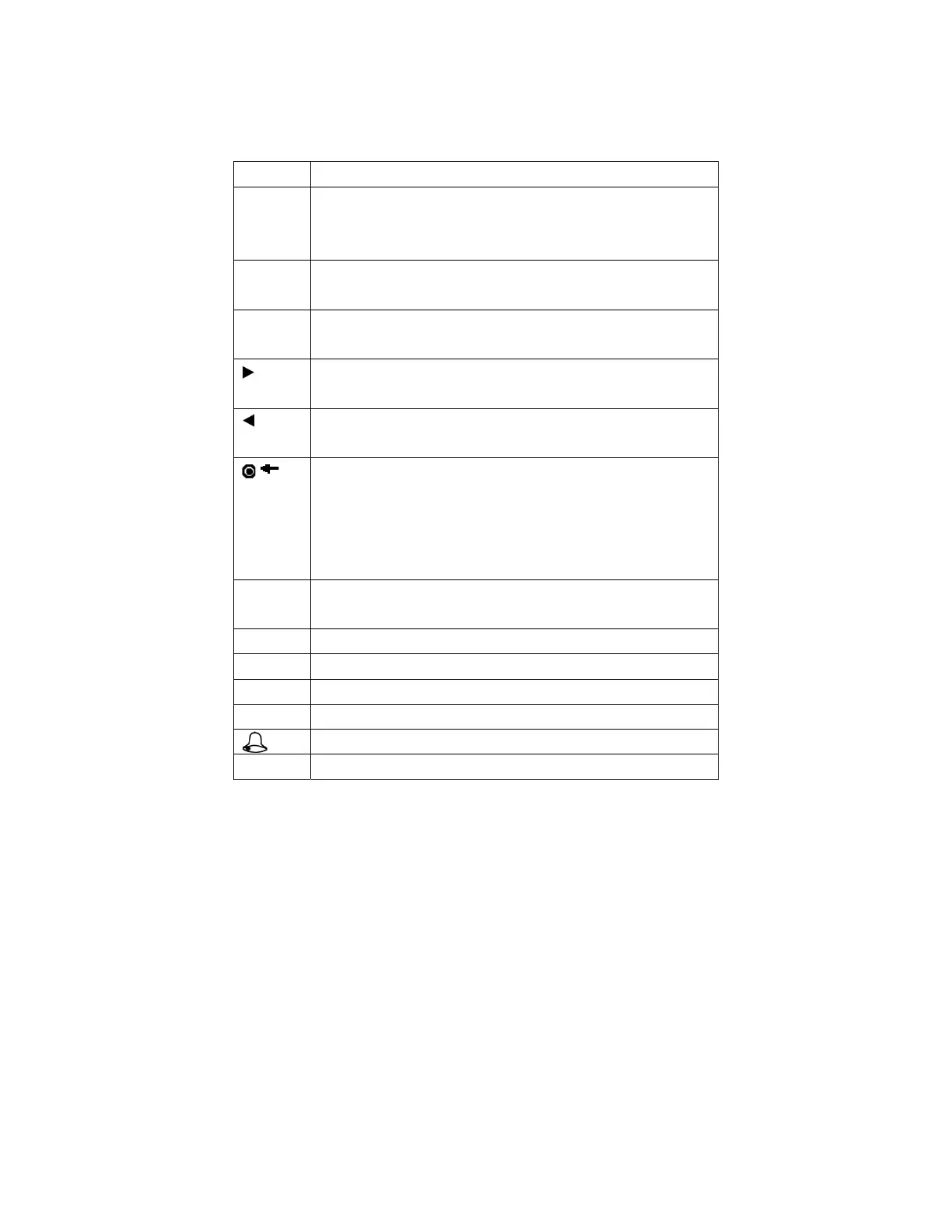
Keyboard type 3:
key function
Numeric
key
1. 0~9,used to input employee number, password and so
on.
2. 0 on manage user interface is shortcut of “query user”.
▲ 1. Upward.
2. Shortcut.
▼ 1. Downward.
2. Shortcut.
1. Right.
2. Shortcut.
1. Left.
2. Shortcut.
/
1. Shutdown. In the initial interface press this key for 3
seconds to enter a shutdown countdown status.
2. Space back. Press it when User ID, password, and
system value are input incorrectly to delete the wrong value
and input the value again.
MENU Menu, OK, after verification press this key to inquire
records。
OK OK
N/A Invalid key( Access machine do not have this key)
F1 Sign in state key.
F2 Sign out state key.
Doorbell key(Access machine have this key)
ESC Cancel the operation and return to the superior menu.



 To Next Page