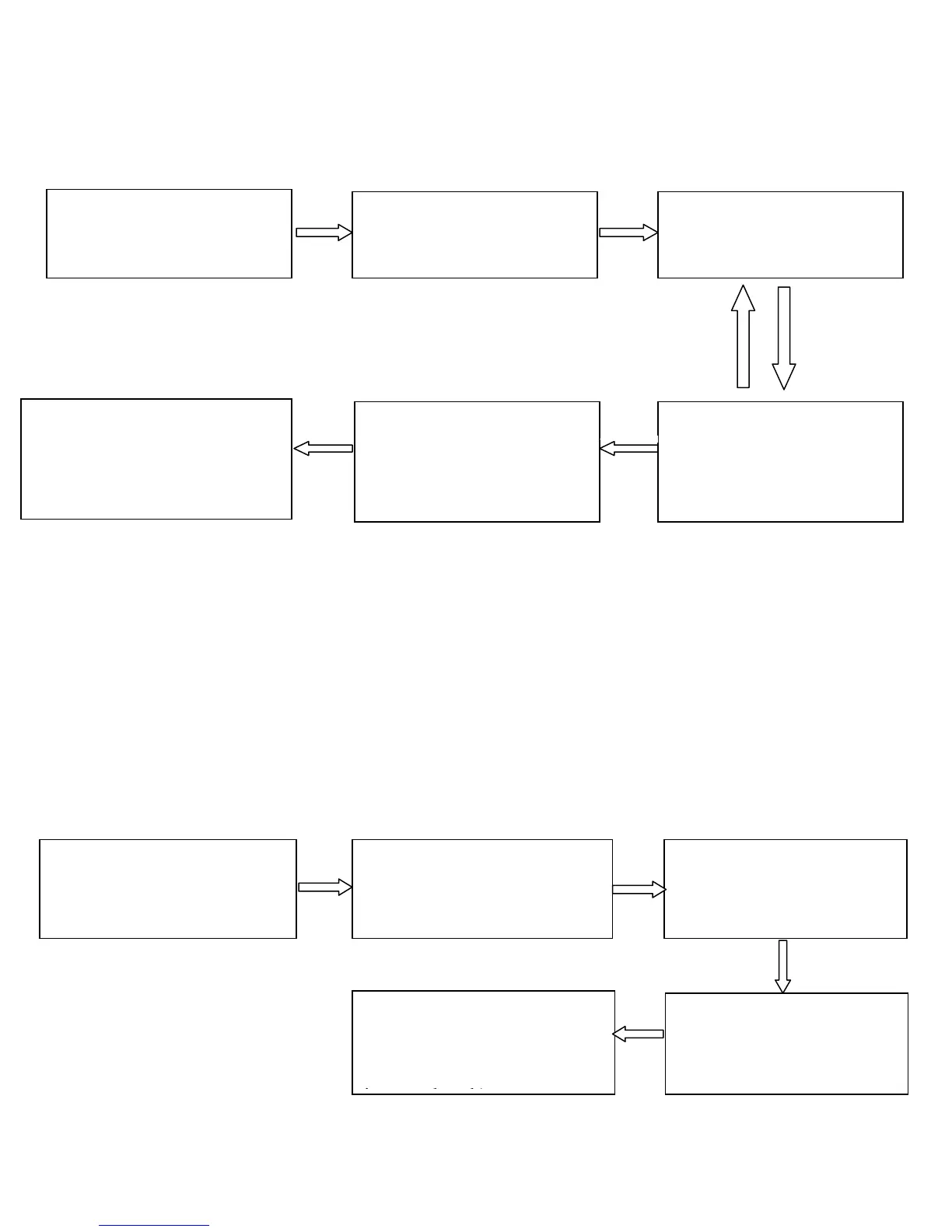
Change Administrator Password
Failed Yes
(The indicator turns red
and makes three beeps.)
Note: Four-digit passwords are automatically verified. For
passwords with less than four digits, press # to enter the
verification process.
Open the Door by Entering the Administrator
Password
2. Press 8. (You can
change the password)
1. The administrator
password is
authenticated.
4. Enter the new
administrator password
again for authentication
6. Exit. (The device
automatically exits the
process when the operation
is completed.)
3. Enter a new
administrator password.
5. Succeeded. (The
indicator turns green and
then makes a long beep.)
1. The administrator
password is authenticated.
2. Press 8. ( The indicator
turns green and makes a
long beep.)
3. Press 0. (The indicator
turns green and makes a
long beep.)
4. The door is opened.
(The indicator turns
green and makes along
beep.)
5. Exit. ( The device
automatically exits the
process when the operation
is completed.)



 To Next Page