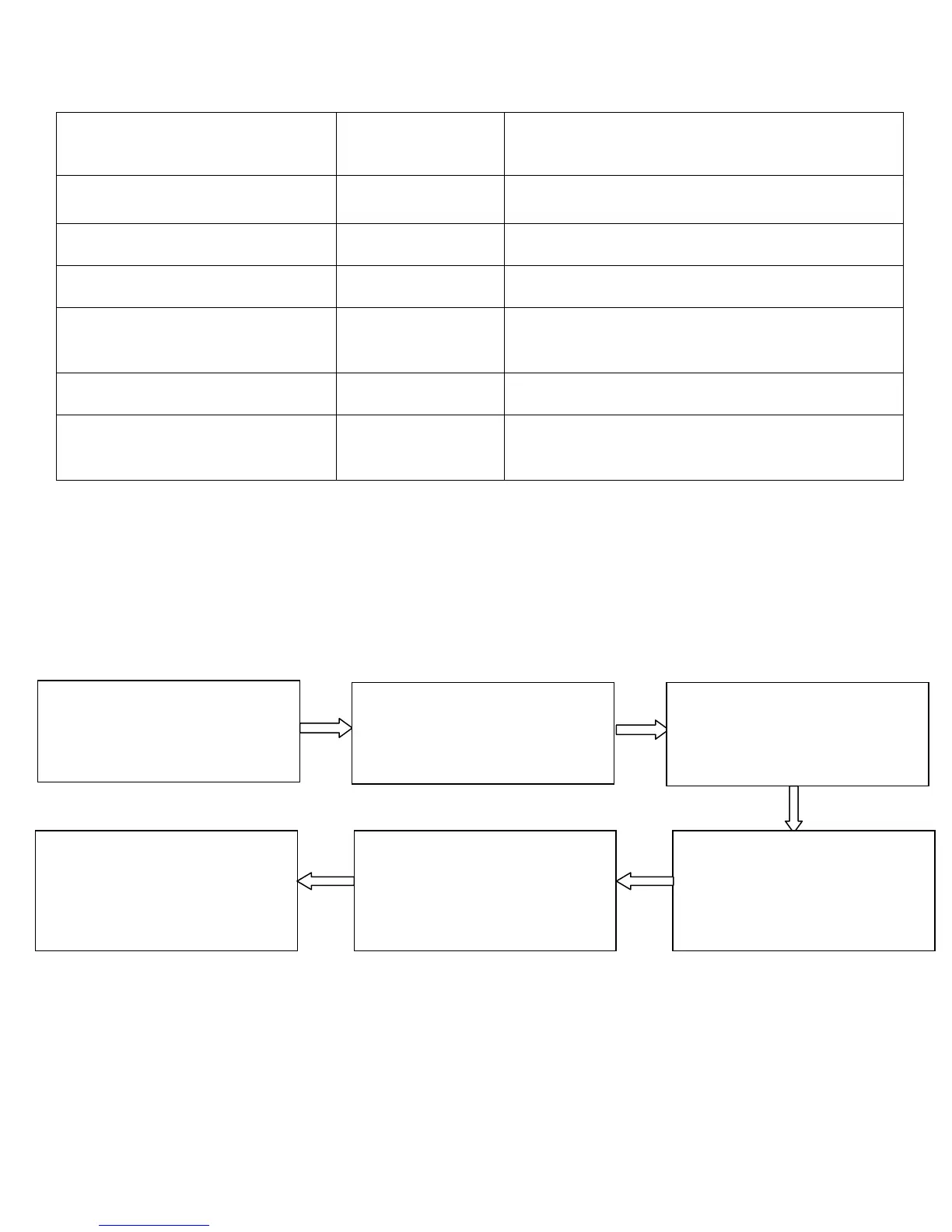
Only password verification
Only RF Card verification
Only fingerprint verification
Fingerprint or password or RF
verification
RF and password verification
Fingerprint and password
verification
2.4 Configure Concealed Mode
If the concealed mode is enabled, the indicator is off when the
Concealed mode is in the sleep mode.
Note: An indicator blinks to indicate the status of this function
when users are authenticating their cards or fingerprints.
1. The administrator
password is authenticated.
2. Press 0. (The indicator
turns green and makes a
long beep.)
3. Press 3. (The indicator
turns green and makes a
long beep.)
4. Configure the concealed
mode. (0: enable; 1:
disable)
5. The configuration is
successful. (The indicator
turns green and makes a
long beep.)
6. Exit. (The device
automatically exits the
process when the operation
is completed.)



 To Next Page