Note: Press 9 for automatic confirmation. Other values are
considered invalid. If an invalid is entered, the device indicator
turns red, and the device makes a long beep and exits the
process.
2. Access Control Management
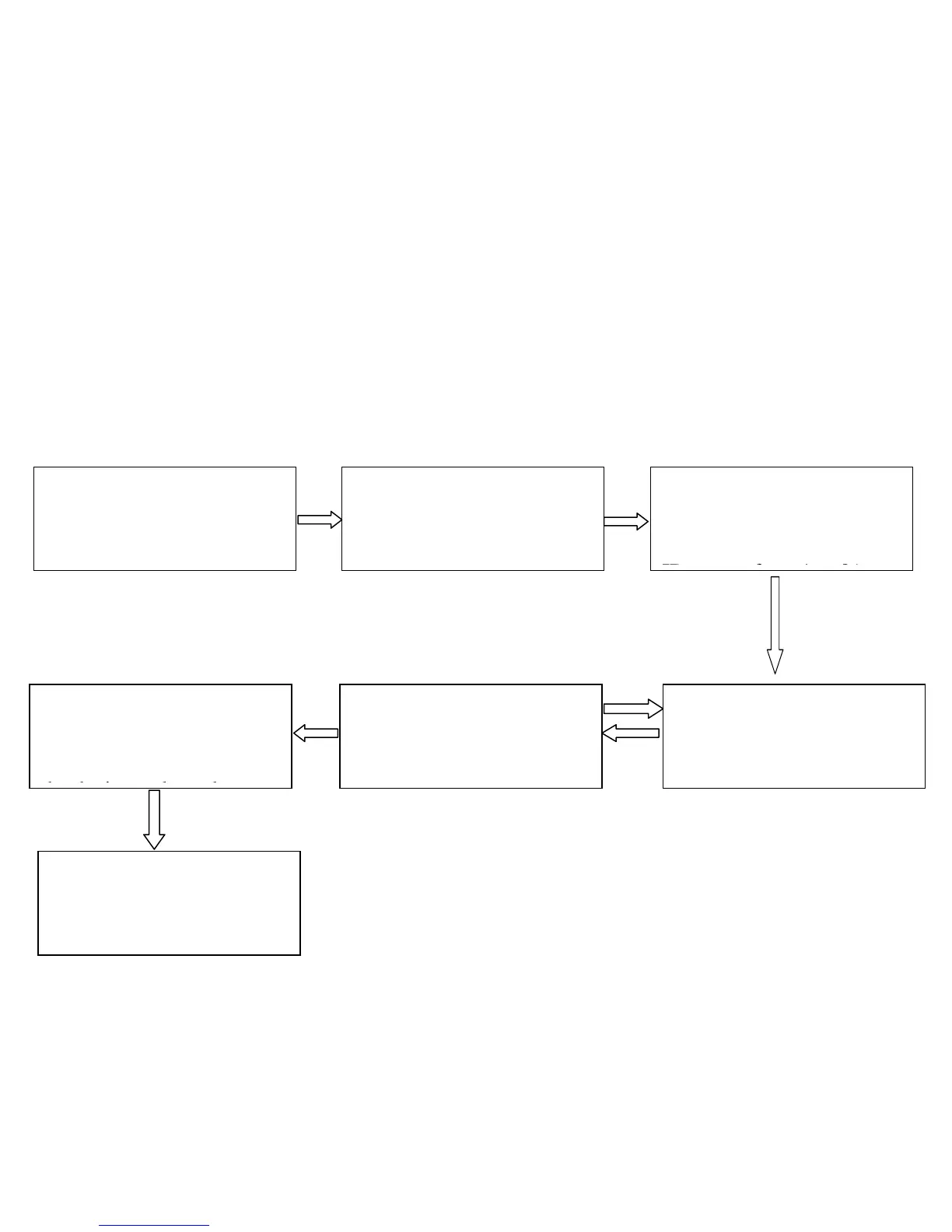
2.1 Change Eight Passwords for Opening the Door
Failed
(The indicator turns red
and makes three beeps.)
YES
Note: 1. If you set a password to an all-0 password after
entering the password ID, this password will be locked and you
cannot use this password to open the door.
1. The administrator
password is authenticated.
2. Press 3. (The indicator
turns green and makes a
long beep.)
3. Enter the password ID
of the to-be-changed
password. (The password
ID ranges from 1 to 8.)
4. Enter a new password.
(The password consists of
four digits.)
5. Enter the new password
again for authentication.
6. The password is
changed. (The device
indicator turns green and
the device makes a long
beep.)
7. Exit
(Press * or to exit)



 To Next Page