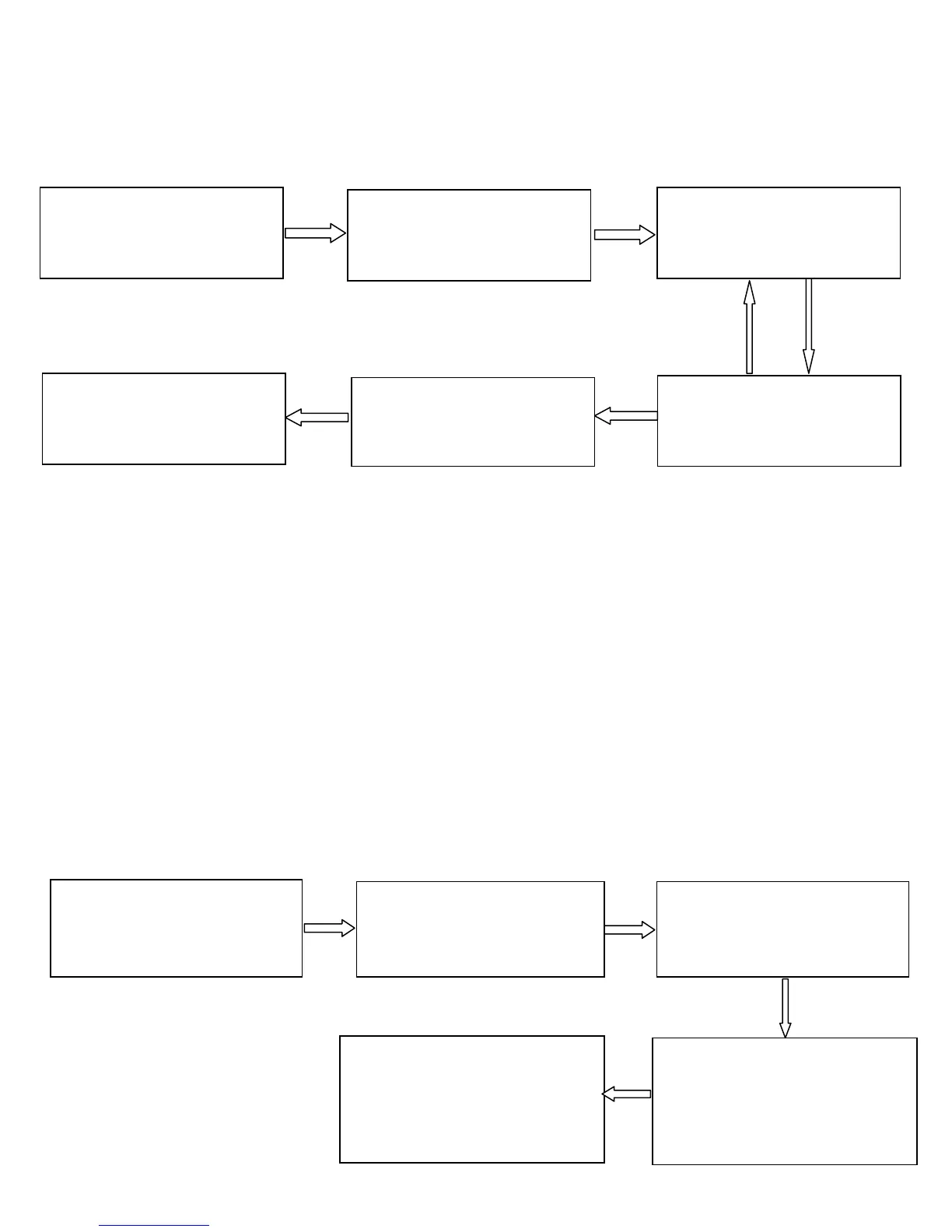
Delete a User
Failed
(The indicator turns red
and makes three beeps)
Note: 1. In the process of entering user IDs, five-digit IDs are
automatically verified. For IDs with less than five digits, press #
to enter the verification process.
2. The device automatically enters the process of deleting the
next user when a user is deleted.
Delete All Users
1. The administrator
password is
authenticated.
2. Press 2. (The indicator
turns green and makes a
long beep.)
3. Enter a user ID, pres
the fingerprint, or swipe
the card.
4. Determine whether
the user is authentic.
6. Exit. (Press * or do
not operate the device
within 20 seconds.)
1. The administrator
password is
authenticated.
2. Press 9. (The indicator
turns green and makes a
long beep.)
3. Press 9. (The indicator
turns green and makes a
long beep.)
4. Deleting All Users is
successful. (The indicator
turns green and makes a
long beep.)
5. Exit. (the device
automatically exits the
process when the operation
is completed.)



 To Next Page