EasyManua.ls Logo

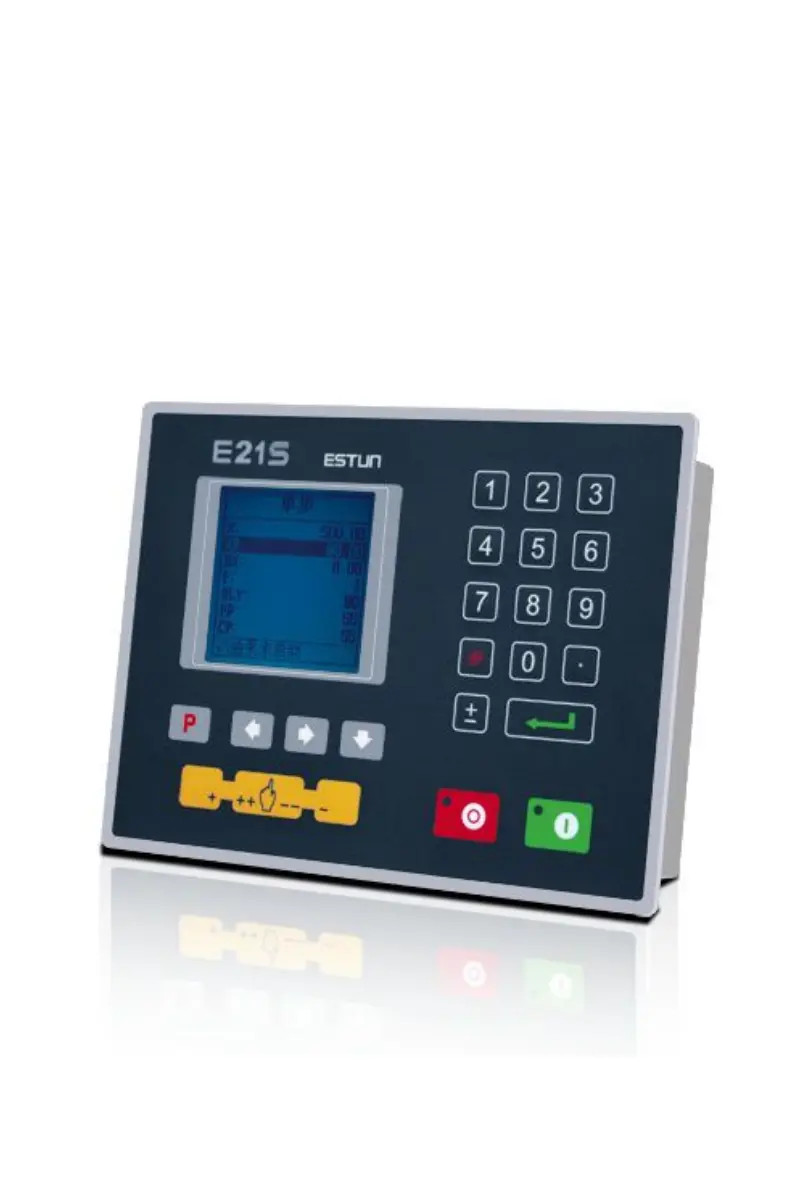
Estun E21S - User Manual

Estun E21S
21 pages
Print Icon
To Next Page IconTo Next Page
Loading...
E21S Operation Manual
(Version: V1.06)

Other manuals for Estun E21S

Questions and Answers

  • D
    David McdanielSep 8, 2025
    Why does the actual position not display or change during programming on Estun Control Systems?
    • J
      Jesse HarrisSep 8, 2025
      If the system's actual position does not display or change during programming, check whether the encoder wiring is correct and ensure the encoder cable is well connected.
  • C
    cabreranathanSep 12, 2025
    How to troubleshoot if the motor of Estun Control Systems can't switch from high speed to low speed?
    • L
      Luis MacdonaldSep 12, 2025
      If the motor can’t switch from high speed to low speed, check whether the high-low speed signal has been sent or the motor power is too small. Also, check whether the parameter of distance conversion is correct.
  • M
    moyerdeborahSep 12, 2025
    What to do if Estun Control Systems device will not display when powered on?
    • S
      Sabrina MossSep 13, 2025
      If the device does not display when powered on, it may be due to an incorrect connection of the power supply terminal electrode. Refer to the power nameplate for correct connection information. The voltage may also be too low, or the electrical outlet may not be connected.
  • B
    bowersgloriaSep 14, 2025
    What to do if Estun Control Systems program can’t change step in multi-step programming?
    • S
      Stephen ThomasSep 14, 2025
      If the program can’t change step in multi-step programming, check whether the STEP terminal is connected to +24V when the slider is on the upper dead center.
  • N
    Nicole BartlettSep 16, 2025
    What to do if the back gauge motor doesn't move during X axle programming on Estun Control Systems?
    • K
      Karen GarciaSep 16, 2025
      If the back gauge motor does not move during X axle programming, try to reconnect it.

Summary

Preface

Chapter 1 Product Overview

1.1 Product introduction

Details the shear machine dedicated numerical control device and its benefits.

1.2 Operation panel

Describes the physical operation panel of the E21S device with an illustrative figure.

1.3 Displayer

Explains the LCD display area and its components with a figure.

Chapter 2 Operation Instruction

2.1 Basic operation procedure

Outlines the basic operational flow of the device using a flowchart.

2.2 Programming

Introduces the two programming methods: single-step and multi-step.

2.2.1 Single-step programming

Details the process and operation steps for single-step programming.

2.2.2 Multi-step programming

Explains multi-step programming for efficient processing of complex tasks.

2.3 Constant

Describes how to set general parameters like metric/imperial and language.

System parameter setting

Details parameter setup on the Teach Page, including X-tea.in and G-tea.in.

2.4 Manual movement

Explains how to control axis movement manually for adjustment purposes.

Chapter 3 Alarm

Alarm history

Guides on how to access and view the alarm history and messages.

Appendix Common fault and troubleshooting

Estun E21S Specifications

General IconGeneral
ModelE21S
Input Voltage220V AC
Output Voltage24V DC
DisplayLCD
Number of Axes2
Backgauge ControlYes
Angle ControlYes
Stroke ControlYes
Ram ControlYes
Workpiece CounterYes

Related product manuals