10
Amplifier - Applications
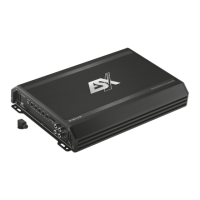
SX-2000D
Interconnect cable checklist:
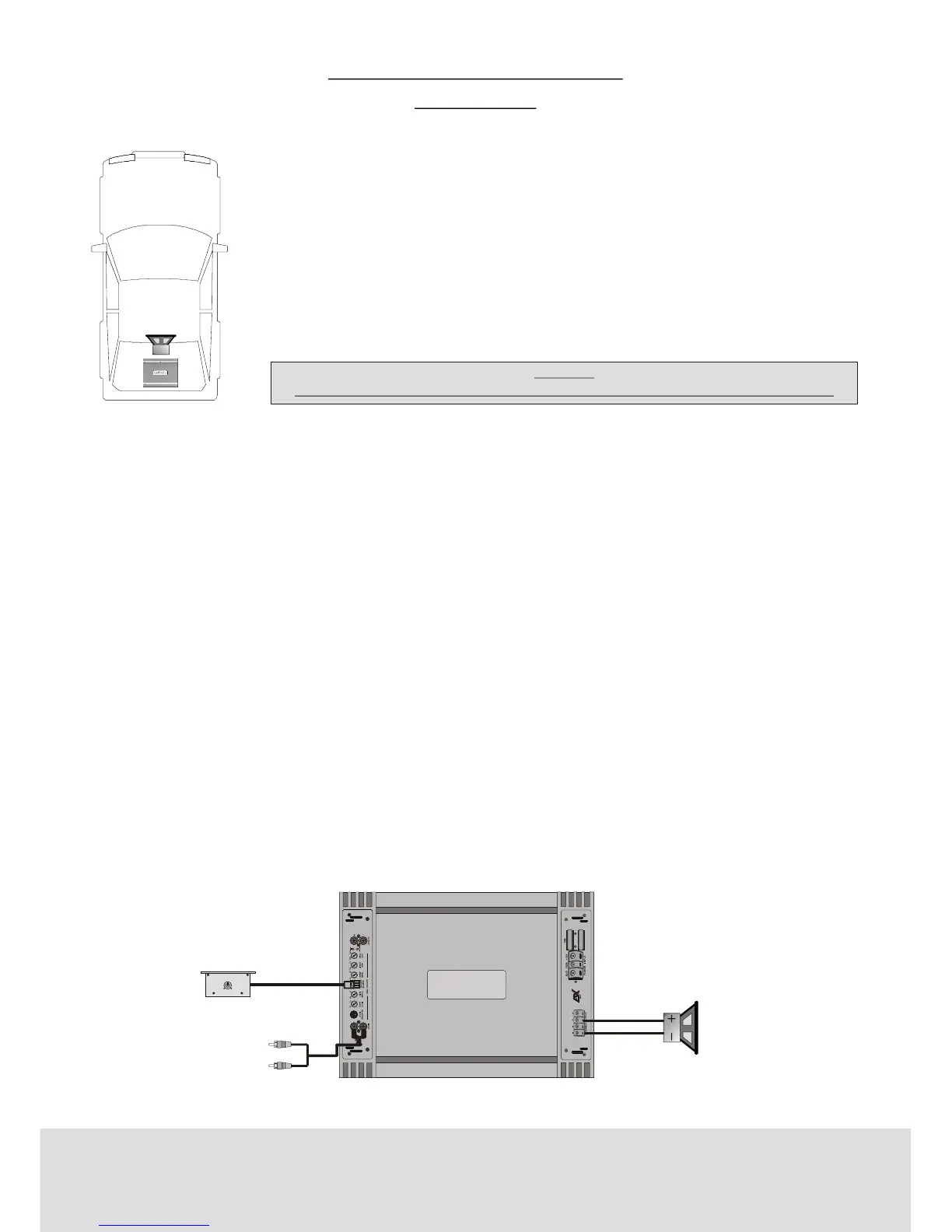
• Connect the INPUT of the amplifier to the head unit line output with good
quality RCA to RCA cables.
• Connect the Subwoofer with the terminal block (SPEAKER OUTPUT/ - +)
of the amplifier.
• The minimum final speaker impedance must not be below 1 Ohms. Too low
speaker loads result in too high heat dissipation and may cause the amplifier run into
protection.
• Please observe speaker channel and polarity as printed by the speaker
terminal block. Incorrect phasing of the speakers results in total loss of bass response.
•
•
•
•
•
Caution
Be careful not to connect speaker (-) to the ground or vehicle chassis.
INPUT LEVEL
• Turn the INPUT LEVEL control on the amplifier to 9V position.
• Turn the head unit volume control to about 80-90% of its full setting.
• Turn the INPUT LEVEL control clockwise until you hear some distortion.
• Then turn back the INPUT LEVEL control slightly until you can hear clean sound.
LOWPASS
• The lowpass filter eliminates the higher frequencies. The recommended crossover frequency ranges between
35 -250Hz, depending on the size and response of the Subwoofer.
SUBSONIC
• The Subsonic filter sets the lower cut-off frequency and protects the Subwoofer from damage. The recommended
subsonic frequency ranges between 15 - 55Hz, depending on the size and response of the Subwoofer.
BASS BOOST
• The BASS BOOST - Control increases the bass level at 45 Hz max. +15dB.
Caution!
Please use the Bass-Boost carefully. The additional boost may result in clipping or overload.
PHASE SHIFT
• Is continously variable from 0 up to 180 degrees.
•
•
Subwoofer 1 - 8 Ohms
A second subwoofer can be
connected to the amplifier.
Connect RCA cable from
head-unit with RCA input
(INPUT).
Connect cable from
REMOTE CONTROL
with the input jack
from the amplifier.
REMOTEREMOTE
0dB 12dB


 To Next Page