Setup Menu 10
Note:
Be aware of stationary objects (such as rack doors) that remain within the
sensing range as it may interfere with the function of the sensor. In these applications,
it is best practice to disable the proximity sensor.
The proximity sensor is looking for reflected IR; therefore any IR devices (such as alarms
or listening assistance systems) within a range of the proximity sensor may prevent the
system from sleeping or displaying an inactivity page.
Test Touchscreen
The
Screen
page provides a {Test Touchscreen} button that will launch a tool used to test the
touchscreen.
Note:
You can also press and hold the [Mode] button (located on the I/O panel of the
touchscreen) for four seconds to launch the Test Touchscreen display.
Complete touchscreen calibration is completed at the factory prior to shipment. This function is
provided only to test the touchscreen is working as expected.
If pressing on the screen causes unintended results (such as the press registering elsewhere on
the screen), contact ETC Technical Support at an office near you. Reference
Help from ETC
Technical Services
on
page 3
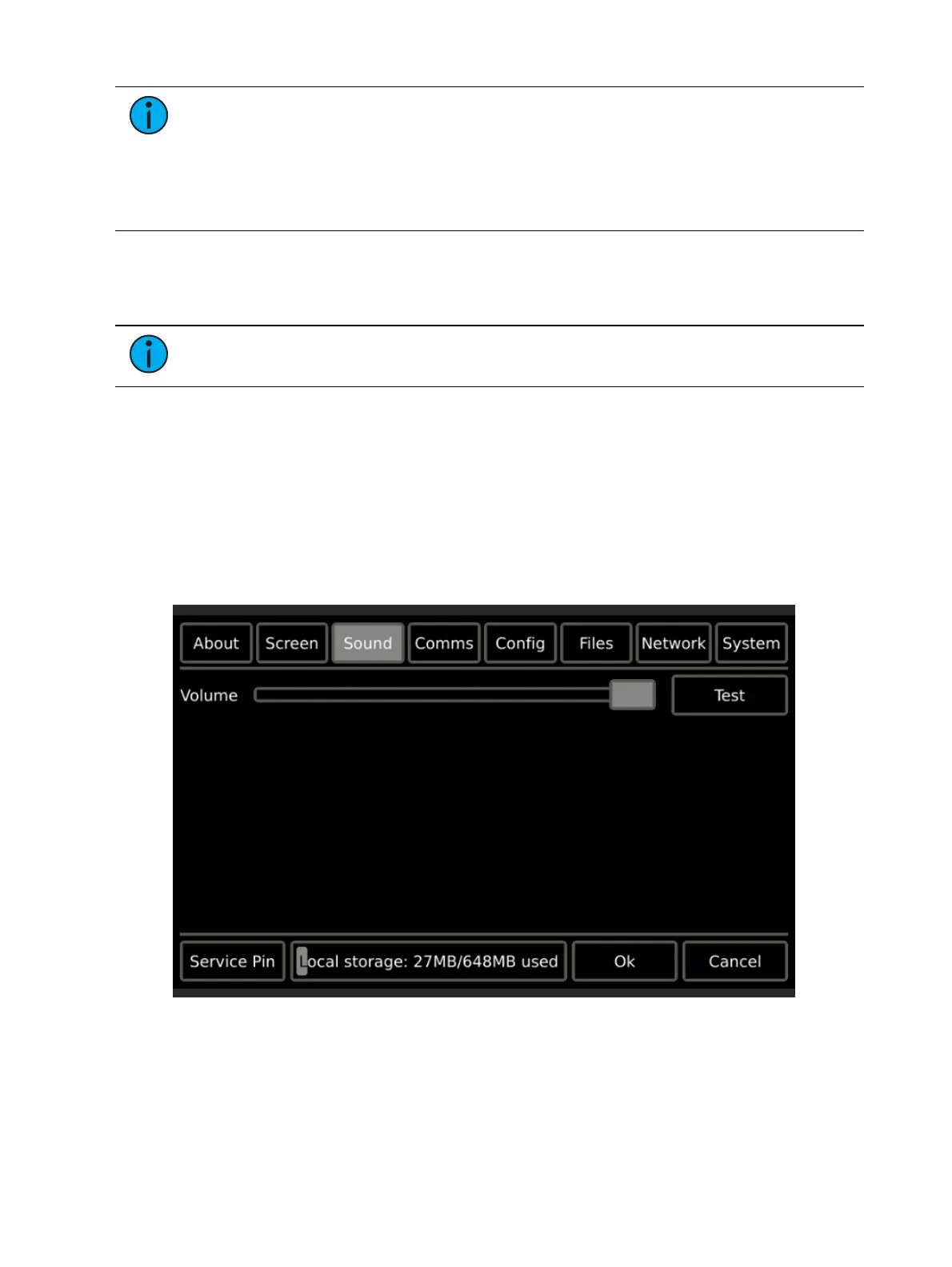
Sound
The Sound page provides a volume control for the master volume level of the touchscreen's
built-in speaker.


 To Next Page