25 P-TS7 User Manual
Network
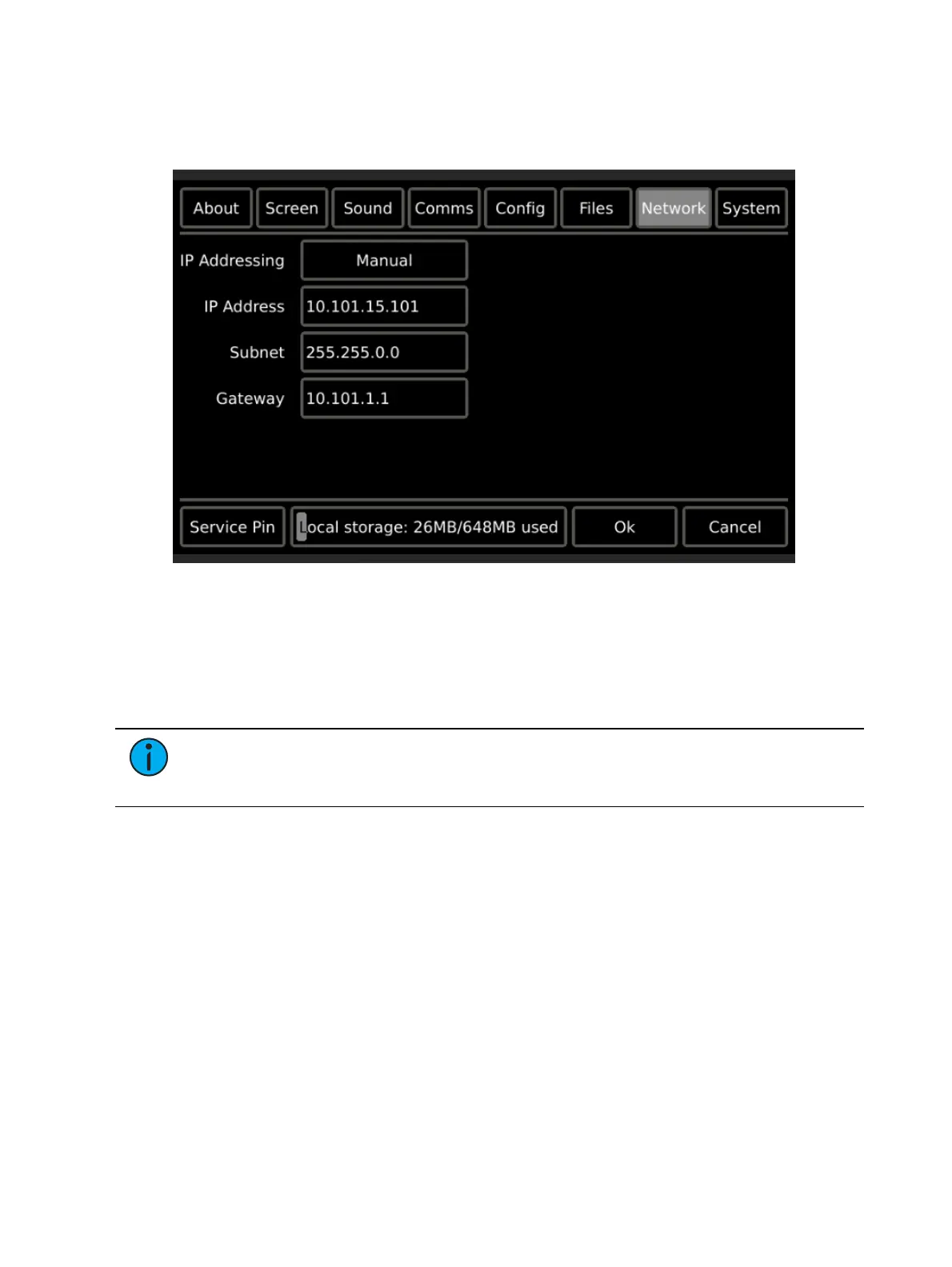
The Network page provides access to view and edit the network address settings for the
touchscreen. Factory defaults are displayed in the image below.
IP Addressing
Two “IP Addressing” modes are available for use with the touchscreen; Manual and Automatic.
In Manual Mode the IP address and settings are user configured. To change any portion of
the address, simply touch inside the field you wish to modify. A numeric keypad will
display for edit of the selected field. Make the modifications to the selected field then
select another field for edit as necessary.
Note:
When multiple touchscreens are installed into your system, they must each
have a unique IP address. For example, 10.101.15.101, 10.101.15.102, etc. Duplicate
IP addresses will cause system communication problems.
In Automatic Mode the touchscreen is configured to obtain an IP address and other
network settings automatically from a connected DCHP server. The touchscreen displays
the current settings provided from the connected DHCP server but the settings are not user
editable. If no DHCP server is present, the touchscreen will assign itself a link-local
address in the default 169.254.x.x range. Automatic IP Mode is not recommended for
most applications.
Make the mode selection, and then press {Ok} to save your changes. The touchscreen will exit
the
Setup
, and return the display to your default page (or inactivity page as defined in your
configuration).



 To Next Page