23 P-TS7 User Manual
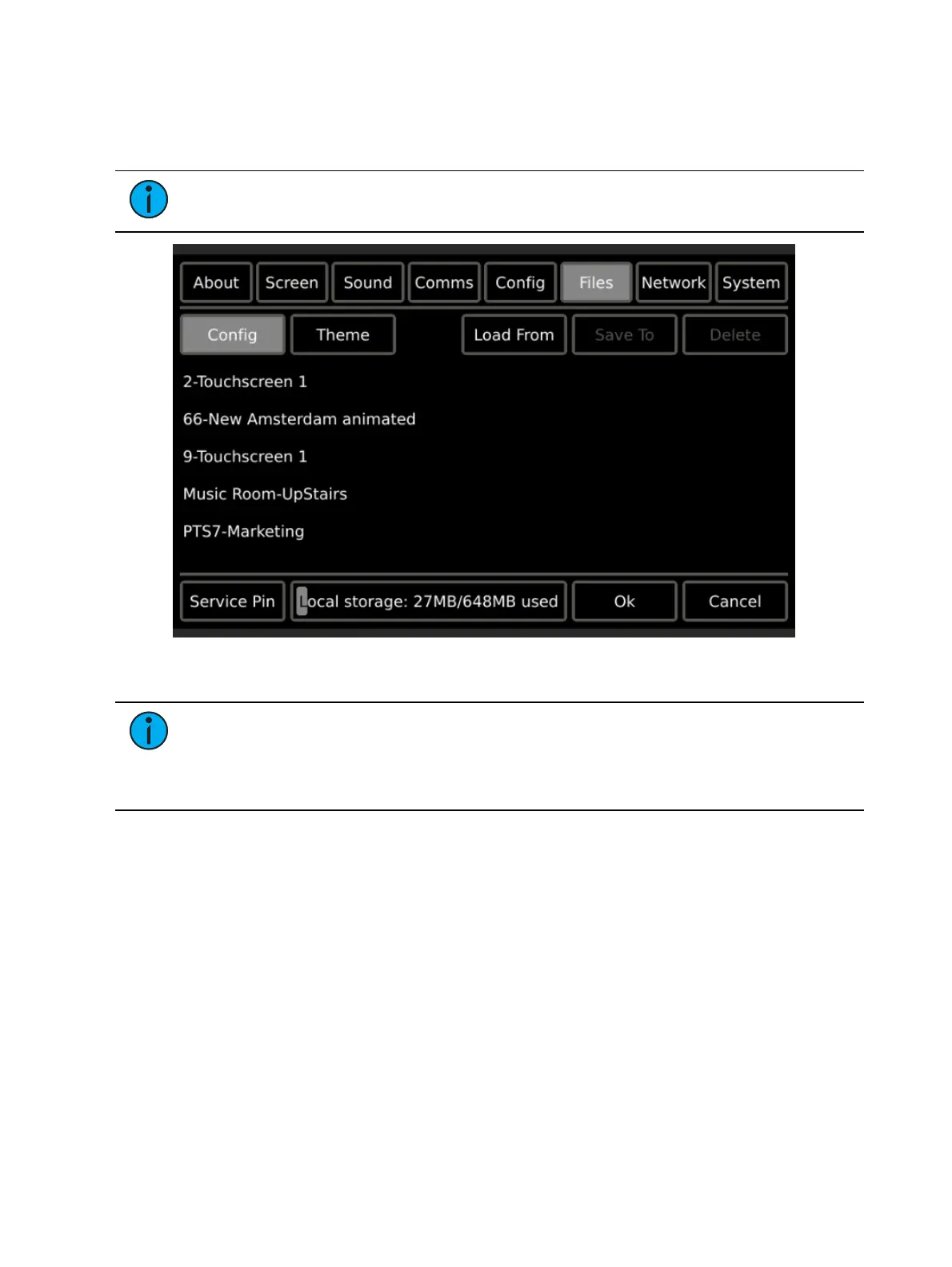
Files
The Files page provides configuration and theme file management, allowing you to load, save,
and delete files as needed.
Note:
The Files page is passcode protected. You must enter the setup passcode to
display the Files page on this touchscreen.
Use the {Load From} and {Save To} features to manage configuration and theme files,
transferring from and saving to removable media such as an SD card or USB key.
Note:
If the P-TS7 is already associated with a Paradigm ACP, it will automatically
begin retrieving its configuration file when powered.
Some standard ETC themes are loaded for you and will display beneath the “Themes”
directory. Themes can be loaded to the touchscreen using removable media.



 To Next Page