Overview 4
Overview
Power and Data Connections
P-TS7 touchscreens are designed to connect to the Paradigm control system using either
LinkConnect or NetConnect for power and data.
Note:
The ground connection to the wall-mount and rack-mount P-TS7 is provided
through the RJ11 connection, regardless of the data connection type, LinkConnect or
NetConnect.
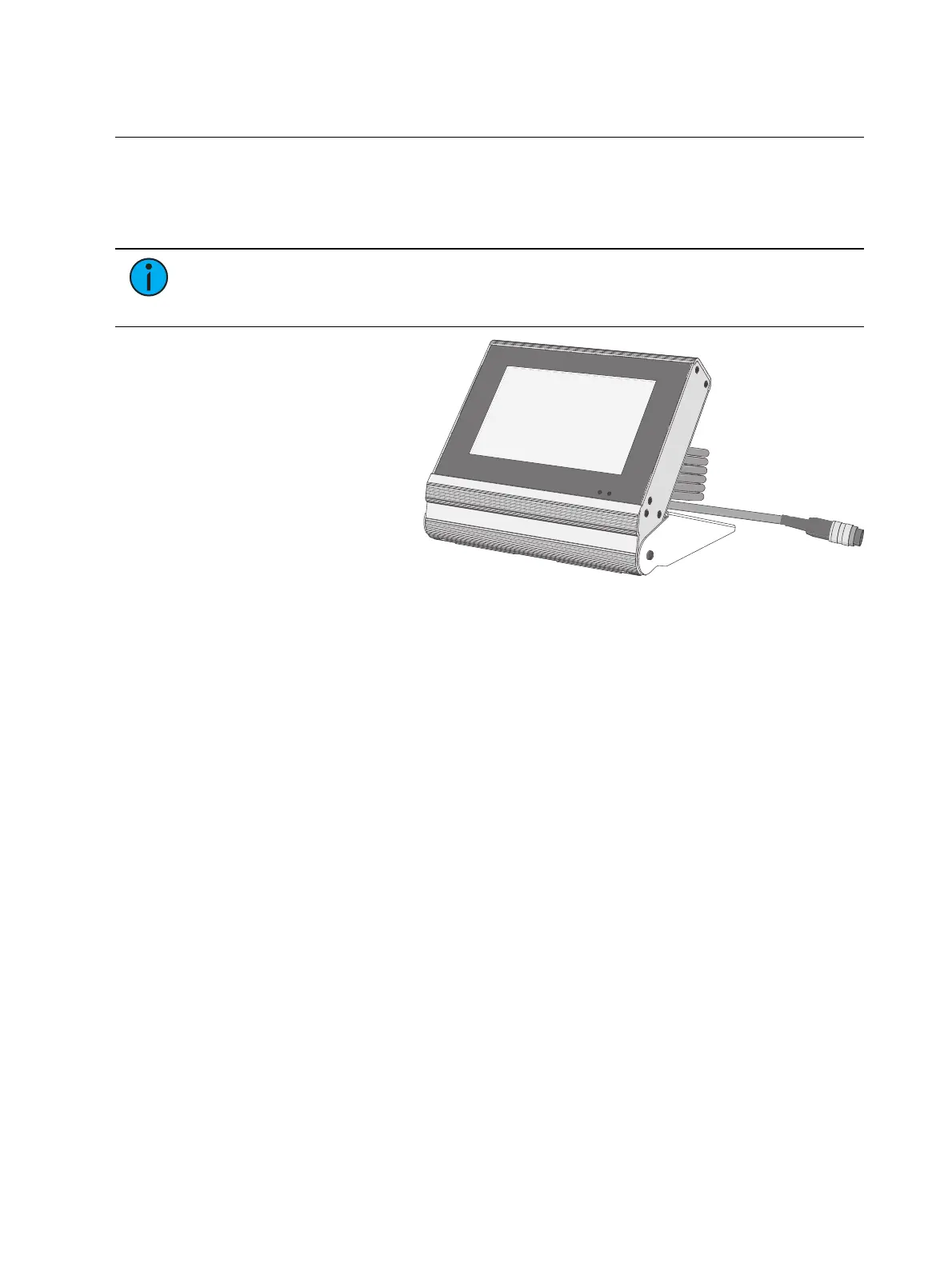
A portable touchscreen (P-TS7-P)
is designed to connect to the
Paradigm control system using
portable LinkConnect. A Unison
Heritage Portable Connector
(UH1RS) station wired using
LinkConnect is required.
A portable touchscreen (P-TS7-PE)
connects directly to the lighting
network and uses NetConnect for
power and data.
LinkConnect
LinkConnect uses Echelon
®
LonTalk
®
with LinkPower to connect between the P-TS7 and the
Paradigm Architectural Control Processor.
The P-TS7 wall-mount, when connected over LinkConnect, uses three watts of power at
24VDC. Reference the related touchscreen installation guide for details on hardware
installation, wiring requirements, and power up procedure.
NetConnect
NetConnect uses Power over Ethernet (PoE 802.3af) communications to connect between the
touchscreen (P-TS7 / P-TS7-PE) and the Paradigm ACP. Reference the related touchscreen
installation guide for details on hardware installation, wiring requirements, and power up
procedure.



 To Next Page