1 P-TS7 User Manual
Introduction
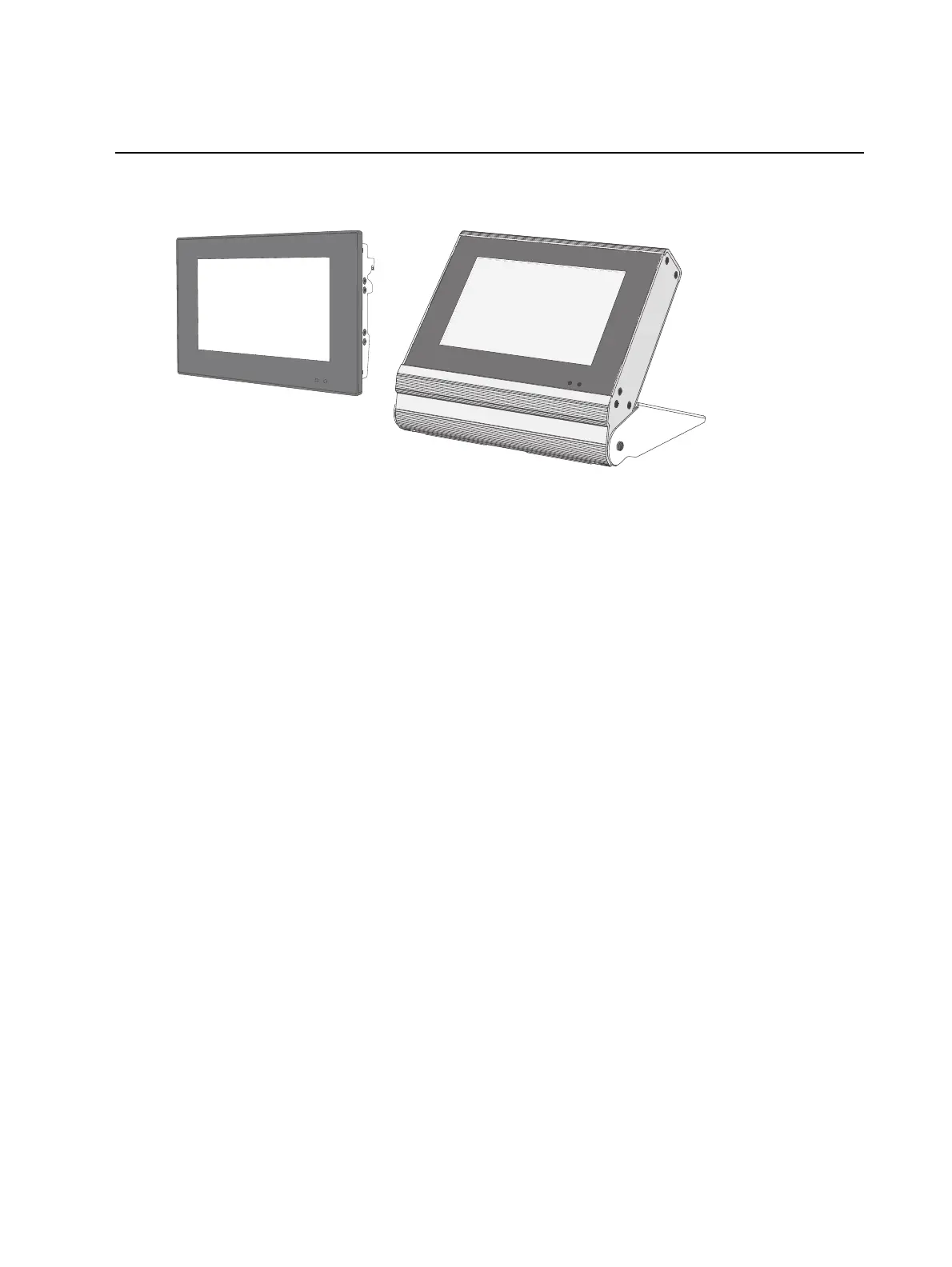
Welcome to the Paradigm P-TS7 touchscreen user manual. This document applies to all P-TS7
touchscreen models including wall-mount, rack-mount, and portable units (Ethernet or LON).
This document is intended specifically for instruction using the P-TS7 software for setup. For
hardware installation information, reference the installation or setup guide provided with your
touchscreen.
Specifications
P-TS7 touchscreens use high-resolution, color displays that are bright and easy to read. The
touch sensitive panels provide audible and visual feedback that show when commands are fully
registered.
P-TS7 touchscreens are designed for use with the Paradigm Architectural Control Processor (P-
ACP) and ControlDesigner software to provide intuitive graphics that integrate with your control
system, providing advanced lighting and control options.
7" WVGA, 24-bit color LDC touchscreen with 800x480 pixel resolution utilizing 24-bit
color depth and a 10:6 aspect ratio
Support for Hue Saturation and Brightness (HSB)color picker for dynamic selection of color
with LED and multi-parameter fixtures
Timed Event creation, edit, and override from the Setup menu
Built-in proximity and ambient light sensors
Configurable, software-based access level control with multiple levels of access utilizing
numeric passcodes
Supports Cat5 with PoE to connect to a networked Paradigm system
Supports USB flash drives and SD media for upload and download (backup) of
configuration data
Supports standard or custom graphical control pages created through Paradigm
ControlDesigner software



 To Next Page