23
3.7 Ventilation parameters setup
Turn the Knob in main windows to
select VT button as shown in right
figure.
Press the Knob and rotate it to adjust
VT value until the wanted, and then
press it again to confirm.
When TI is adjusted, the limit by VT,
Rate and Pause is considered, if the
set is limited, please check those
parameters.
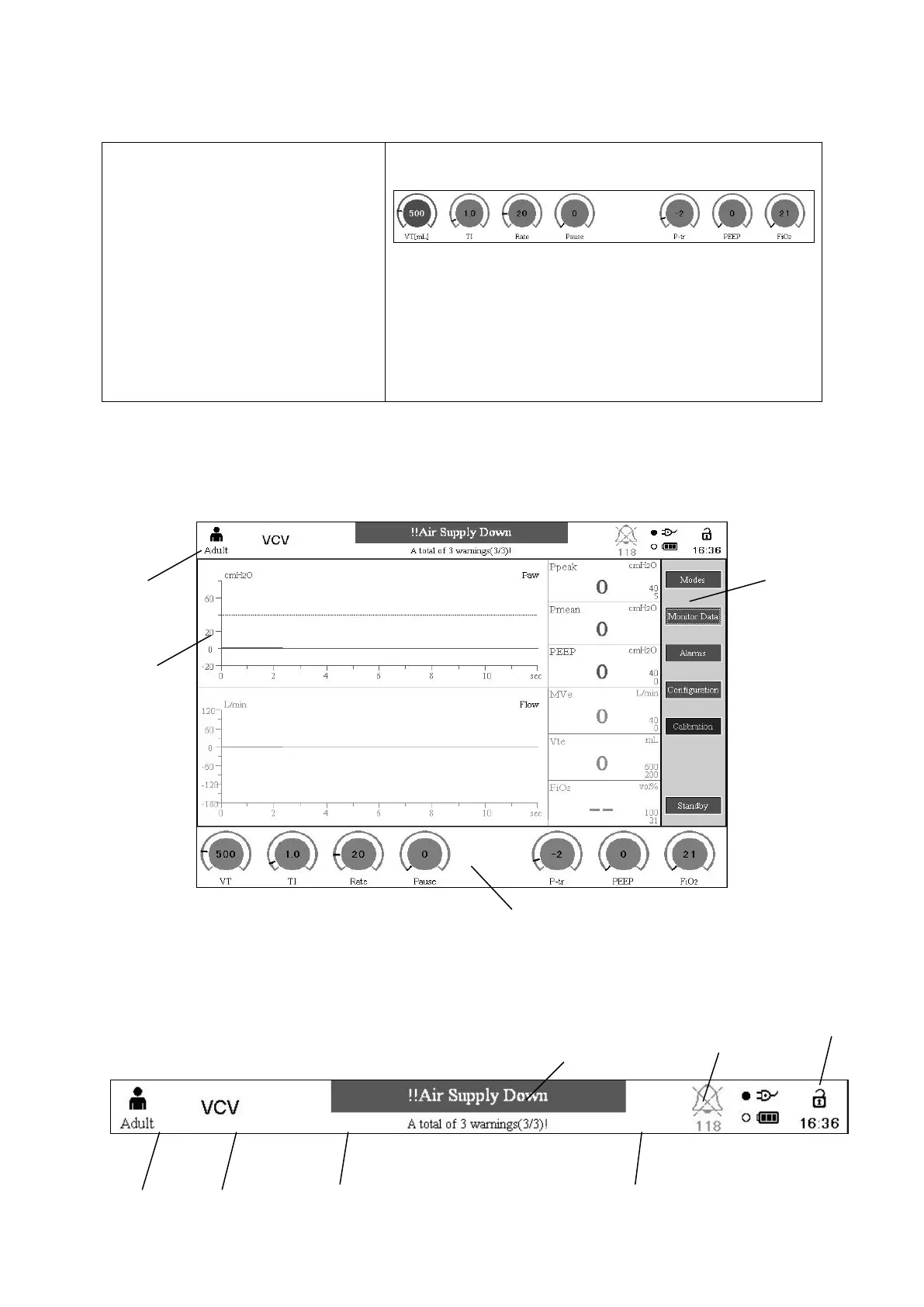
Figure 3-25 Ventilation parameters setup interface
Setting procedure about other parameters is similar to one above.
3.8 Main menu
Figure 3-26 Main menu
1. Information display area
2. parameters monitor area
3. waveform display area
4. parameters setting area



 To Next Page