48
8 Alarm and Troubleshooting
WARNING: No repair should ever be undertaken or attempted by anyone without
proper qualifications and equipment.
8.1 About alarm
CAUTION: If alarm occurs, protect patient safe firstly, and then go to diagnose
fault or serviceit necessarily.
WARNING: Never leave patient unattended when alarm silence is activated.
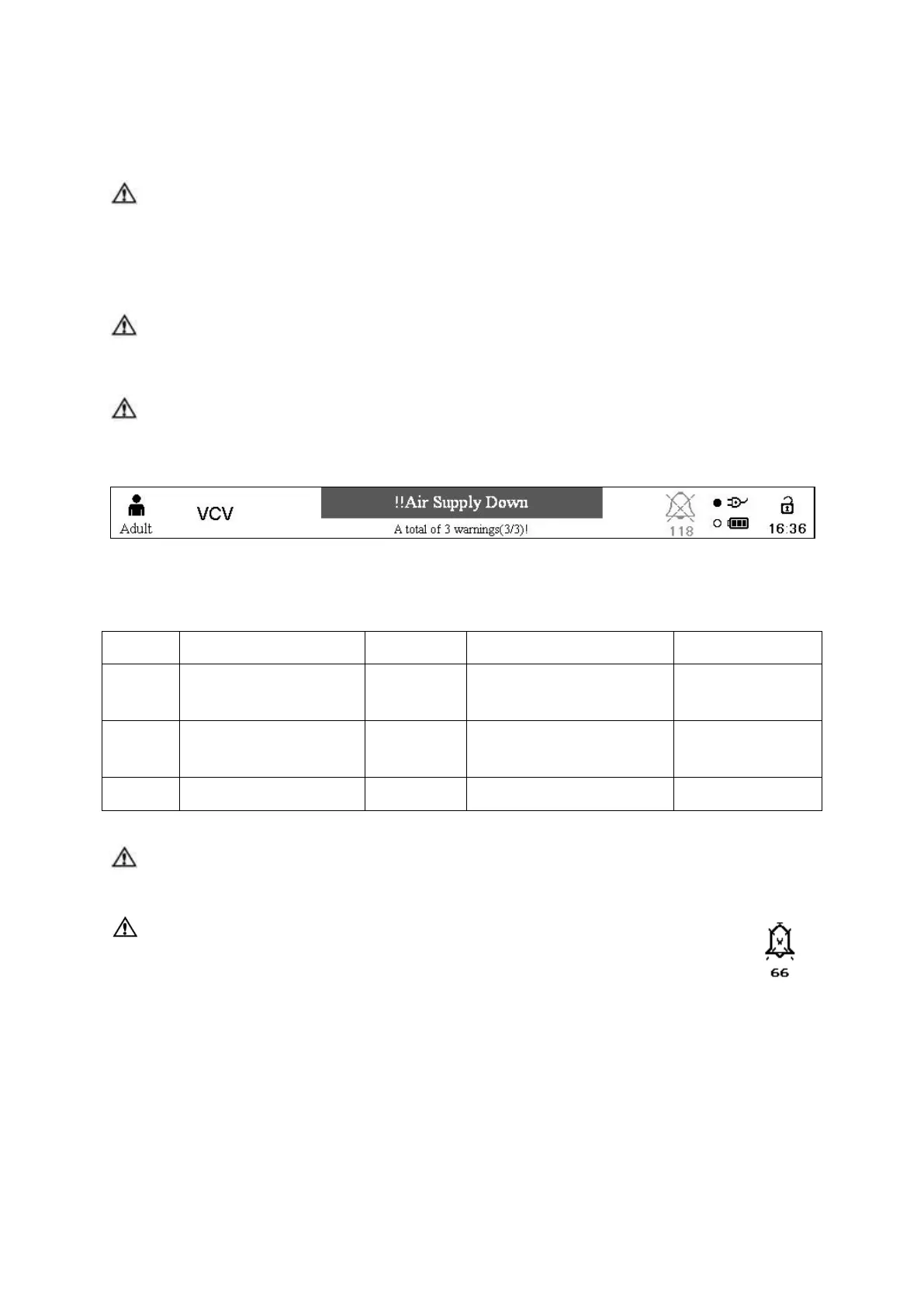
Alarm messages displays on the top area of display screen, see figure8-1.
Figure 8-1 Alarm message area
The high priority alarms must be disposed immediately.
5 tones, 2 hurry;
Periods: 10 seconds
3 tones
Periods: 25 seconds
NOTE: If a alarm goes away spontaneously (autoresets), its message remains lit
with blue background (not flashing) until you press the alarm reset key.
NOTE: When alarm silencing, the alarm bell has dashed “X” in itself and
the count down of 120 seconds present underside. At the same
time, alarm sound disappears, when you press down the alarm
silence button again, the alarm sound again .After 120 seconds,
alarm bell turns to original shape and alarm sound reappears.



 To Next Page