EN 19
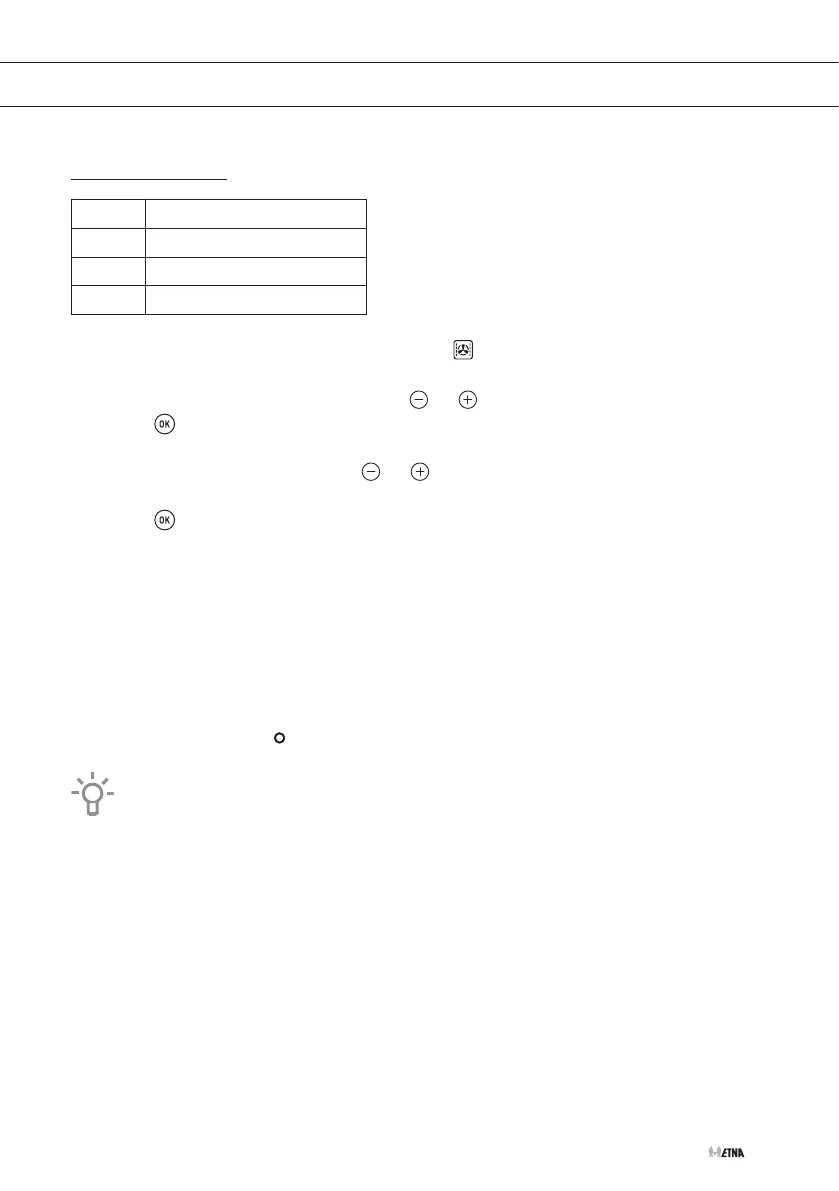
Microwave + Hot air
Power Use
200 W Baking a cake
400 W Roasting fish and poultry
600 W Cooking a quick meal
1. Select the combi function 'Microwave + Hot air'
.
▷ The display shows the default cooking time.
2. Set the desired cooking time by touching or .
3. Touch .
▷ The display shows the default power setting.
4. Set the desired power by touching or .
▷ The maximum power that can be set is 600 W.
5. Touch to confirm.
6. Set the temperature you prefer.
7. Touch the start key to start the operation.
▷ An audio signal will sound and the remaining cooking time will appear on the display.
▷ When the display shows the word 'Turn', open the door and turn the food. Touch the
start key to continue.
▷ Once the cooking time has ended, the oven will turn off and an audio signal will sound.
'End' appears in the display.
8. Touch the stop key to stop the audio signal and turn off 'End'.
9. Set the controls to the position.
You can change the temperature at any time by rotating the temperature control dial.
OPERATION



 To Next Page