22 | 26
Etrel Inch | User Manual
|
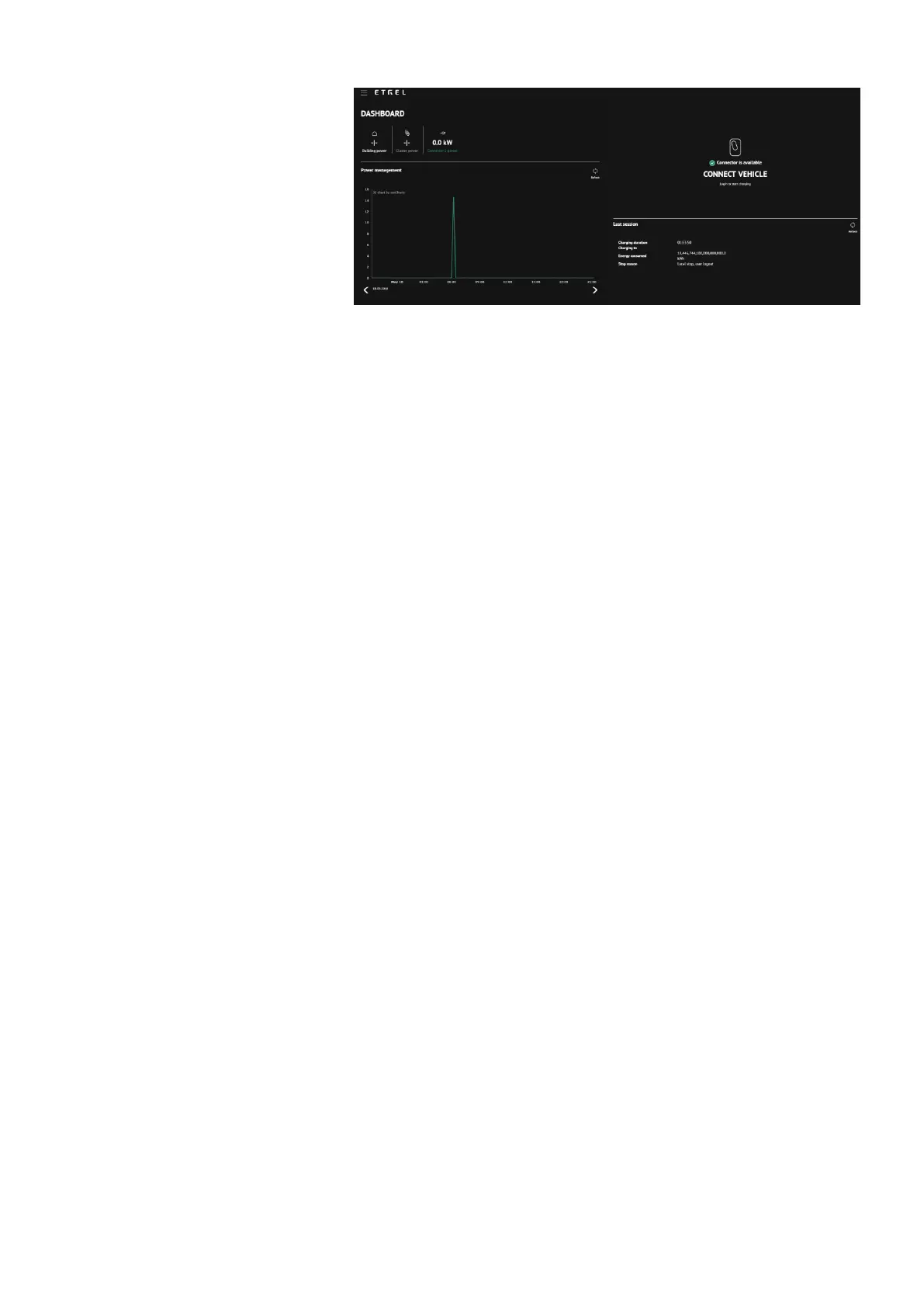
Figure 31: Web interface main Dashboard view
Last session status will be shown on the right screen. If anything
went wrong during the session additional information can be
acquired in the Diagnostics menu accessed using the burger menu.
Diagnostics
If you are experiencing problems you can go to the “Diagnostic”
menu where you are going to be able to download logs, which can
be sent to the operator to check what is wrong with charging station.
You will also get basic information about the charging station:
Model,
Serial number,
Hardware version,
Software version,
CC hardware version,
CC driver version and
CC firmware version.
“Diagnostic” module can also be used to upgrade firmware, restore
data and backup your charging session data and reset charging
station remotely.
Backup configuration gives operator option to restore charging
station to the same configuration if something malfunctions with the
system and charging station needs to be restored to default settings.


 To Next Page