4 | 26
Etrel Inch | User Manual
|
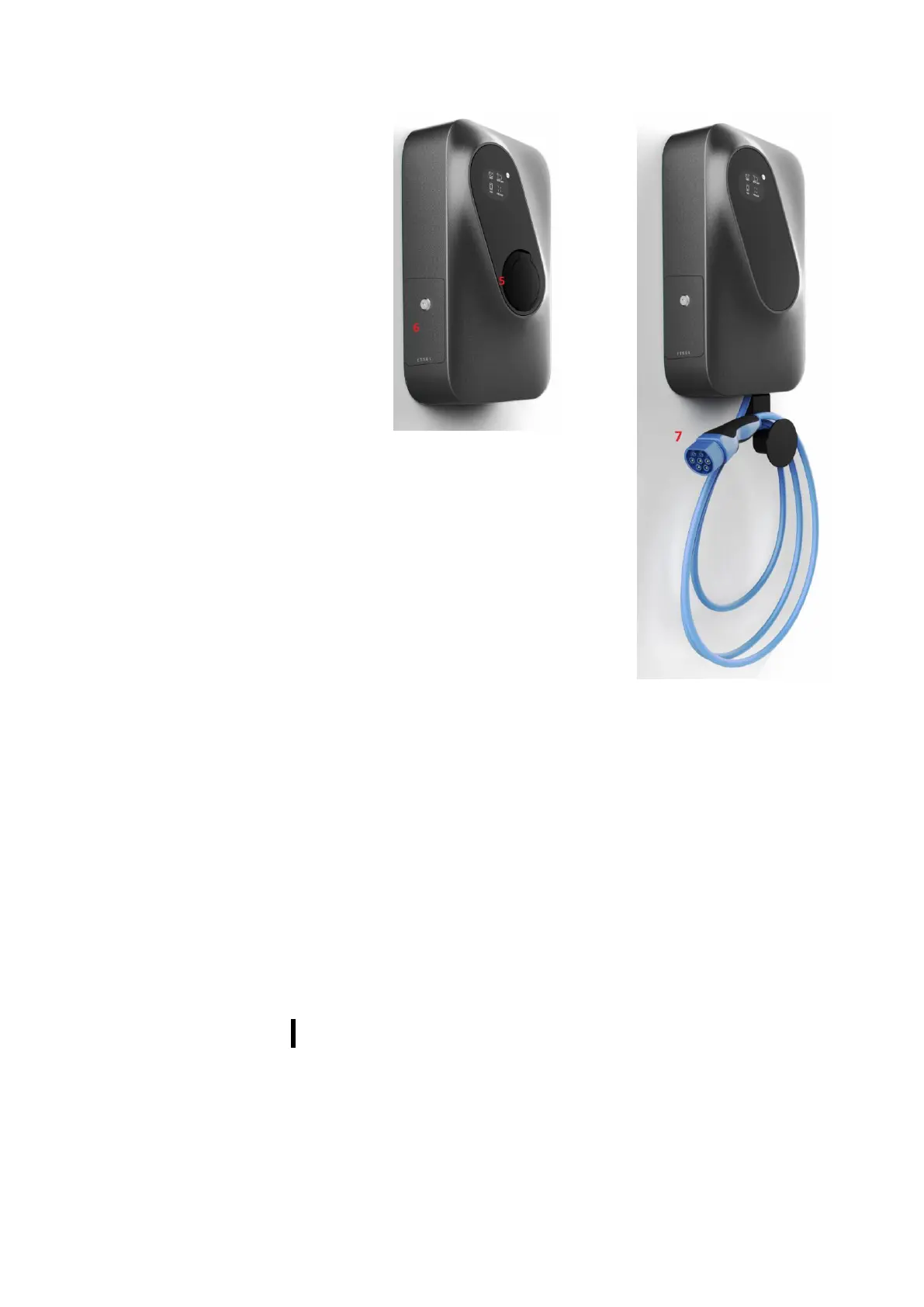
Figure 2: Etrel INCH with socket
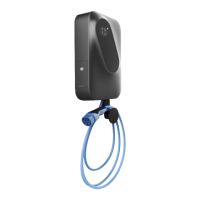
Figure 3: Etrel INCH with cable
1. LCD screen
2. Status light
3. Settings button
4. Confirmation button
5. Socket
6. Maintenance doors
7. Charging cable
3 IDENTIFY YOUR PRODUCT VARIANT
Etrel INCH has multiple variants that differ based on connector type
and connectivity option. In order to identify your charging station,
you have two possibilities. Either look on the manufacturer sticker or
on the Web interface in Diagnostics menu. Model number is located
on all stickers. Identification of your charging station is sometimes
needed by the support, so they can identify potential issue, if you are
experiencing some problems with charging station.


 To Next Page