9 | 26
Etrel Inch | User Manual
|
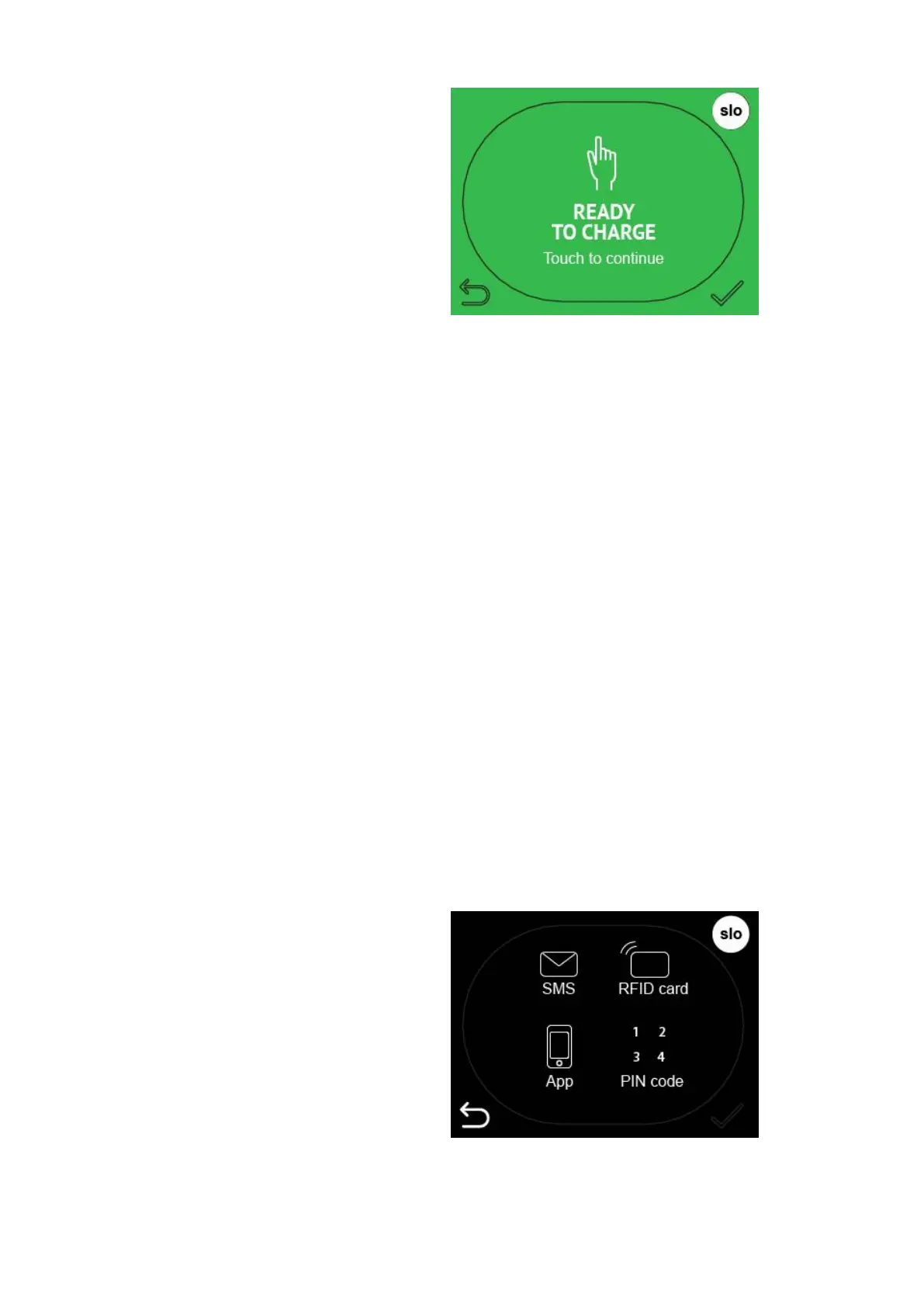
Figure 7: Screen saver
Screen saver mode can be chosen in the charging station’s web
interface. Three options exist: turned on all the time, it can be
blinking or turned off until touched. Description how to change this
setting can be found in the Etrel INCH configuration guide.
Step2: AUTHORISA TION
Depending on the charging station authentication mode chosen
different screens will be shown that will need different actions from
user in order to continue with the charging session. What
authorization is allowed to be used can be setup in the charging
station’s web interface Configuration menu. Procedure is described
in the document Etrel INCH configuration guide.
Plug and charge mode
In the plug and charge mode user will see message to insert the
cable and start the charging session.
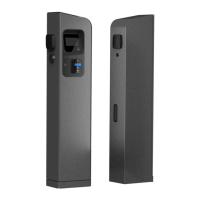
Needed authentication
If authentication is needed you can simply press the authentication
you will use to authorize and continue with the charging session.
Figure 8: Chose authorisation method


 To Next Page