02 EN EN 03
About Your RoboVac
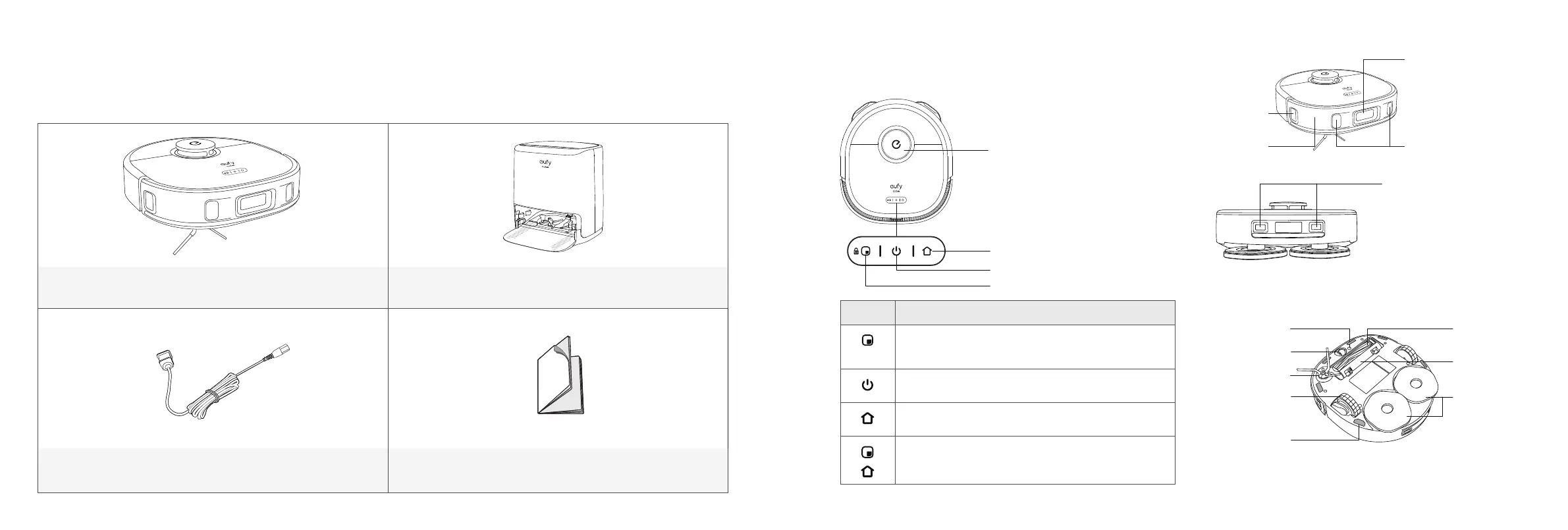
What's in the Box
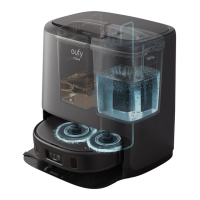
RoboVac Auto-Clean Station
Power Cord Documents
RoboVac Anatomy
A. Top
Laser distance sensor (LDS)
Recharge button
Start / Pause button
Spot cleaning button
Button Action
• Press to start spot cleaning
• Press and hold for 5 seconds to enable or disable the
child safety lock
• Press and hold for 3 seconds to turn on or off
• Press to start or pause
• Press to return RoboVac to the Auto-Clean Station;
press again to pause
• Press and hold simultaneously for 3 seconds to reset
the Wi-Fi connection
B. Side
Wall sensor
Bumper
Foresight sensors
(including 3D ToF
sensors and a camera)
Infrared sensors (x2)
Charging contact pins (x2)
C. Bottom
Rolling brush
Brush guard
Mopping pads
(x2)
Carpet detection
sensor
Swivel wheel
Side brush
Wheels (x2)
Anti-drop sensors
(x6)


 To Next Page