MT70InstallationandInstructionsofuse
Setting a cook time (continued)
In twin mode
1.Press the Time Button several times untill the cook time icon and the three digits on the display begin
to
flash(upper or lower).
2.Turn the Time / Temp/Function Control Knob to set the desired cook time.
3.Press the upper and lower exchange Button , the cook time icon and the three digits on the display
begin to flash(lower or upper).
4.Turn the Time / Temp/Function Control Knob to set the desired cook time.
5. The oven operates with the selected cook time automatically after press the Time Button or wait for
about 3 seconds.
During cooking, you can adjust the previously set cook time with the Time Button and Time / Temp
/Function Control Knob for better results.
Setting for delay start
If the end time is entered after the cook time has already been set, the cook time and the end
time are calculated and if necessary the oven sets a delayed start point.
1.Press the Time Button .
Example : Current time is 3:00 and the desired cook time is 5 hours.
2.Turn the Time/Temp/Function Control Knob to set the end time.
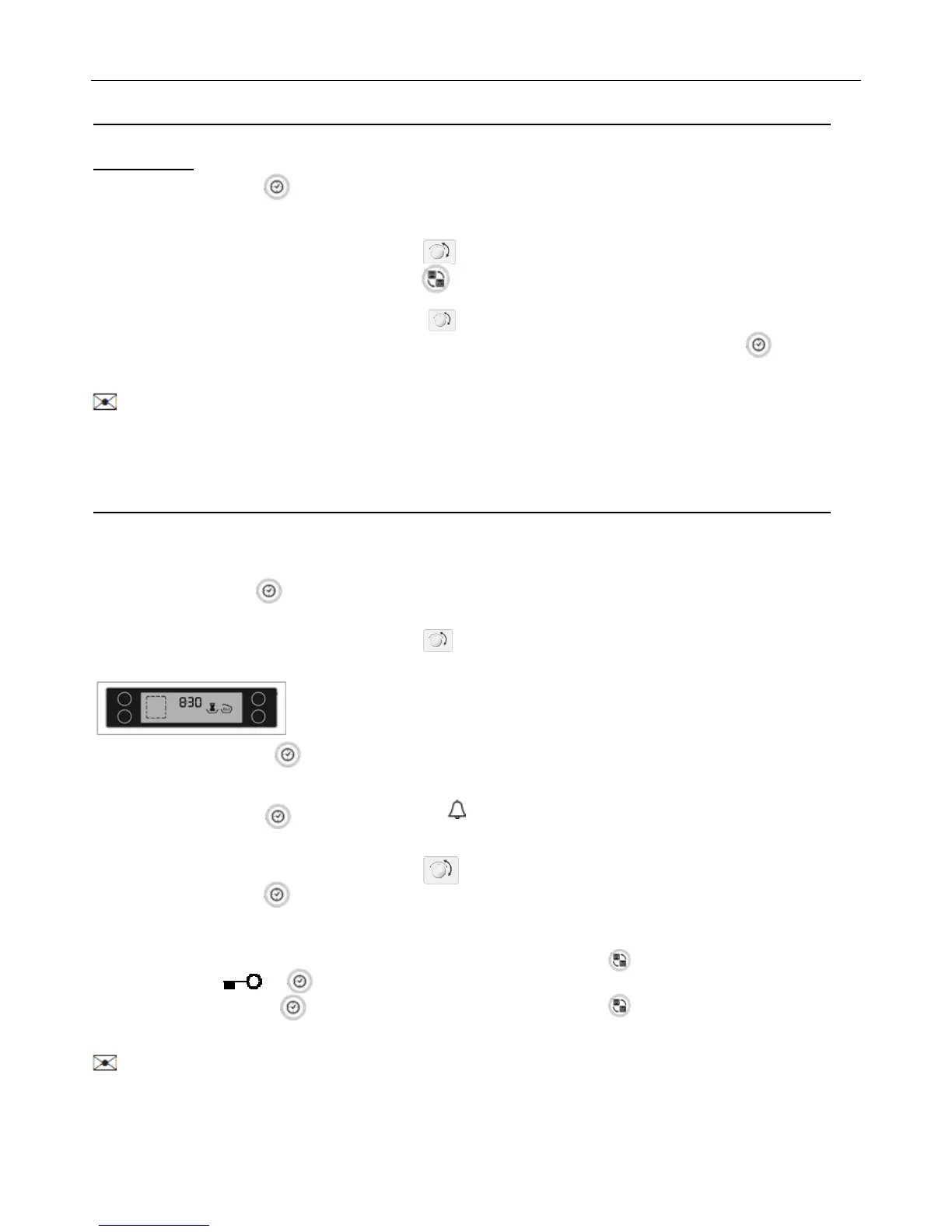
Example: You want to cook for 5 hours and finish at 8:30.
3 Press the Time Button . The oven is inoperable until the delayed start point.
Kitchen timer
1.Press the Timer Button several times untill “ ” icon and the three digits on the display begin to
flash.
2.Turn the Time / Temp/Function Control Knob to set the desired time.
3.Press the Timer Button to start the kitchen timer. When the set time has elapsed, an audible signal
sounds.
Child safety function
1 Press the Time Button and upper and lower exchange Button at the same time and hold
for 1 seconds. icon will appear in the display .
2 Press the Time Button and upper and lower exchange Button at the same time and hold for 3
seconds again to unlock.
When locked, all buttons and knobs except the Divider Select Knob and the unlock button will not
operate. The lock is available whether or not the oven is in operation.


 To Next Page